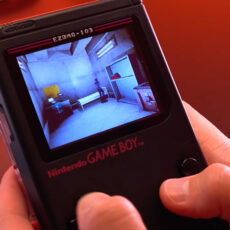
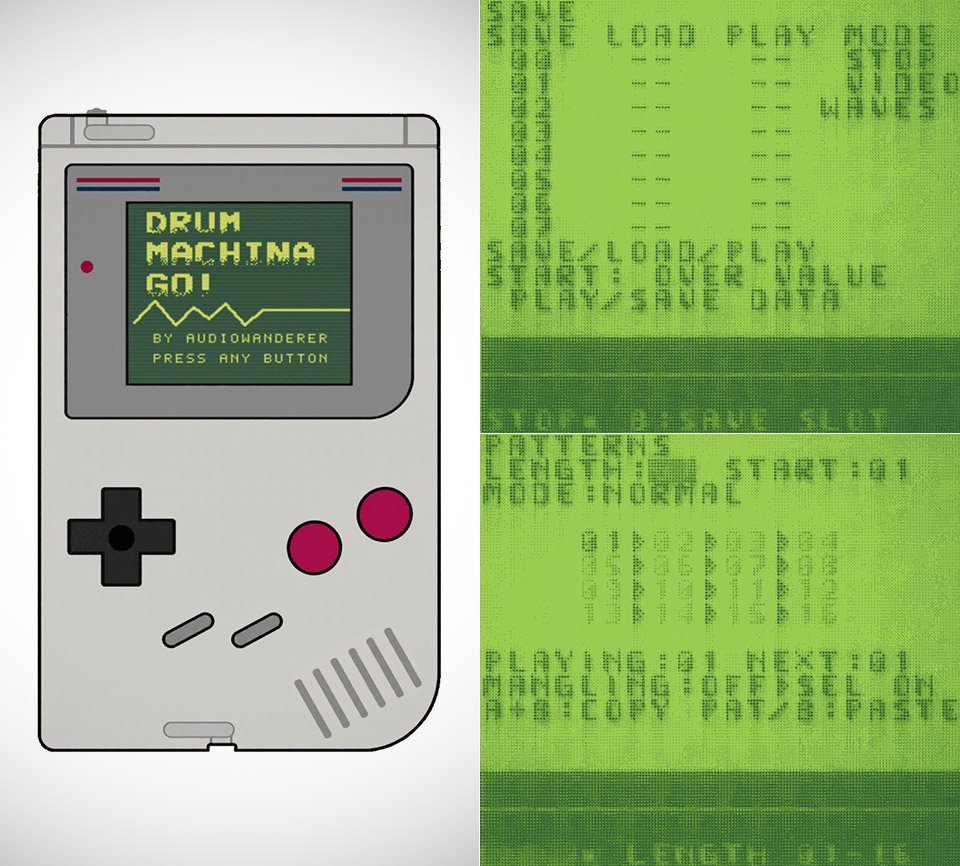
Nintendo shipped the original Game Boy in 1989 with a sound chip small enough to live on batteries for hours, and that same chip is now running a full drum machine. Drum Machina Go!, shortened to DMGo!, treats those four voices as a step sequencer you can carry in a coat pocket. Two of them are pulse waves, the square tones behind so many early game soundtracks. One is a programmable waveform. The last is noise, the hiss and crackle that usually stands in for explosions and static.
Each voice is given 16 steps to play with in the sequencer, as well as 16 places to store your favorite patterns. When you want to move the pointer around, simply use the D-pad and modify the value by holding B and nudging the pad. Tap A to access the top menu, where you may browse between the four pages for configuring your voices, viewing your patterns, saving and playing what you’ve done, and reaching the main settings. Depending on how you’re going, pressing START either starts playback from the top of the loop or pauses it completely.

- BUILD AN ICON – Build the ultimate retro gaming display with the LEGO Game Boy (72046) model kit for adults ages 18 and up
- RELIVE THE EXCITEMENT – Remember powering up your Game Boy for the first time? Experience the thrill again with this authentic of the handheld...
- DISCOVER AUTHENTIC DETAILS – The instantly-recognizable Game Boy features classic button layout, contrast dial, and interchangeable Game Pak and...
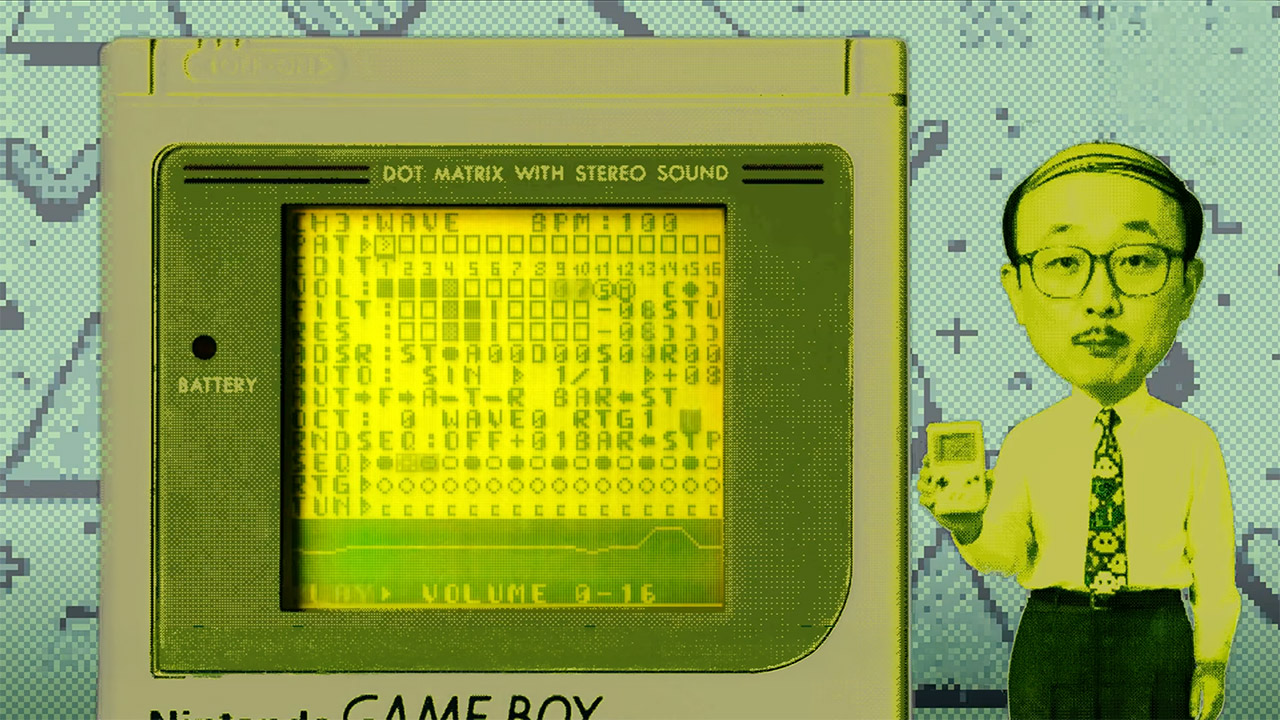
On any of the voice pages, you can experiment with volume, solo, mute, and where the sound is coming from before tweaking your tone with a filter, some resonance, and an ADSR envelope that can change with each step or just sometimes. You can adjust the pitch, but only by complete octaves. When you want a noise hit and a pulse stab to sound different, they don’t have to be on the same pitch; retriggering commands can fire inside a single step, and tuning can be altered from step to step.
You can also utilize an AUTO section to let the software handle part of the work for you, such as assigning some of the finicky elements to a random number or a slow repeating wave, and having it alter things like the filter, envelope, tuning, or retrigger without you having to push a button every time. There is also a PICK A PAT menu, which generates a basic sequence in a flash, and a RANDOM option, which allows you to create a sequence or sound from scratch. If you want to get a little more creative, there are four effects available under the pan control that you can give to each voice. EKO repeats steps in a way that works well when the pattern is minimal, STU stutters prolonged notes, DST adds some gain and grit, and KAO pulls parts of the other three effects at random, allowing your loops to go off the rails without having to be reprogrammed from scratch.
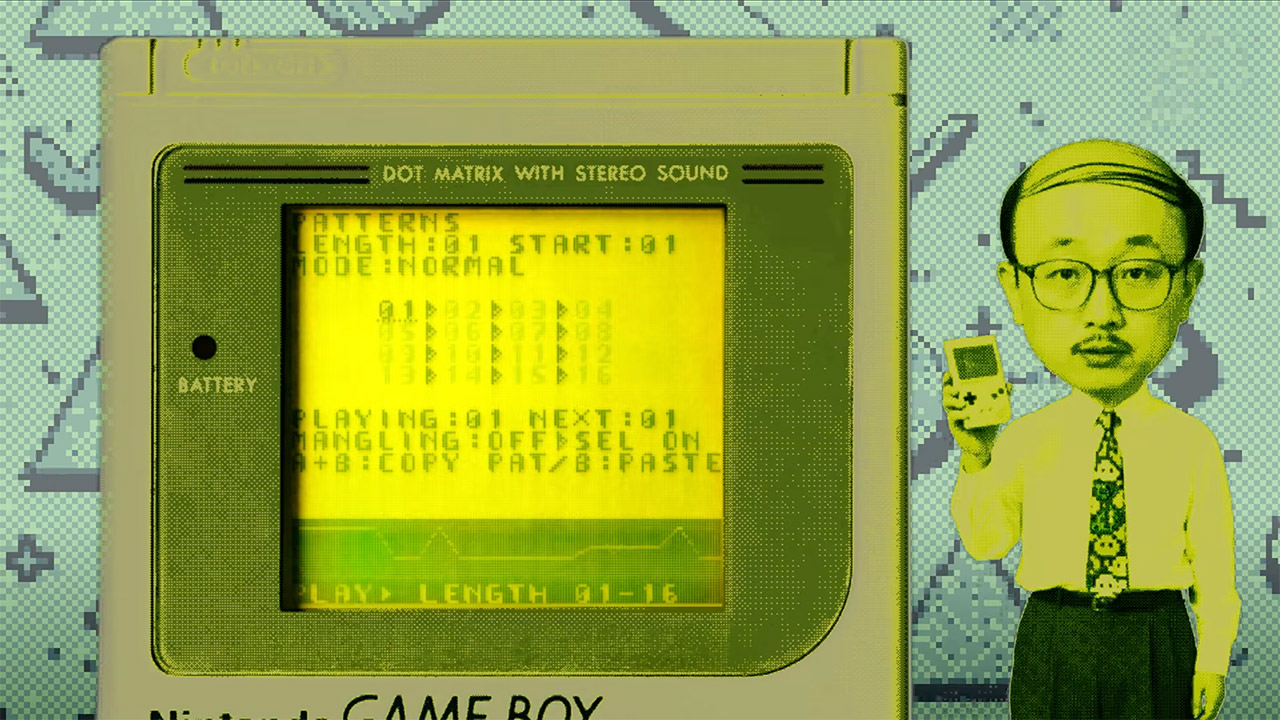
When you want to get really wild, you need to enter mangling mode, which is the live part of the program. Simply pick the option to enable it on the patterns page, and you can begin experimenting with pitch, freezing phrases, lengthening and shortening the loop, and other interesting stuff. Nothing writes over your cached patterns, so you can get as wild as you like without worrying about messing anything up. When playback’s in full swing, the screen will start to glitch out, and if you let go, you’ll still see your original sequence there.
Song mode allows you to arrange your patterns in a play column, then press START to run the entire arrangement while the screen displays the four waveforms, one for each voice, or switch to a glitch view if you want the display to be as wild as the music. If you want to go even deeper into the settings, you can reverse the screen or change the typeface, which is useful if you’re working on a green-tinted LCD in a dimly light room.
One thing to note is that sync was built into the design from the beginning. DMGo! can run on its own clock, connect to another Game Boy via the link connection with LINK IN and LINK OUT, or send a pulse out at quarter, eighth, or sixteenth notes. So you can connect it all to other gear; a homemade cable from a link plug to a tiny jack is all you need to sync a Teenage Engineering Pocket Operator, a Korg Volca, or a Pikocore. AW has already demonstrated the program’s compatibility with a Pocket Operator and a Pikocore, and one of the early jams was even recorded on a Game Boy Pocket.
[Source]