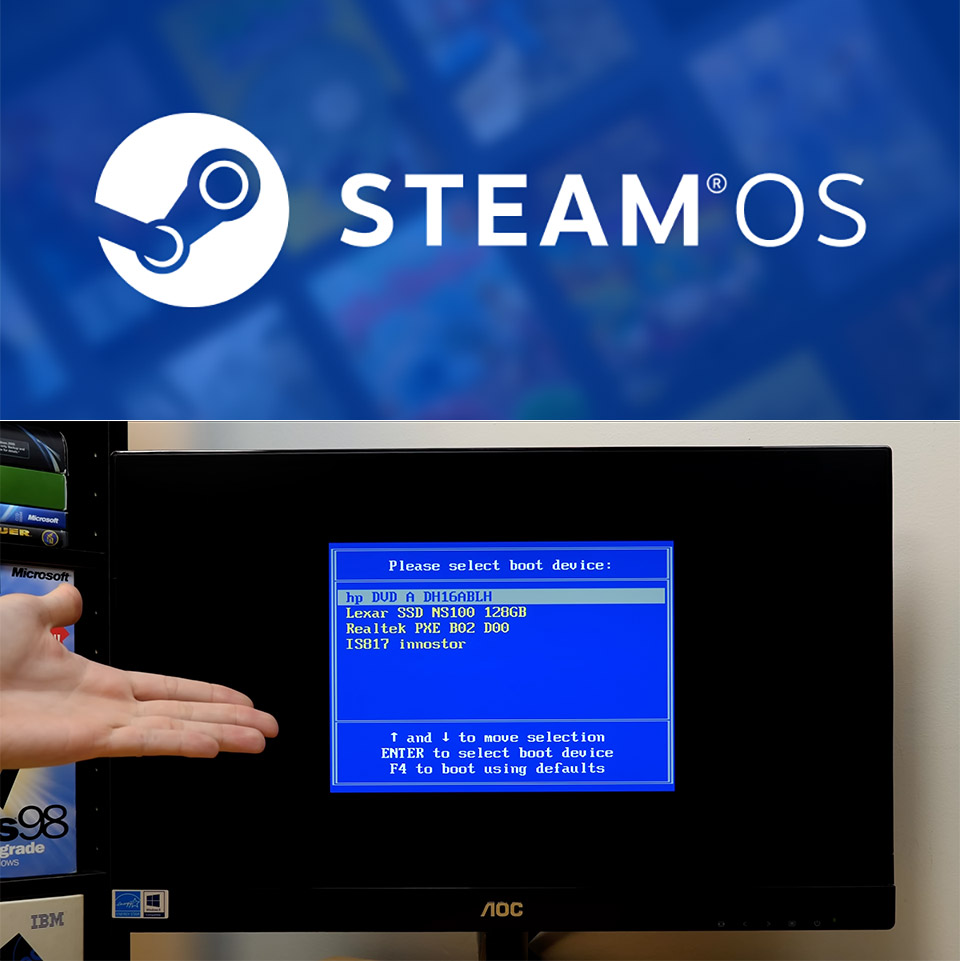
Valve opened SteamOS a little wider this summer. More hardware could run it. More people started wondering if their old machines might work as cheap Steam Machines. Michael MJD decided to test the limits on purpose. He began with an HP Pavilion from the P6000 series. Inside sat a 3 GHz AMD Athlon, 9 GB of RAM, and a 128 GB SSD. The computer had no business hosting a modern gaming operating system. He wrote the recovery image to a USB stick, plugged it in, and tried to boot. Nothing happened. The machine used legacy BIOS. SteamOS insists on UEFI firmware. That first attempt ended almost as soon as it started.
The second PC that could match the basic requirements was an ancient 2012 AMD system, the Xi3 X7A Piston, which he’d seen in a video years ago. This small box featured UEFI support and an AMD processor with an integrated graphics card. When he inserted a USB stick, the Linux boot messages began to flash by. Then it abruptly halted on a single line that stated “completed Steam OS boot registration.” The machine just sat there for over twenty minutes without freezing. I mean, it was simply waiting. He may restart it by hitting Ctrl-Alt-Delete. The old AMD graphics drivers couldn’t be bothered completing the task.

- ALL GAMES, ALL PLACES, ALL YOURS – Get ready to game on the 8" 120Hz Lenovo PureSight display and launch any title using Legion Space. The AMD Ryzen...
- SEE EVERY DETAIL – Make every scene pop with 500 nits of stunning brightness and 100% sRGB color accuracy. And with 10-point touch support, your...
- PLAY YOUR WAY – Play hundreds of high-quality PC games with your complimentary 3 months of PC Game Pass and EA Play. With new games added all the...
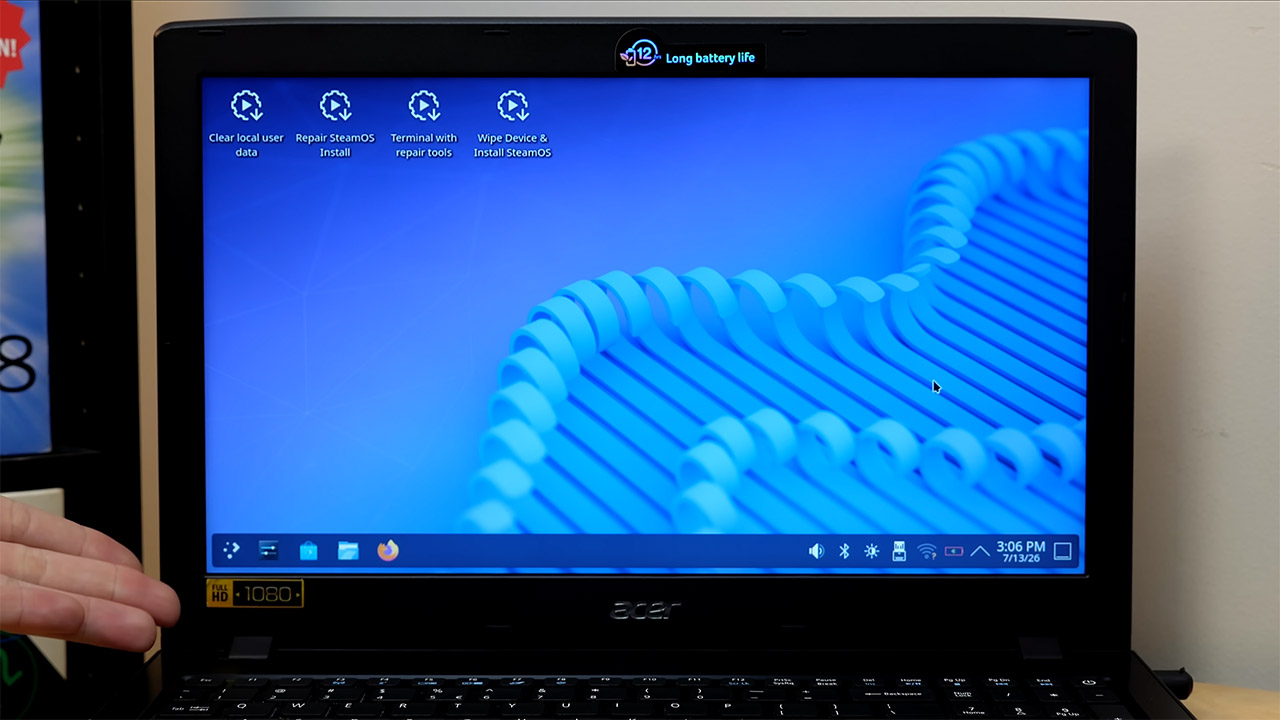
He then tried a 2016 Acer Aspire E5 laptop, which included an Intel Core i5, an Nvidia GeForce GTX 950M, and a SATA solid-state drive. To his surprise, the SteamOS USB booted up properly. However, instead of employing the flashy Nvidia card, the system reverted to the Intel HD Graphics 620. For the first time, development seemed possible. The official installer then refused to proceed since it required an NVMe disk and couldn’t find one. So he swapped in a community custom installer script that allows you to select any storage device you want. He chose /dev/sda, confirmed his willingness to delete the device, and let the software do its thing. The SteamOS wrote itself to the SATA drive without any further hassle.
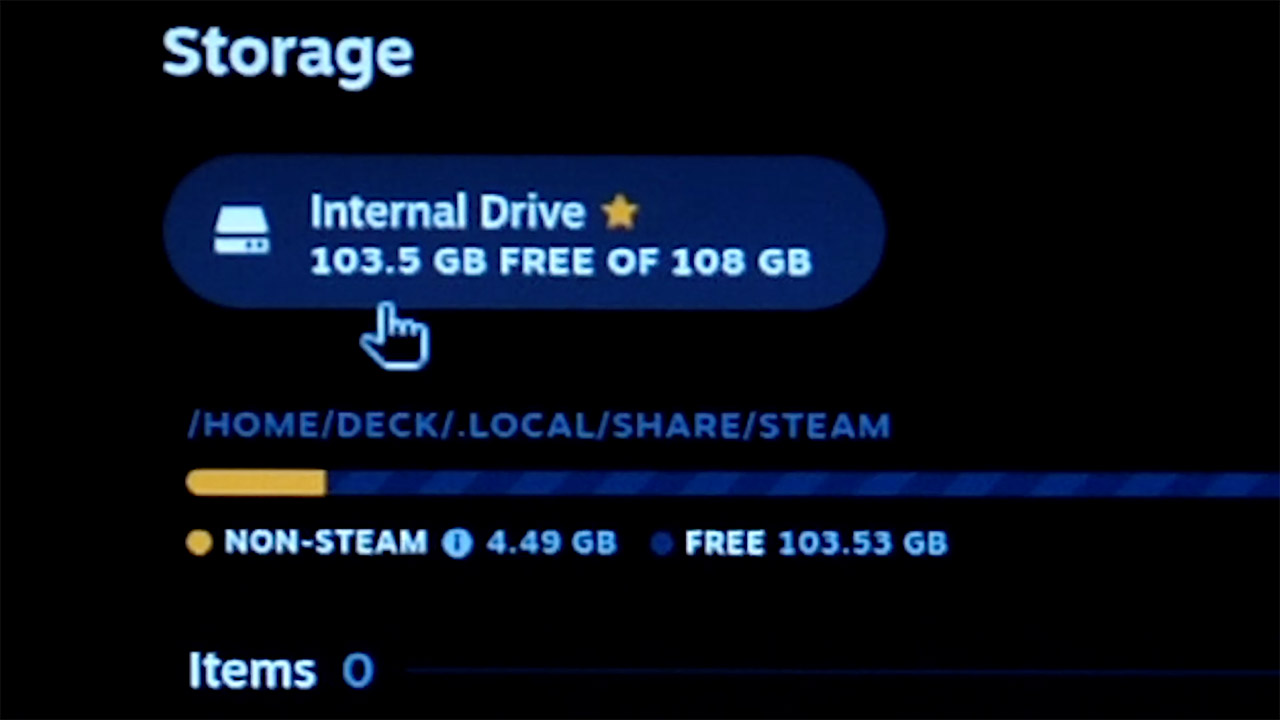
When the installation was finished, he removed the USB stick and rebooted. SteamOS requested that a controller be put in, however a mouse and keyboard worked perfectly. The first setup felt a little laggy until a couple routine updates took care of it. Once he joined in with his Steam account, the interface became a familiar gaming mode. There was still a large amount of spare space on the drive, 103.5GB. Michael went on to install Black Mesa and the older Star Wars Battlefront 2. When Black Mesa launched, it quickly revealed how disorganized it was. Lighting effects failed, and significant portions of the screen simply went black. Even lowering down to the lowest settings (‘potato mode’ and such) couldn’t improve the rendering. Yes, the game remained playable, however the visual defects persisted.
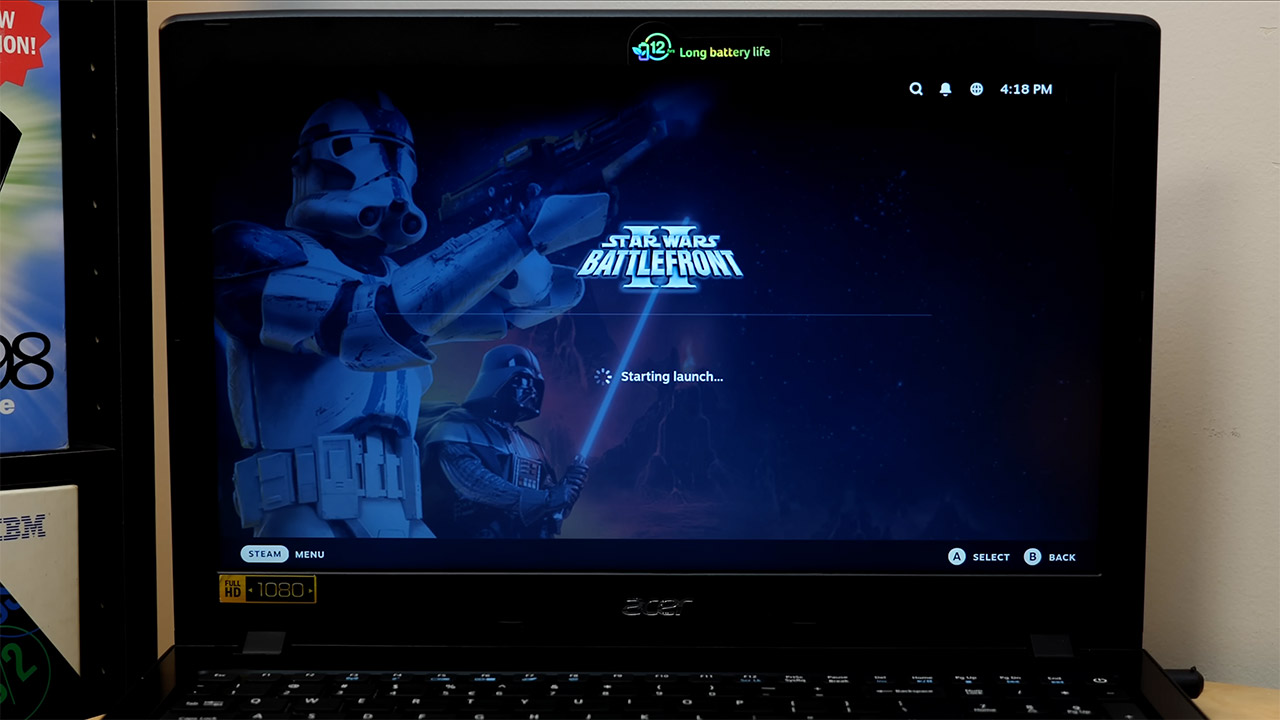
Battlefront 2 on the other hand was much better behaved. It performed well while avoiding the most of the graphical issues. However, he had to make a few changes in the options menu to adjust the mouse sensitivity, and the text on the screen was nearly unreadable because the game did not provide a means to scale the interface up to the laptop’s resolution. However, audio worked, and both Ethernet and Wireless displayed as expected in the system report. However, the Nvidia card stayed in its box, unused. The report also misidentified the Core i5 as an Intel Xeon E3-1200, indicating that SteamOS is still relying on some outdated assumptions from the Steam Deck era.
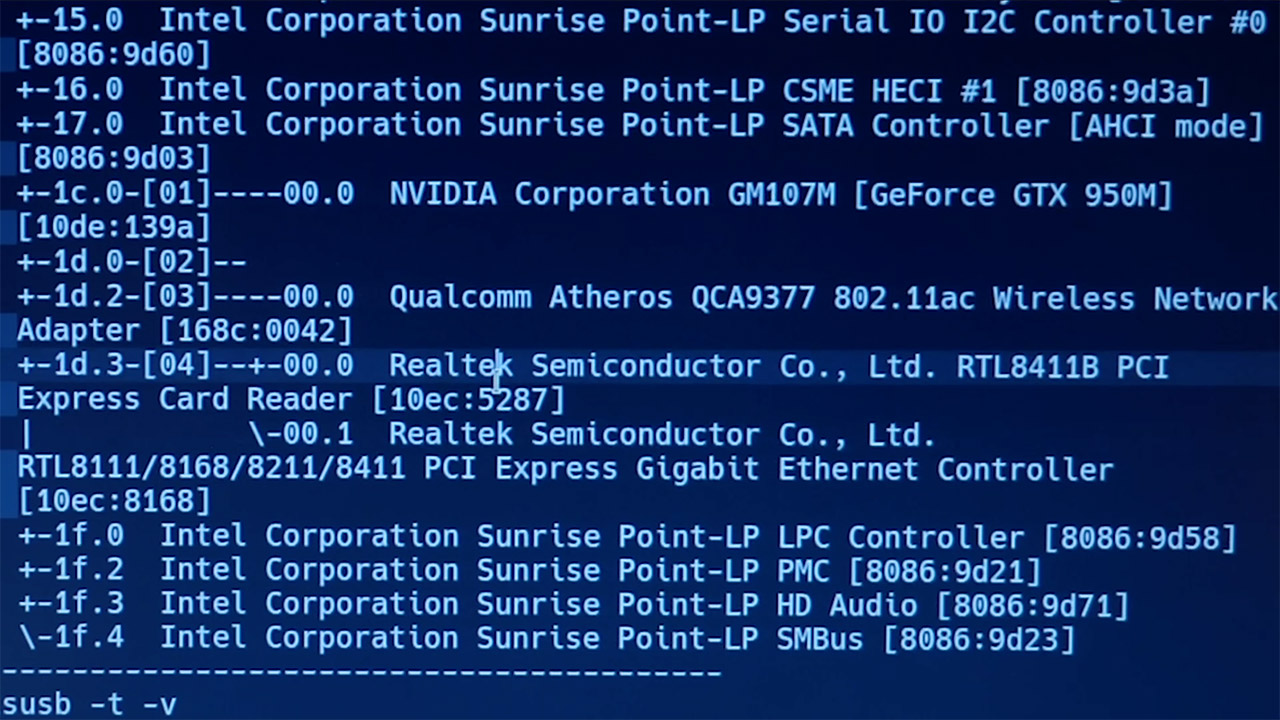
Michael spent a lot of time investigating the desktop mode and double-checking the entire hardware list, and everything that functioned still pointed to Intel graphics and Realtek network chips. Which just goes to prove that SteamOS can be installed and run on hardware that is far older than Valve officially supports. However, the experiment demonstrated that the procedure is not without its challenges. You must be patient, willing to employ some unique tools, and keep your expectations of what works and what doesn’t in check.