
Tag

Software

Browsing

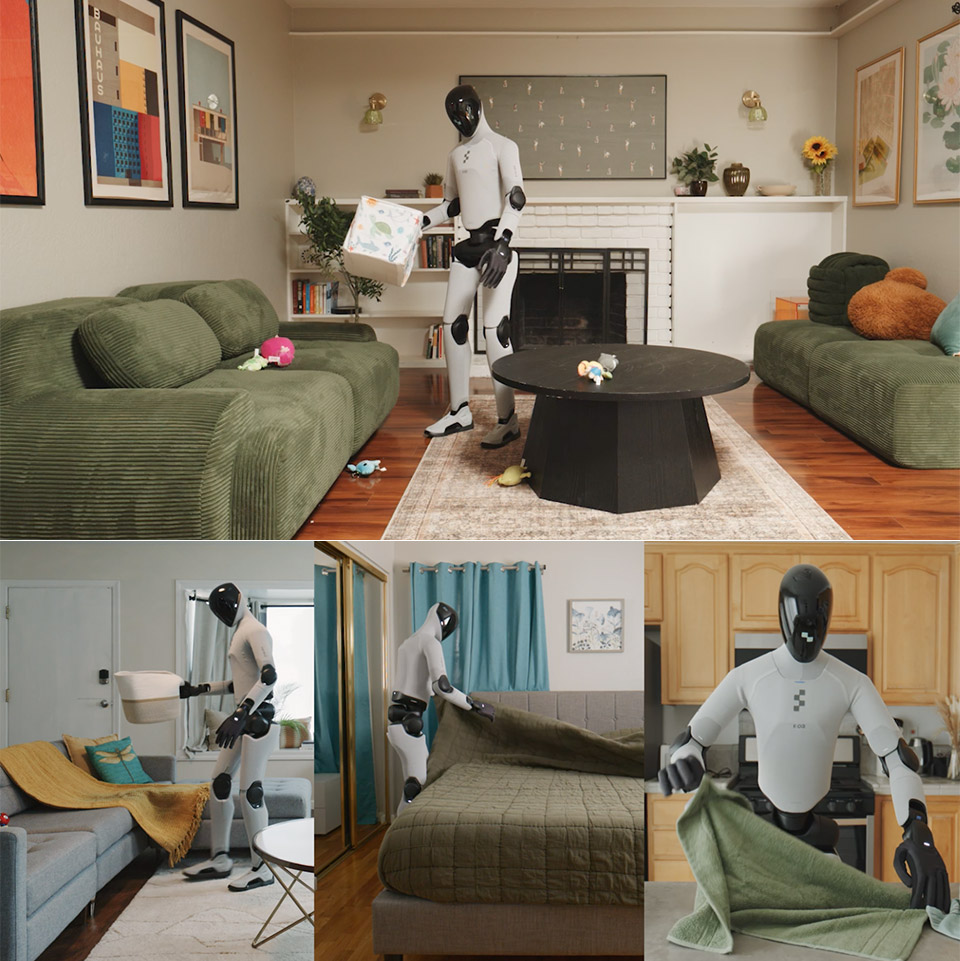
Figure Helix 2.5 Humanoid Robot Household Work
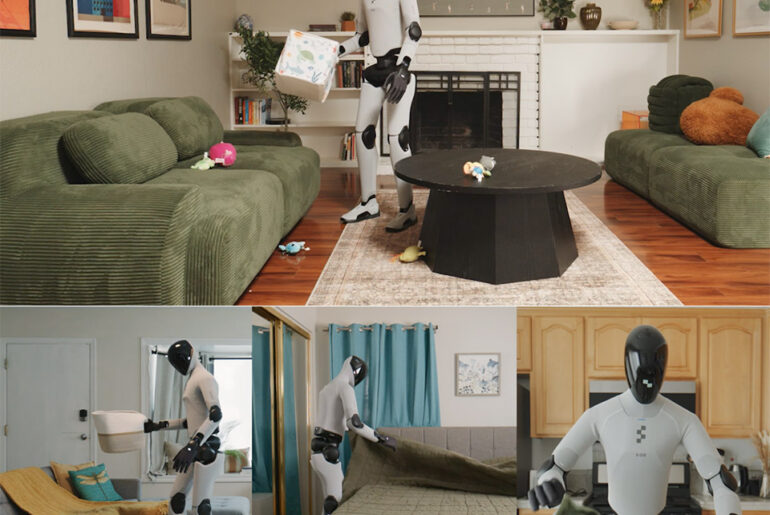
Figure rented thirty Bay Area houses, reset the rooms, and sent in a humanoid that had never walked those floors. Helix 2.5, the newest neural network from the company, arrived with no extra practice on those couches, those beds, or those towels. Staff left living rooms scattered with toys, towels in a heap, and beds undone, then asked the robot to finish three jobs on its own: gather every toy into a basket, fold towels and put them away, and make the bed.

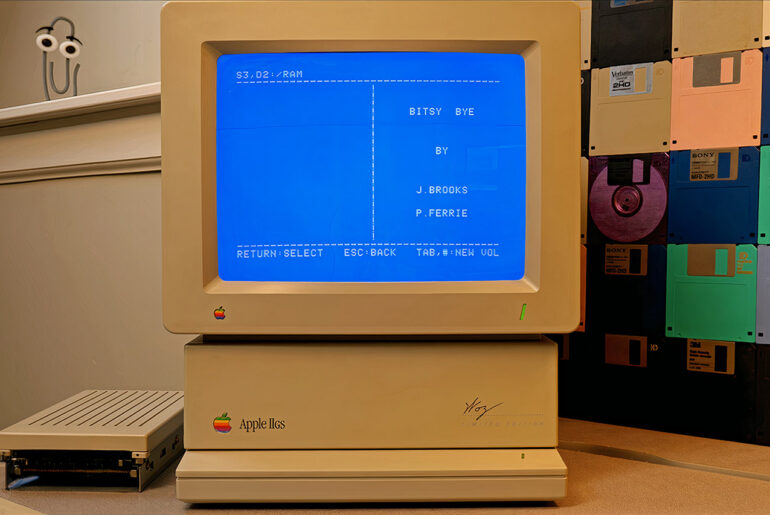
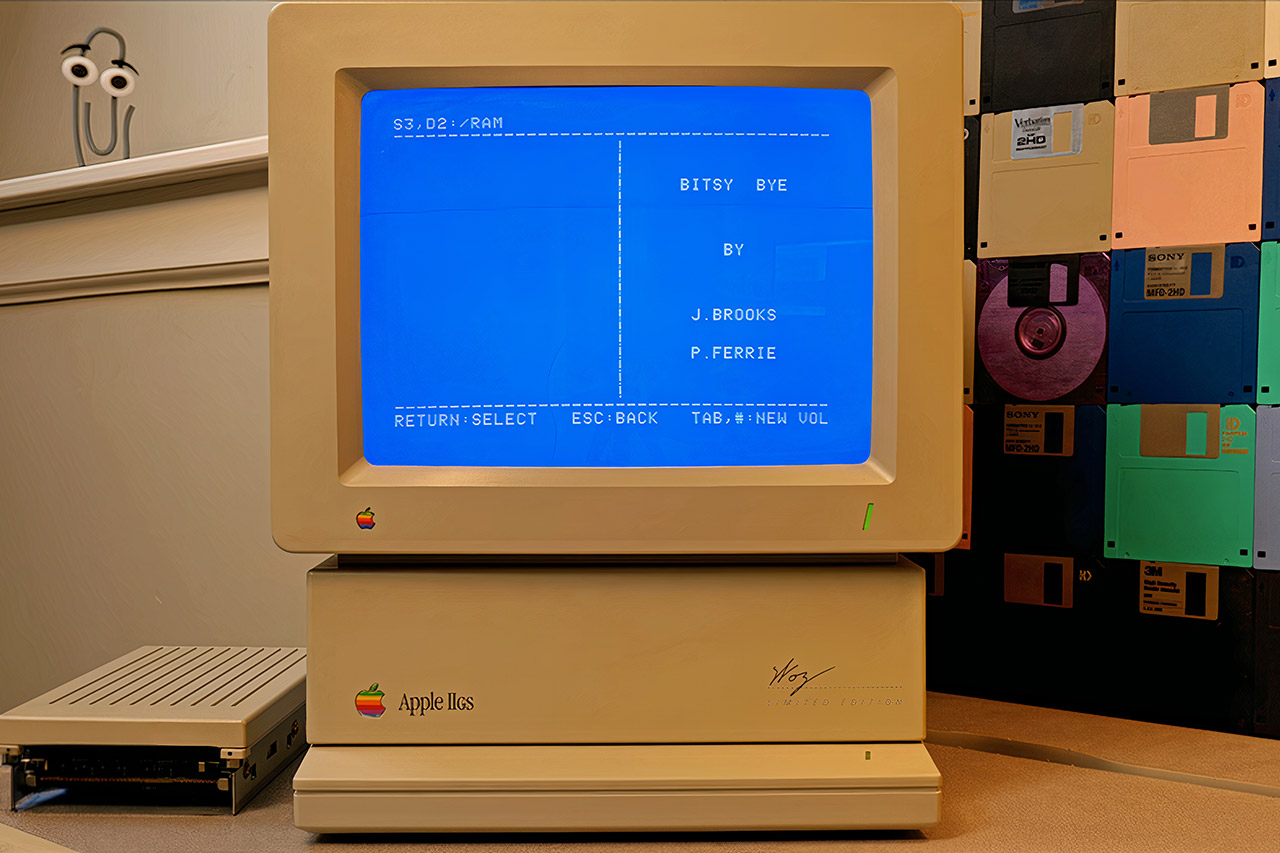
Apple IIGS Forgotten Operating System GS/OS
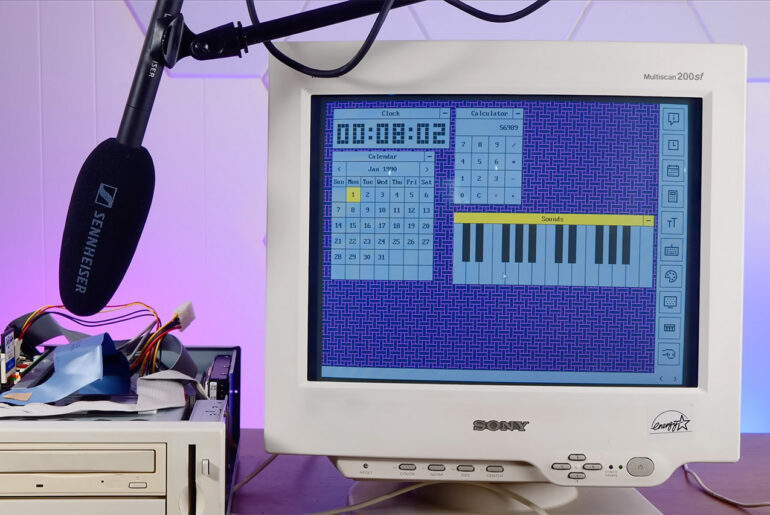
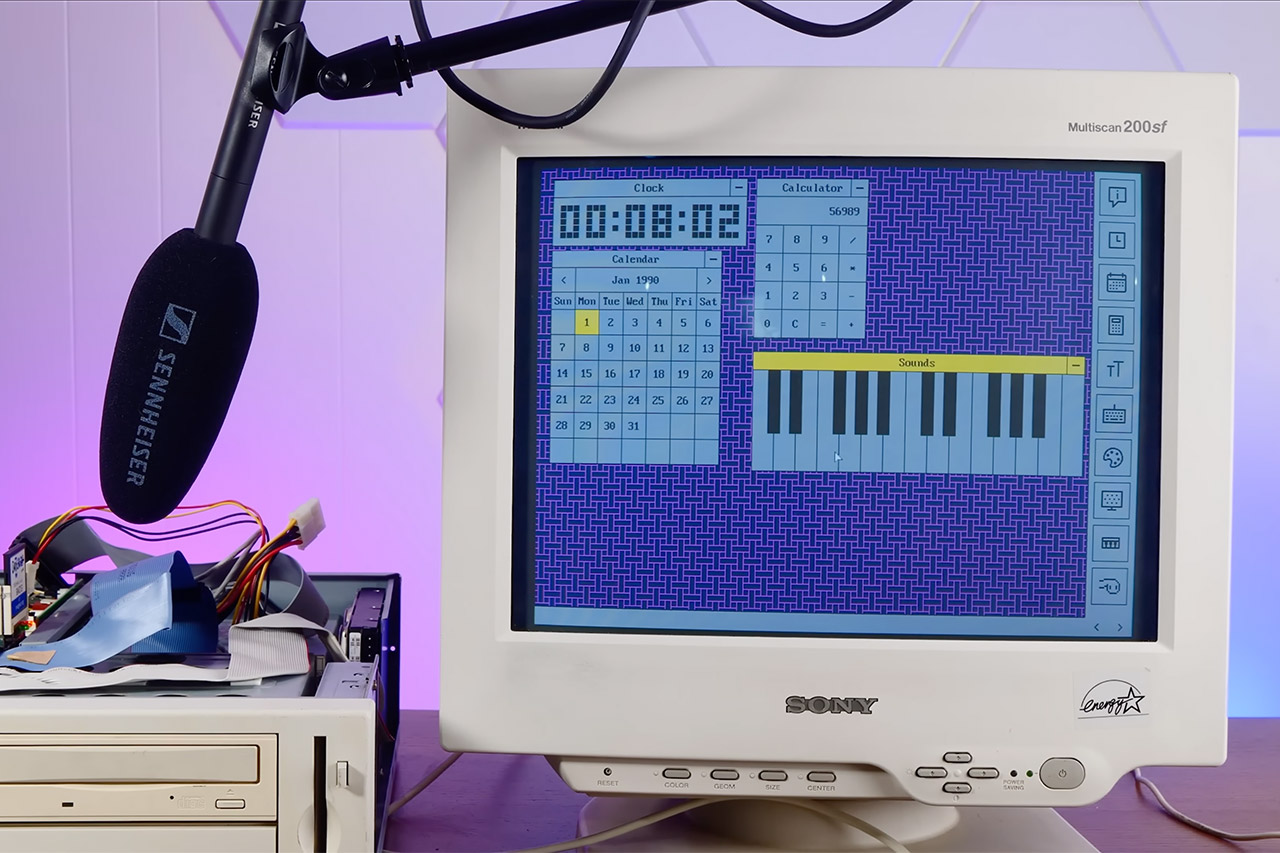
Most people who remember personal computers from the late 1980s think first of the Macintosh and its clean black-and-white interface. Apple had already shipped something that looked and behaved a lot like it, only this version ran in color on a machine that still carried the Apple II name. That system was GS/OS, and it arrived in 1988 as the heart of Apple IIGS System Software 4.0.

1996 Popular Mechanics Car Guide CD-ROM
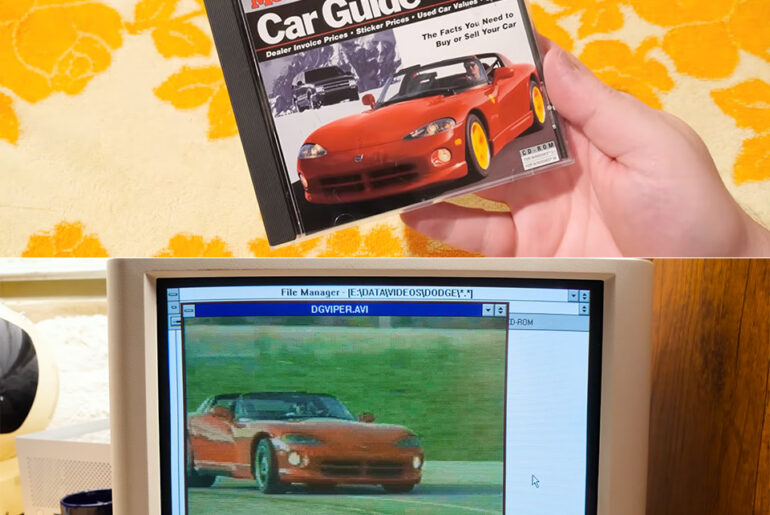
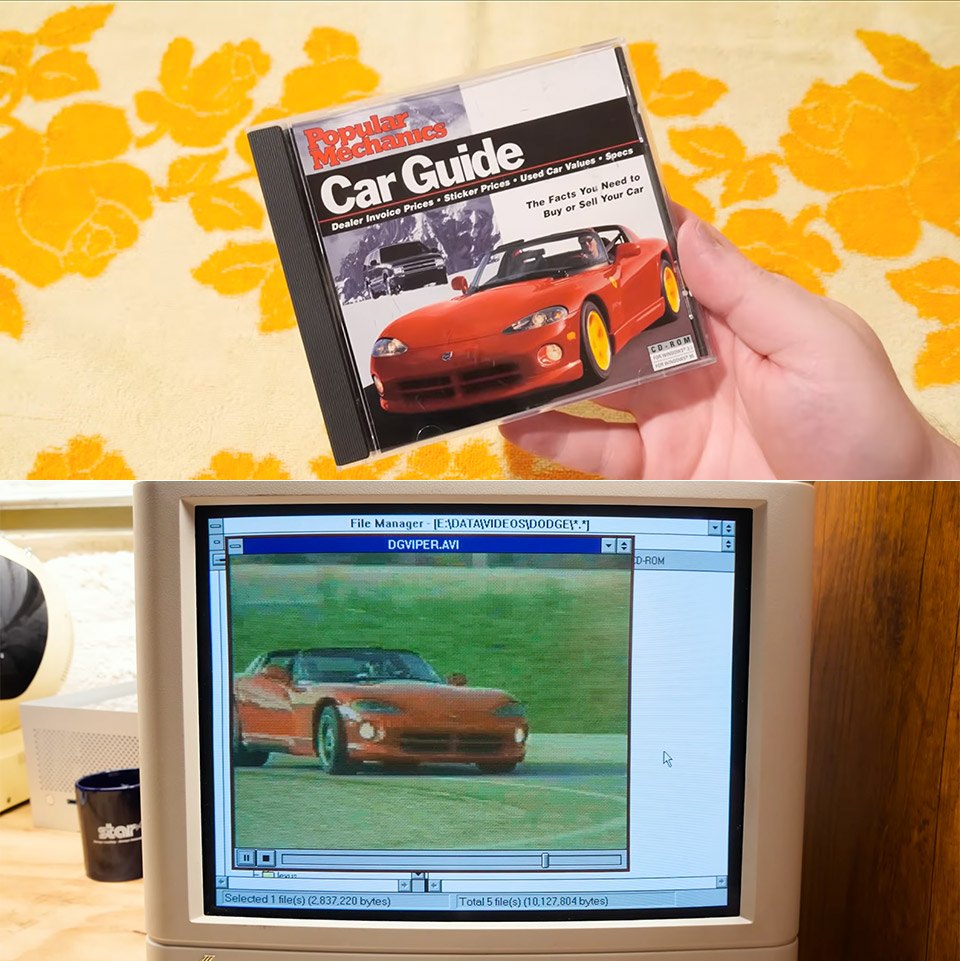
Clint from LGR Blerbs loaded up a mid-90s Popular Mechanics Car Guide disc on a Windows 3.1 machine and spent over twenty minutes poking around its menus, photos, and videos. The software, released around 1995-1996 for PCs that could handle Video for Windows, promised buyers a way to research new and used vehicles without leaving the house. It delivered pricing data, specifications, magazine articles, still images, and full-motion clips for thousands of cars, trucks, SUVs, and vans. A disc image sits on the Internet Archive now if anyone wants to try it themselves.

InterActual Technologies PC DVD-ROM Extras
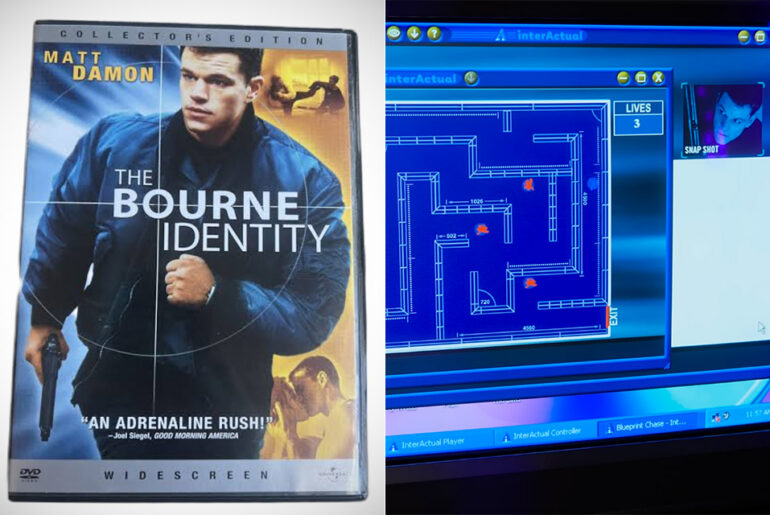
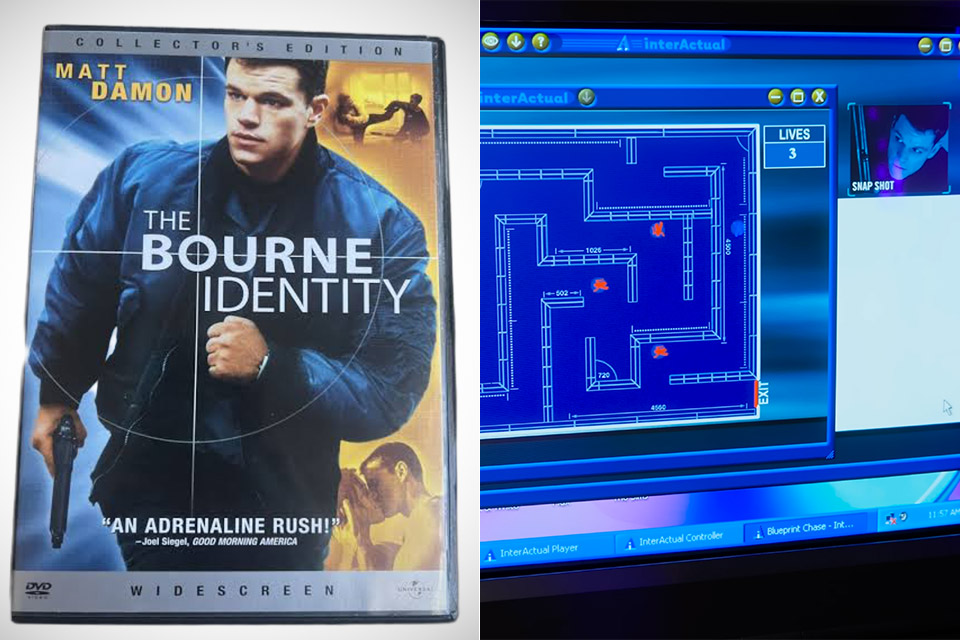
Back in the late 1990s and early 2000s, finishing a film on DVD often meant one more step. People would slide that same disc into the DVD-ROM drive of their Windows PC, wait for the software to load, and suddenly find themselves staring at a whole different set of options. Wallpapers. Screensavers. Side-scrolling Flash games. Synchronized screenplays that played alongside the film. Interviews, photo galleries, and even live online events that used the disc itself as the connection point. This was the brief window when studios packed extra material onto the unused space of a movie disc and aimed it squarely at computers.

Installing SteamOS Old Laptop PC
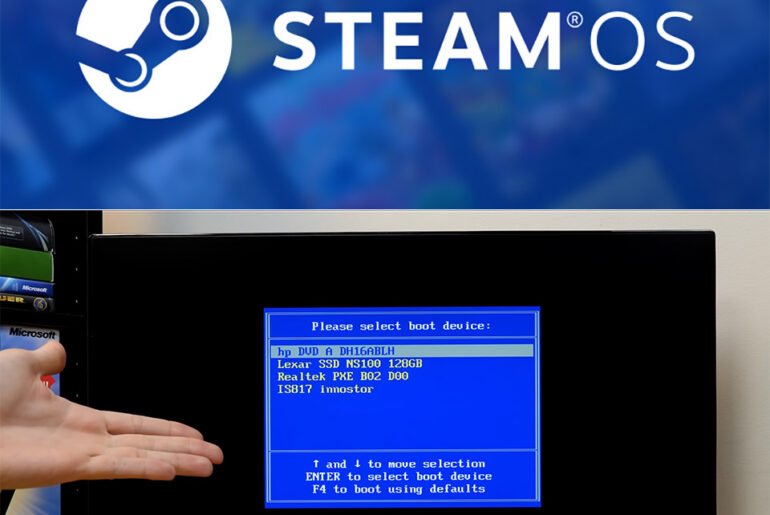
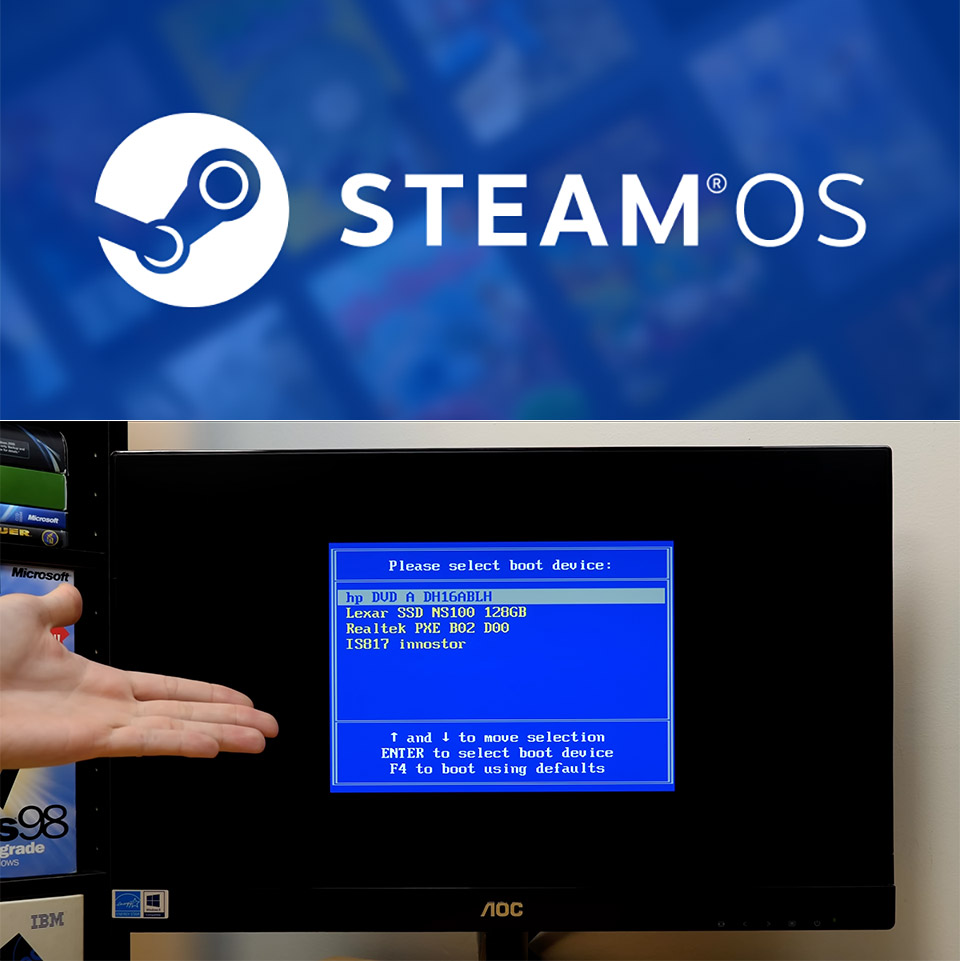
Valve opened SteamOS a little wider this summer. More hardware could run it. More people started wondering if their old machines might work as cheap Steam Machines. Michael MJD decided to test the limits on purpose. He began with an HP Pavilion from the P6000 series. Inside sat a 3 GHz AMD Athlon, 9 GB of RAM, and a 128 GB SSD. The computer had no business hosting a modern gaming operating system. He wrote the recovery image to a USB stick, plugged it in, and tried to boot. Nothing happened. The machine used legacy BIOS. SteamOS insists on UEFI firmware. That first attempt ended almost as soon as it started.

Google Android 17 Release Pixel Phones
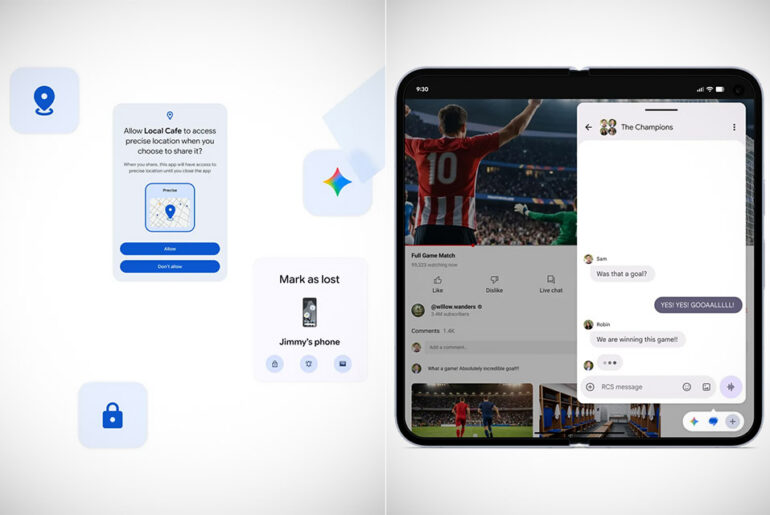
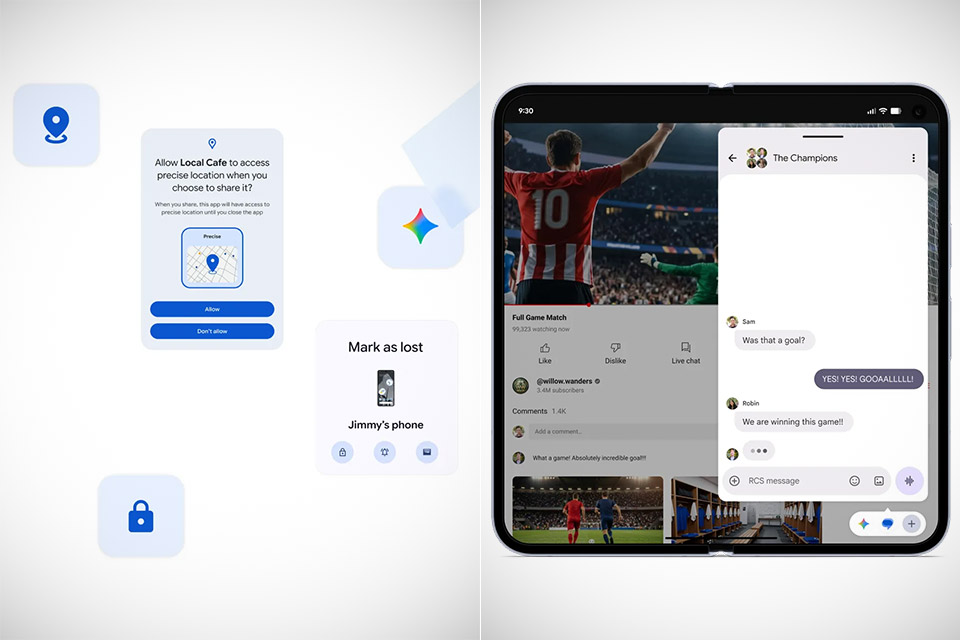
Google Pixel phones and watches start receiving Android 17 today through the regular system update process. The release focuses on several practical additions that address everyday friction rather than delivering a complete visual overhaul. Owners of Pixel 6 series devices and newer can install it now through the settings menu, while phones from other manufacturers will follow over the coming months.

Windows NT GameCube Mod Software
GameCube hardware already delivers strong value for fans of its original game library. Loaders such as Swiss open the door to region-free play, disc backups from SD cards or USB drives, and emulators that reach back to earlier Nintendo systems and beyond. Homebrew keeps the console active long after its commercial peak. A separate project now layers something unexpected onto that foundation by bringing a full PowerPC build of Windows NT to the same machine.

Apple iOS 26.5 RCS End-to-End Encrypted Messaging
Users who text friends or family on Android devices will notice their conversations in the Messages app feel more secure right away. RCS messaging now supports end-to-end encryption by default, meaning no one else can read those messages while they travel between phones. A small lock icon appears at the top of any encrypted RCS chat so everyone knows the protection is active, and an Encrypted label shows up as well. The system turns encryption on automatically over time for both new chats and older ones, with no extra steps required from the user beyond having a supported carrier plan.