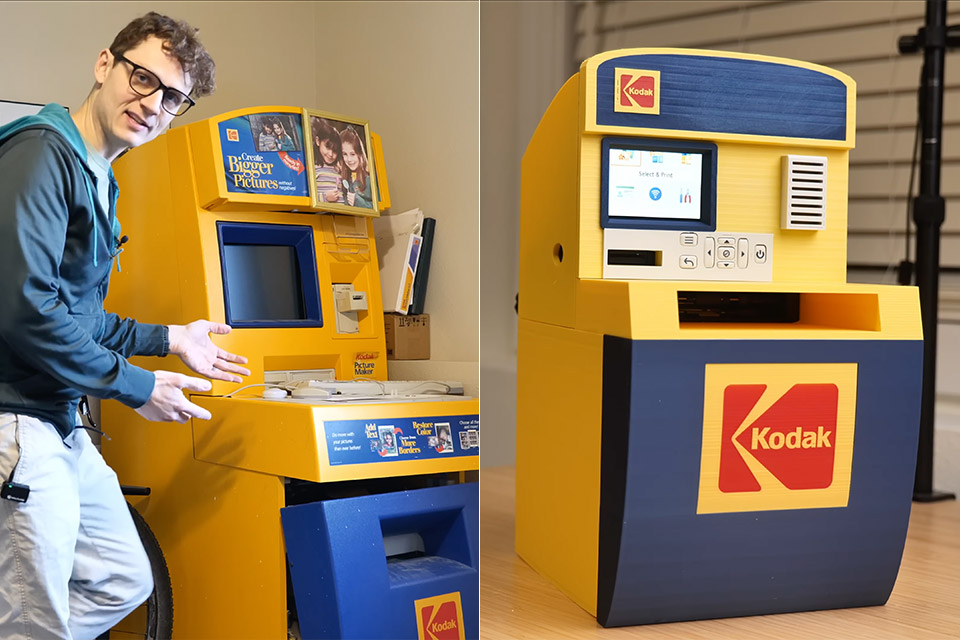
James Warner once owned one of those giant Kodak picture-making machines that dominated every drugstore and big-box retailer in the 1990s and early 2000s. You’d walk up to it, insert a memory card or CD, scroll through all of the photographs on the screen, select the ones you liked, maybe add a cool border or some color correction, and walk out with your freshly printed photos just a few minutes later. These machines provided rapid pleasure at a period when home printers struggled with quality and affordability.
The trouble was that it took up far too much space at home, and Warner’s wife had a lot to say about it. Rather than discard it and lose the entire experience, he decided to try to condense the entire concept into something that could sit on his desk without taking up the entire room.

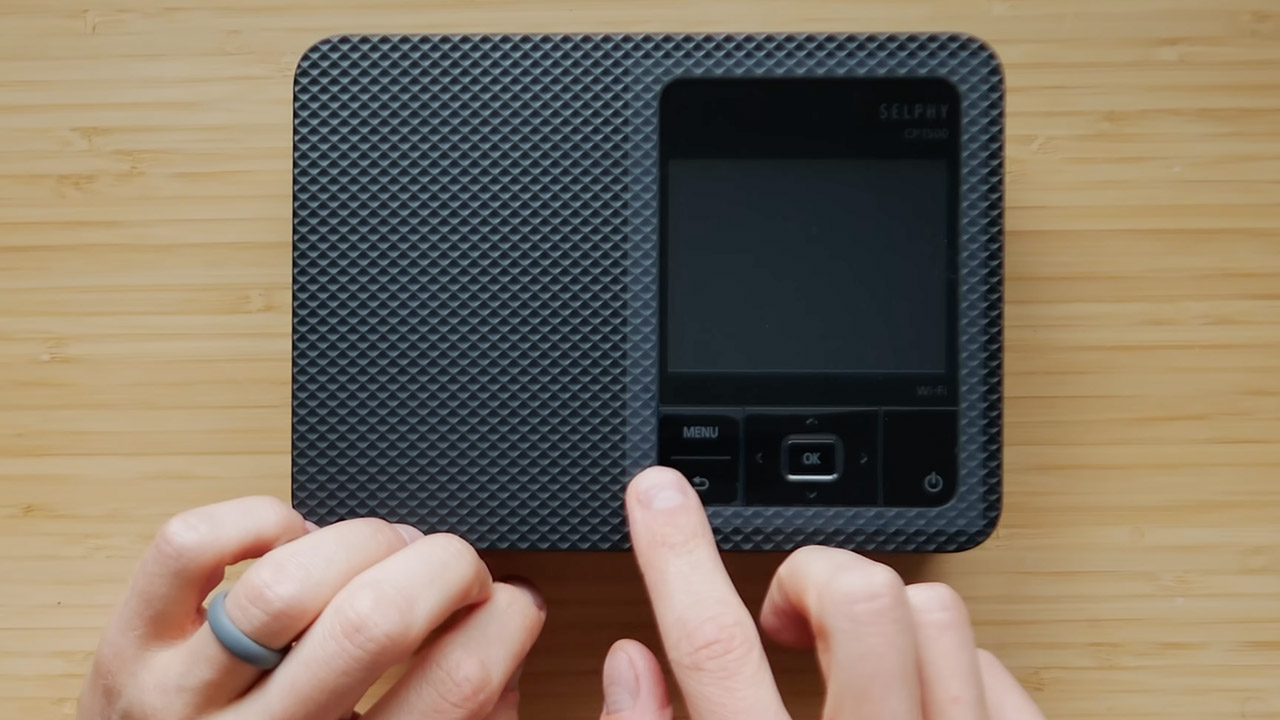
He needed the foundation of the project, a compact photo printer capable of dealing directly with physical media. The majority of Kodak-branded choices on the market today rely solely on smartphone apps, abandoning the card slots that distinguished the originals. Warner chose a Canon model that preserved the memory card readers and even had its own little screen and menu navigation keys. You simply insert a card from an old digital camera, browse through all of the photographs on the small display, select the ones you prefer, and press the print button; no computer is required.
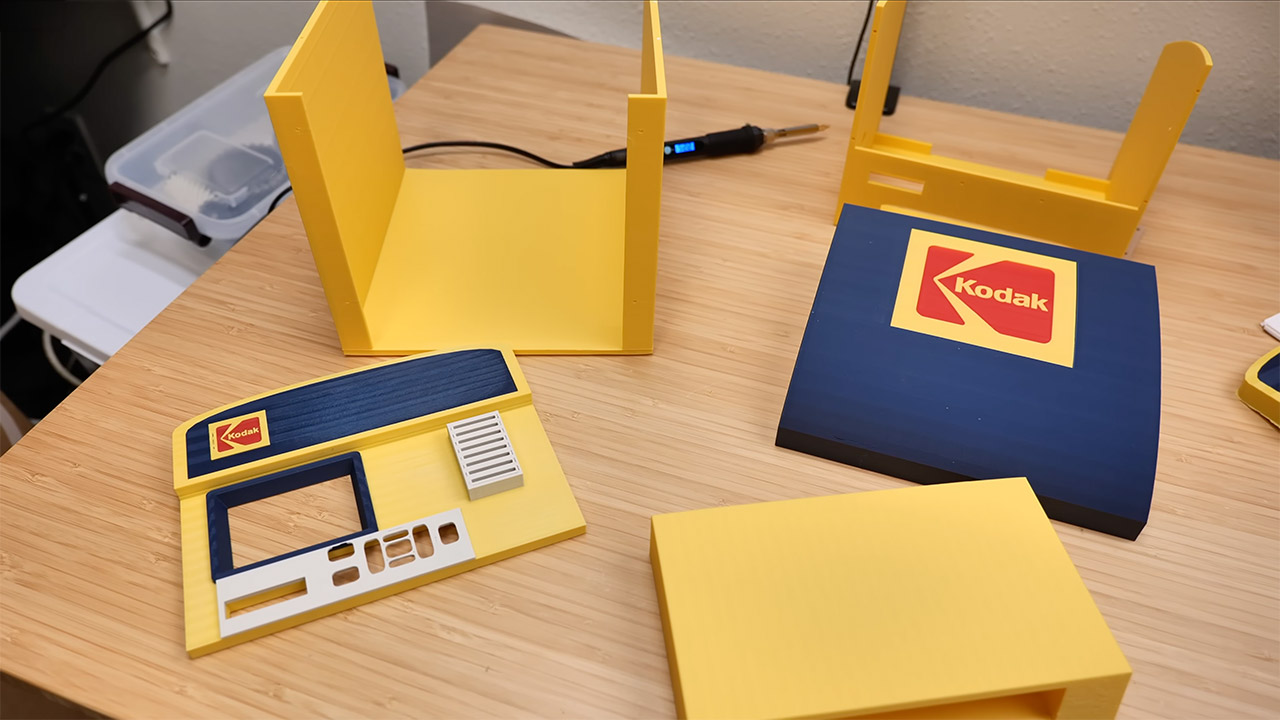
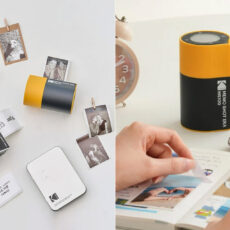
Warner got pretty creative with the housing, designing a unique case using 3D modeling software and then printing it on an Elegoo Centauri Carbon 2 printer, which can print in several colors at once. Result? A miniature replica of the classic yellow-and-blue Kodak aesthetic, complete with swoopy lines, bold branding panels, and the same layout as the old retail machines: screen on top, card slots on the sides, and output tray at the bottom. The printer fits perfectly inside the case, concealed behind the front panel, giving the overall appearance of a scaled-down replica of the classic retail machines.
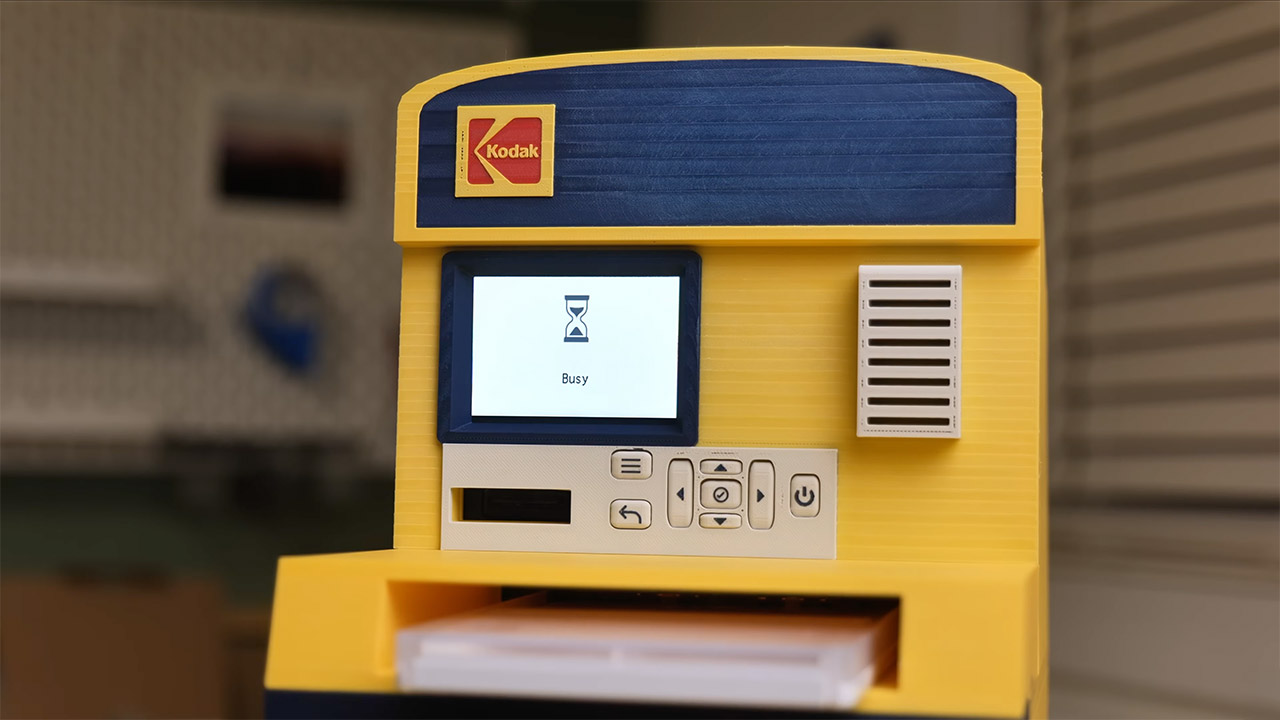
In practice, it’s business as usual: users insert a card from an old point-and-shoot camera, navigate the menus using the buttons, select the photographs they want, and watch as the sheets begin to appear.
[Source]