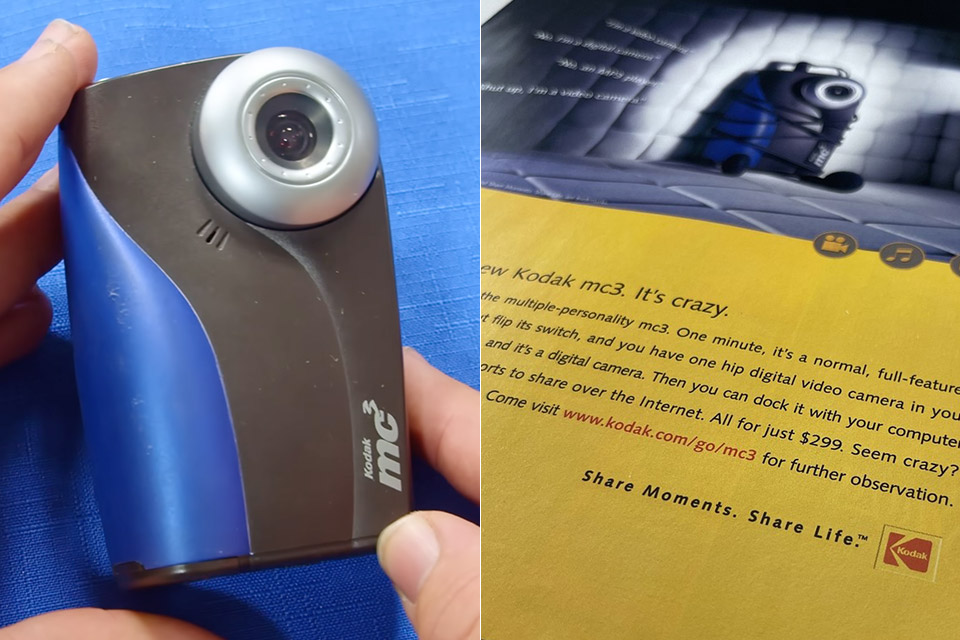
The Kodak MC3 debuted in 2001 as a compact little box that couldn’t pick which hat to wear. Kodak advertised it as the MC3 Portable Multimedia Device, which accurately characterized the device’s lofty but rather erratic purpose. This tiny box contained digital photos, short video clips, and MP3 tracks, all in one neat little package, years before only the most daring gadget users would even consider merging those functions.
It cost roughly $229 ($417 today), a high price that they eventually reduced to make it more appealing to the general public. It came with a 16MB CompactFlash card to get you started, but many owners quickly upgraded to a much larger 64MB or 128MB version, which was really helpful given how limited those memory cards were.

- Sharper Action, Brighter Details - Osmo Nano's 1/1.3″ sensor captures more light for crisp, vivid shots. Ideal as a 4K POV camera or vlogging...
- Ultra-Wide 4K Clarity - Record every moment in 4K/60fps with a 143° ultra-wide view. Ideal as a small action camera or for immersive Pet POV...
- Effortless Portability & Versatility - The lightweight, magnetic Osmo Nano is the ideal pocket camera for easy carrying. Use it as a portable camera...
The MC3 measured around 4.1 by 2.6 inches and weighed about 5.5 ounces with batteries, or more specifically, three tiny AAA batteries. These were the ones who kept the show going, whether you were taking pictures, viewing videos, or listening to music.
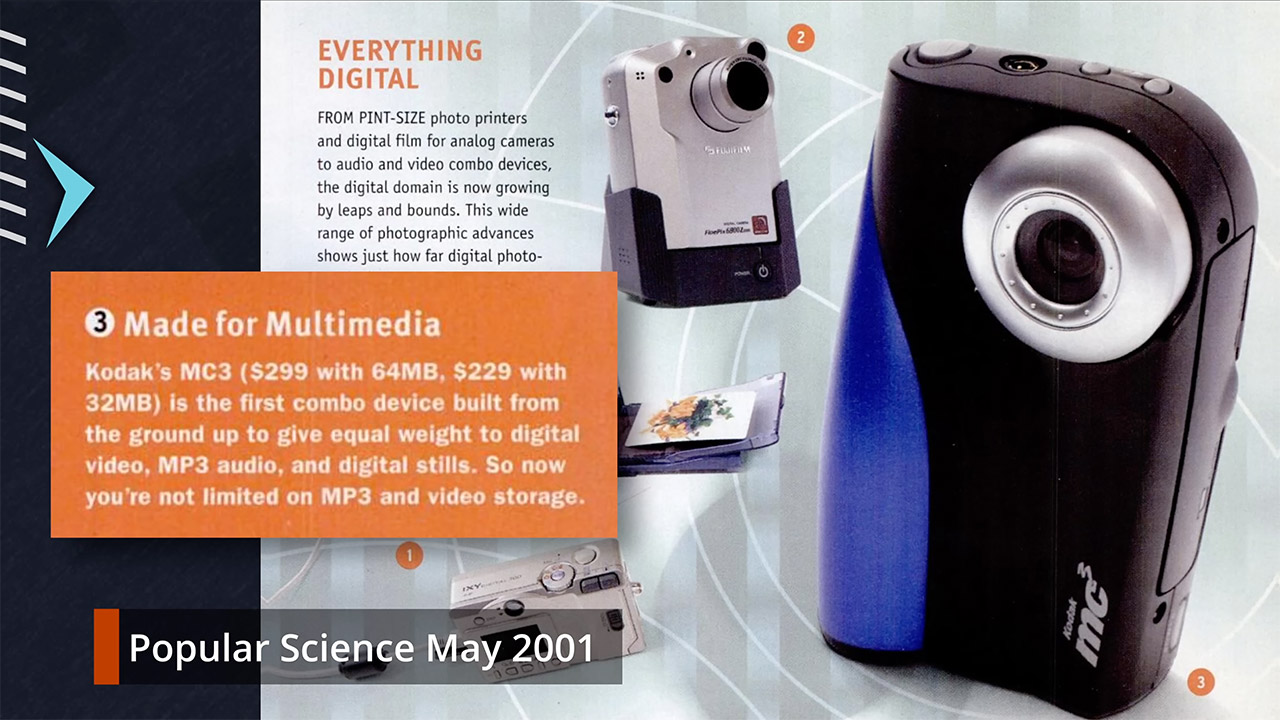
A relatively simple fixed-focus lens was mounted on the front of the MC3, with a focal length similar to 37mm on a film camera and an f/2.8 aperture to match. The still images it shot were 640 by 480, VGA standard, which was decent but also meant you’d quickly fill up that small memory card, and yes, the photos were still discernible, just a touch low-resolution. The color LCD measured 1.6 inches across, which was just big enough at the time, and it featured reflective technology that functioned well in strong sunshine but almost completely disappeared in dark settings or when viewed from an unusual angle. No backlight meant longer battery life, which was great, but it also meant you had to be ready to frame those photographs or evaluate them in bright light.
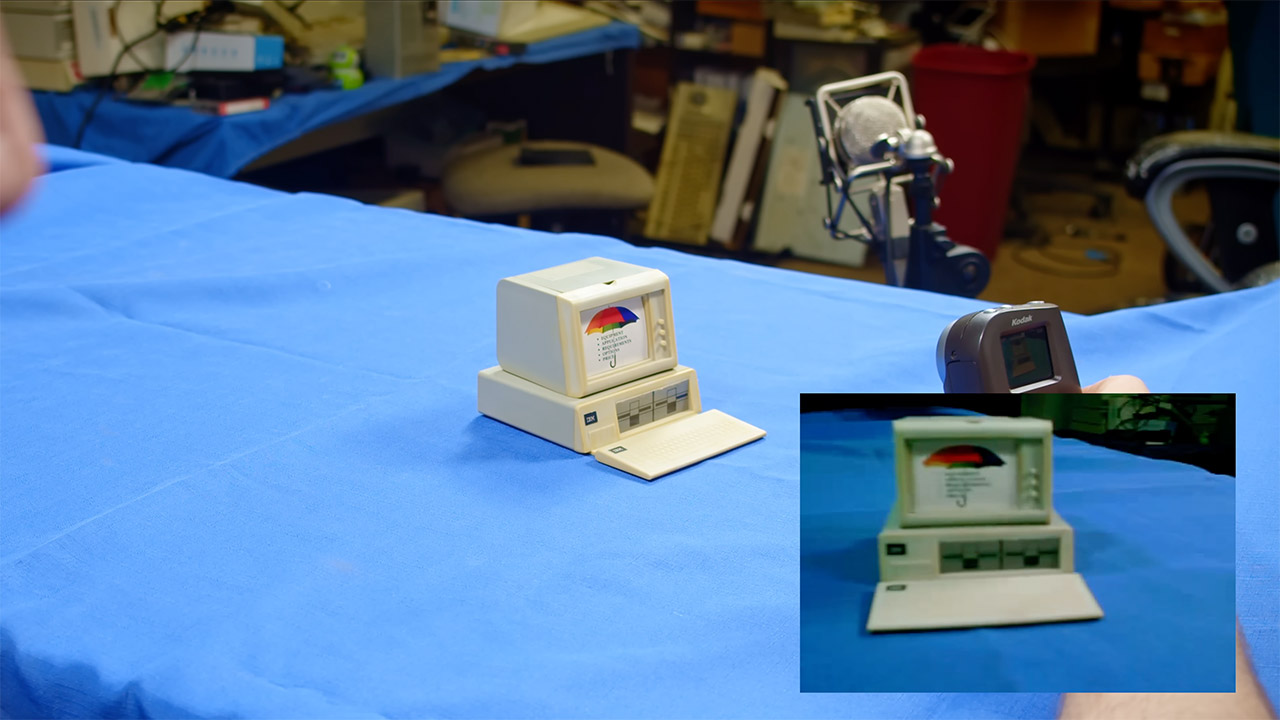
Video recording was a bit of a low-effort affair, capturing 320 by 240 pixels at a very modest 20 frames per second in QuickTime MOV files, with H.263 compression and basic mono sound. Clips were quite brief, lasting only a few seconds on smaller cards, but they could be stretched out to approximately four minutes if you had a much larger 64MB card to play with. Don’t expect high-quality images; exposure shifts were abrupt and sluggish to respond, and low-light circumstances caused a slew of unwanted noise. To watch your clips, you could either use the MC3’s own small screen, or (if you’d splurged on an AV cable) plug it up to an NTSC or PAL television for a considerably larger viewing experience.
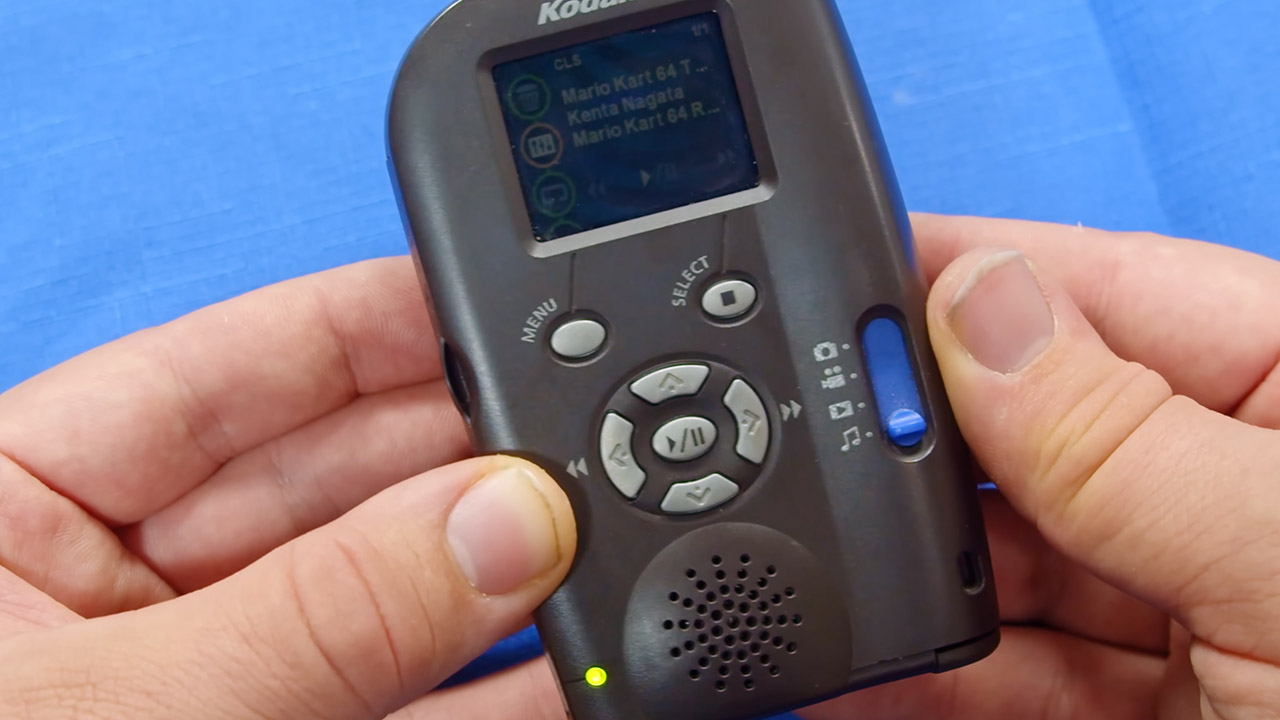
Music playback from normal MP3 files was simple, using either the top-mounted headphone port or the built-in mono speaker, however the sound was a little weak and harsh. Volume controls were conveniently located for rapid adjustments, eliminating the need to remove the device out of your pocket. Storage was a bit of an issue because it relied completely on smaller CompactFlash Type I cards formatted in FAT16, which meant that larger contemporary cards frequently wouldn’t work. To make matters worse, files have to be in the root directory in order for the player to find them reliably.
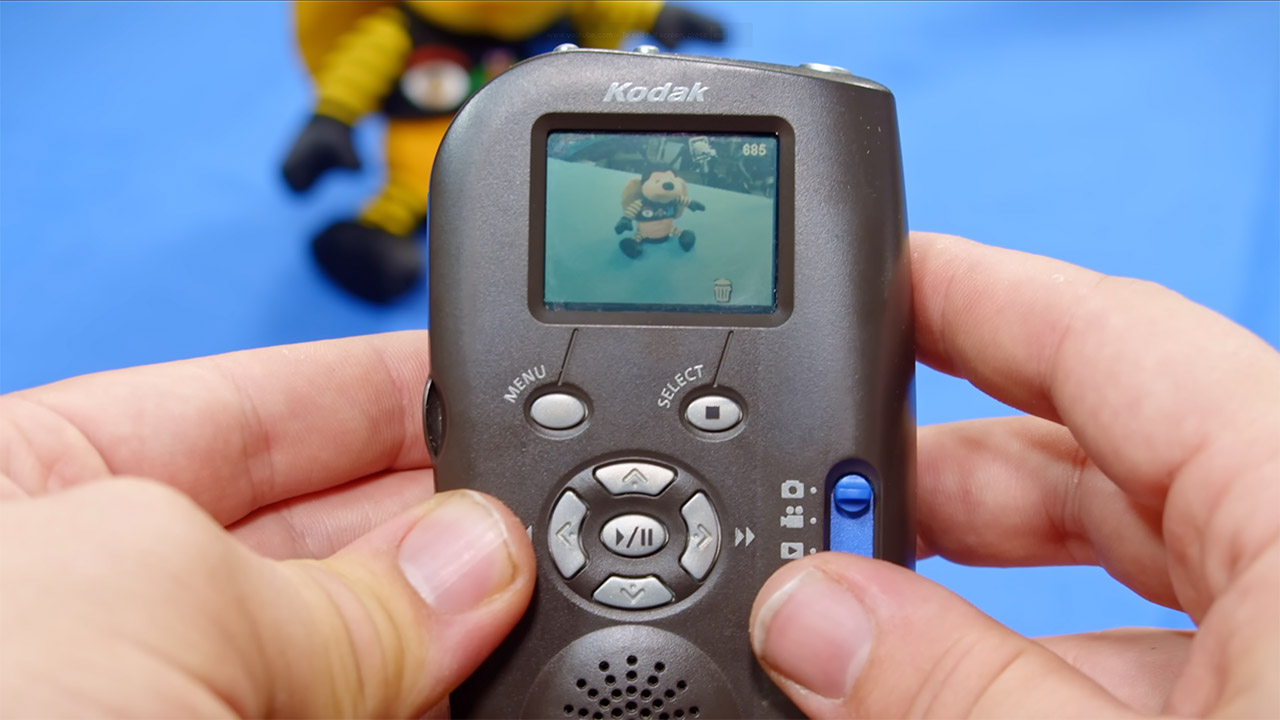
The controls are tucked away in the back, while a 4-way slider handled business for toggling between camera stills, movie capture, video playback, and music modes. The interface was completed with a tiny set of shutter release, menu, and playback controls. It also contained a useful USB connector for easy file transfers, as well as an AV jack that doubled as video out and stereo line audio, provided you had the proper cable.
[Source]