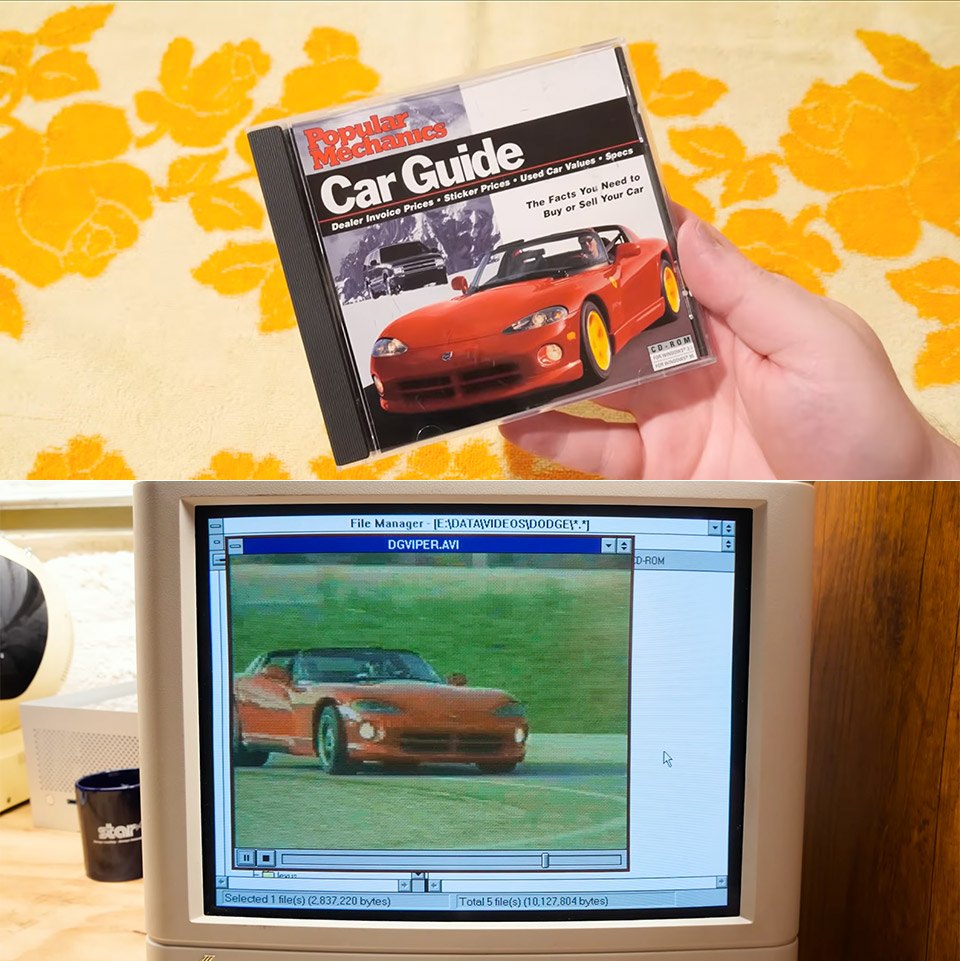
Clint from LGR Blerbs loaded up a mid-90s Popular Mechanics Car Guide disc on a Windows 3.1 machine and spent over twenty minutes poking around its menus, photos, and videos. The software, released around 1995-1996 for PCs that could handle Video for Windows, promised buyers a way to research new and used vehicles without leaving the house. It delivered pricing data, specifications, magazine articles, still images, and full-motion clips for thousands of cars, trucks, SUVs, and vans. A disc image sits on the Internet Archive now if anyone wants to try it themselves.
When you start the program, you’ll see a fairly simple interface that has been designed to take advantage of the hardware available at the time. Users can search for a car based on whether it is new or old, its body design, its price, or some of its features and safety equipment, such as dual airbags. Search results appear as lists, which direct you to detailed pages for specific models. Each listing provides a detailed look at the dealer’s invoice price as well as the suggested sticker price, which can be extremely useful if you intend to negotiate a decent bargain. Next to the standard equipment list, you’ll see the optional packages they provide, with prices that update in real time so you can get a decent indication of what you’re looking at.

- LEGO FERRARI MODEL CAR KIT – Builders ages 10+ can create the legendary Technic Ferrari FXX K with authentic details and working mechanical features
- AUTHENTIC RACE CAR DETAILS – This supercar building set features working butterfly doors, opening hood, and an engine cover that reveals the...
- CAR MODEL KIT – Young engineers explore real automotive concepts with this educational learning toy as they build the working differential and watch...
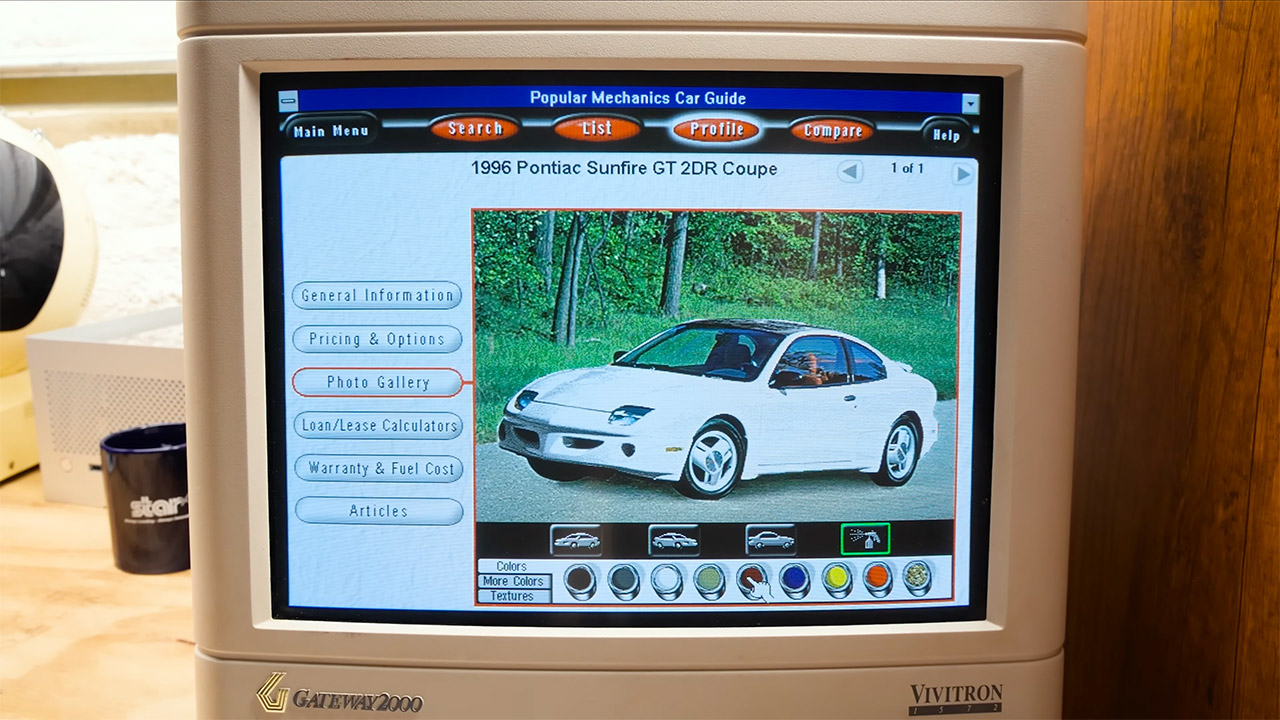
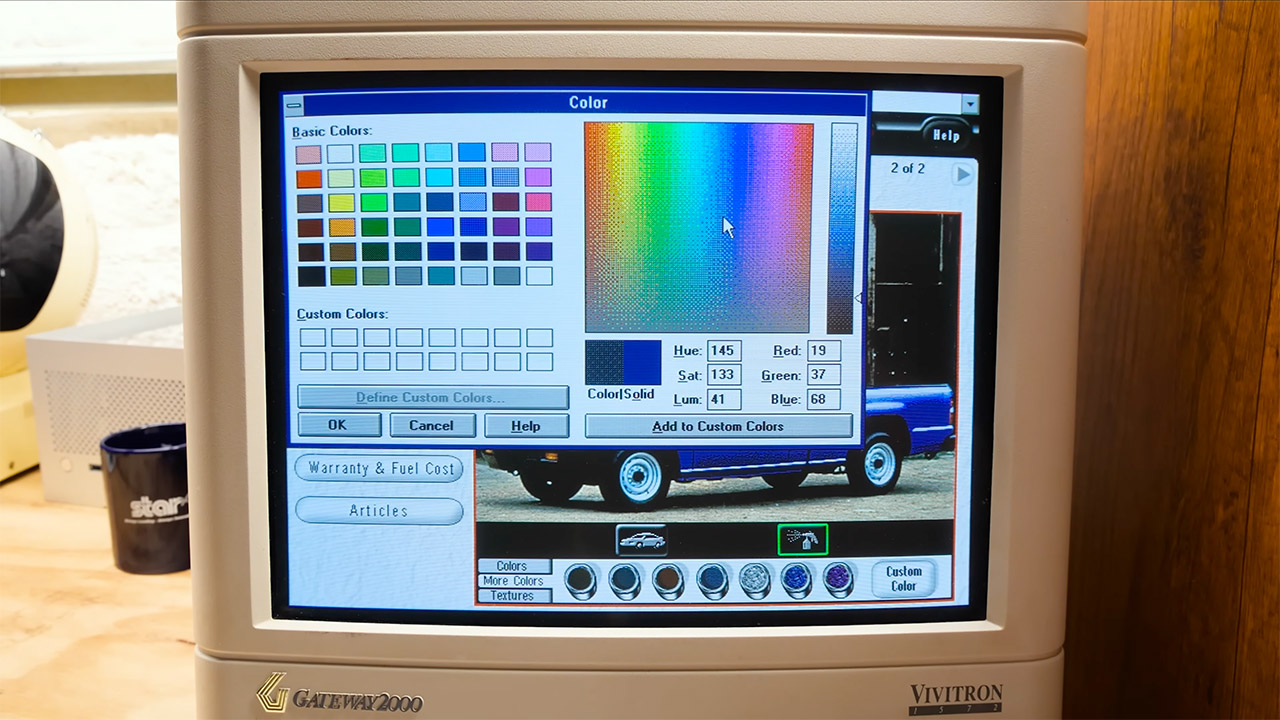
The screen is packed with photographs of the car from various angles on the outside, as well as some of its interior components such as the dashboard, console, and seats. One fun feature allows you to recolor the car just for fun. You can choose from the factory paint colors that came with it or utilize a far broader color pallet that includes metallic flakes and, yes, even wood grain designs. So, if you want to envision a Pontiac Sunfire GT or a Ferrari F355 with a bright pink metallic paint or a wooden dashboard, you can, and the end result is the type of wacky result that’s so typical of a CD-ROM from the 1990s.
The transition between pages is very smooth, thanks to some sliding effects and simple morphing, and if you want some background noise, there’s even a loop of some fairly pleasant, albeit cheesy, music playing in the background. Many of the cars on the disk feature full-motion video clips. Some work well, displaying cars like a Buick Park Avenue or a Mazda RX-7 traveling along the road or sitting in a showroom. Others can be difficult to find or get operating, which is due to the way video compression used to work in the past.
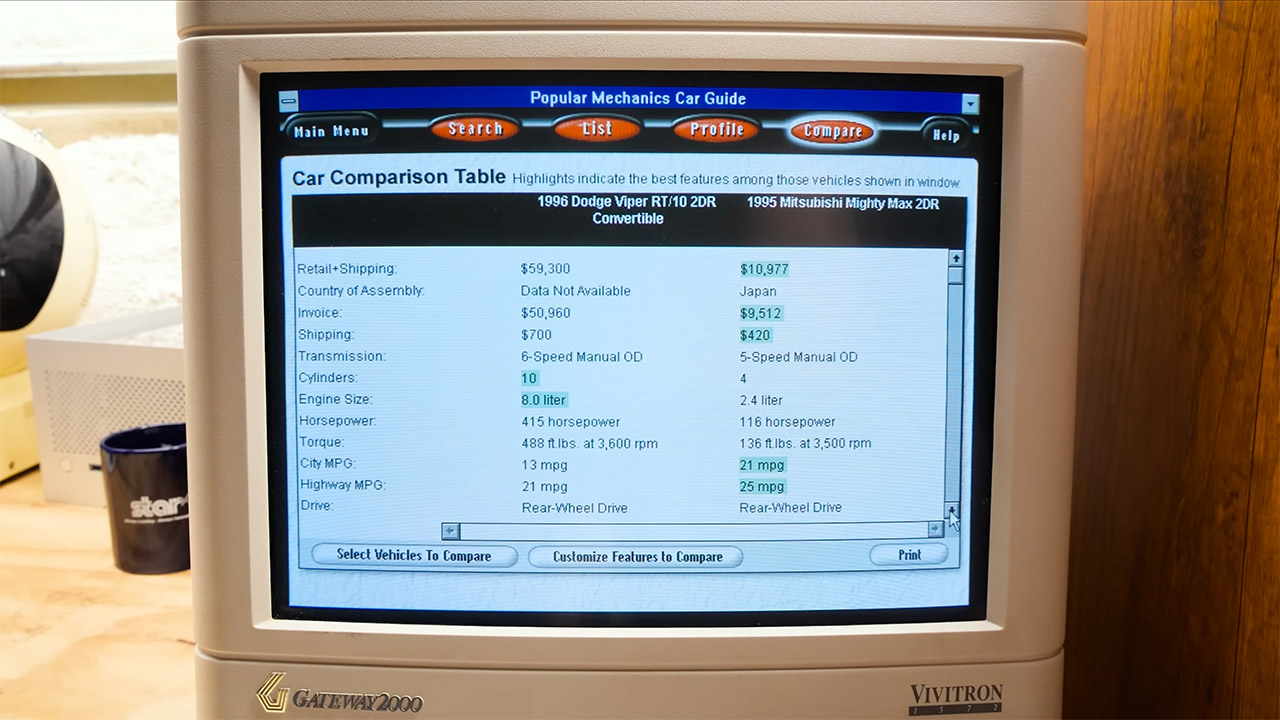
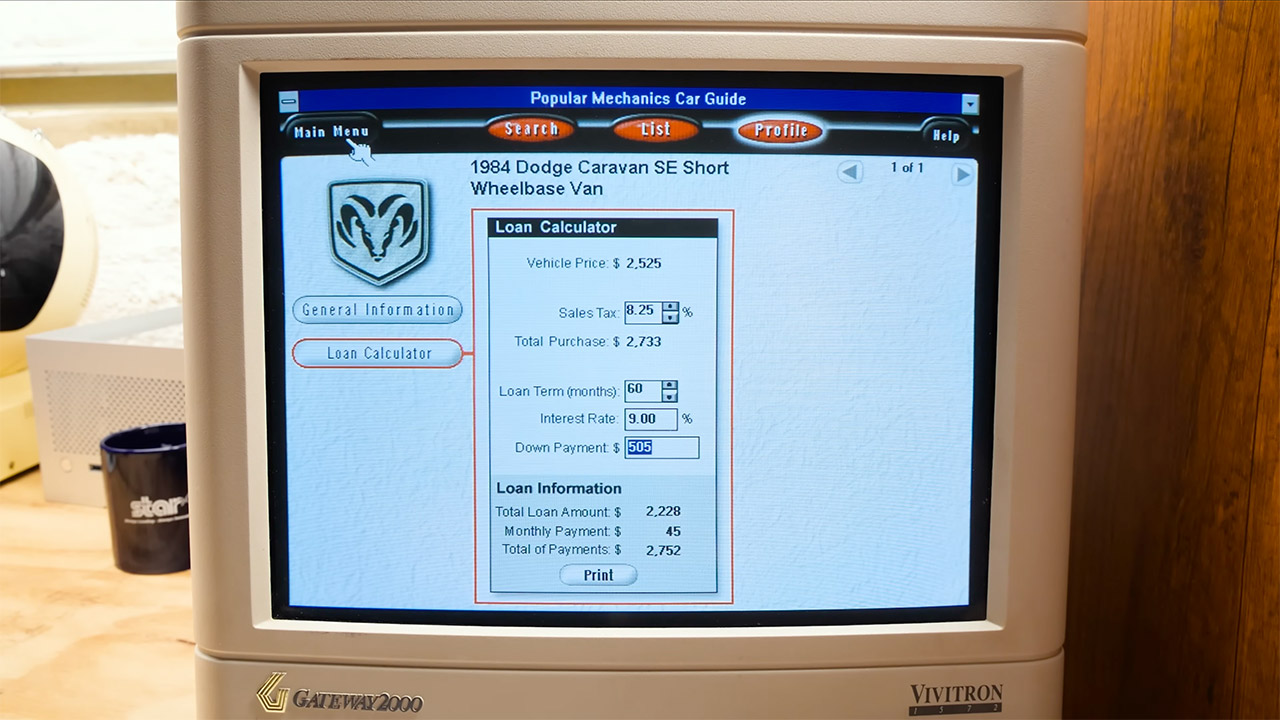
So, if you want to see how various cars compare to one another, utilize the comparison tools to place two models side by side. Putting a Dodge Viper next to a Mitsubishi Mighty Max emphasizes how different the two vehicles are, as it’s not only about the statistics, but also how the presentation works. Other features include calculators for determining how much a car will cost to buy or lease, as well as information on how to sell a car when you’re done with it. You may even locate phone directories with a variety of important information, such as where to obtain components or who to contact for an insurance quote.
If you already have a working Windows 3.1 setup or are using an emulator to get that ancient system up and running again, you can download the disk image and test everything out for yourself. What you’ll see is far less smooth than what you’d get in a current app, but much more akin to what automobile purchasers had to deal with back when CD-ROM drives were the thing to have in your computer.