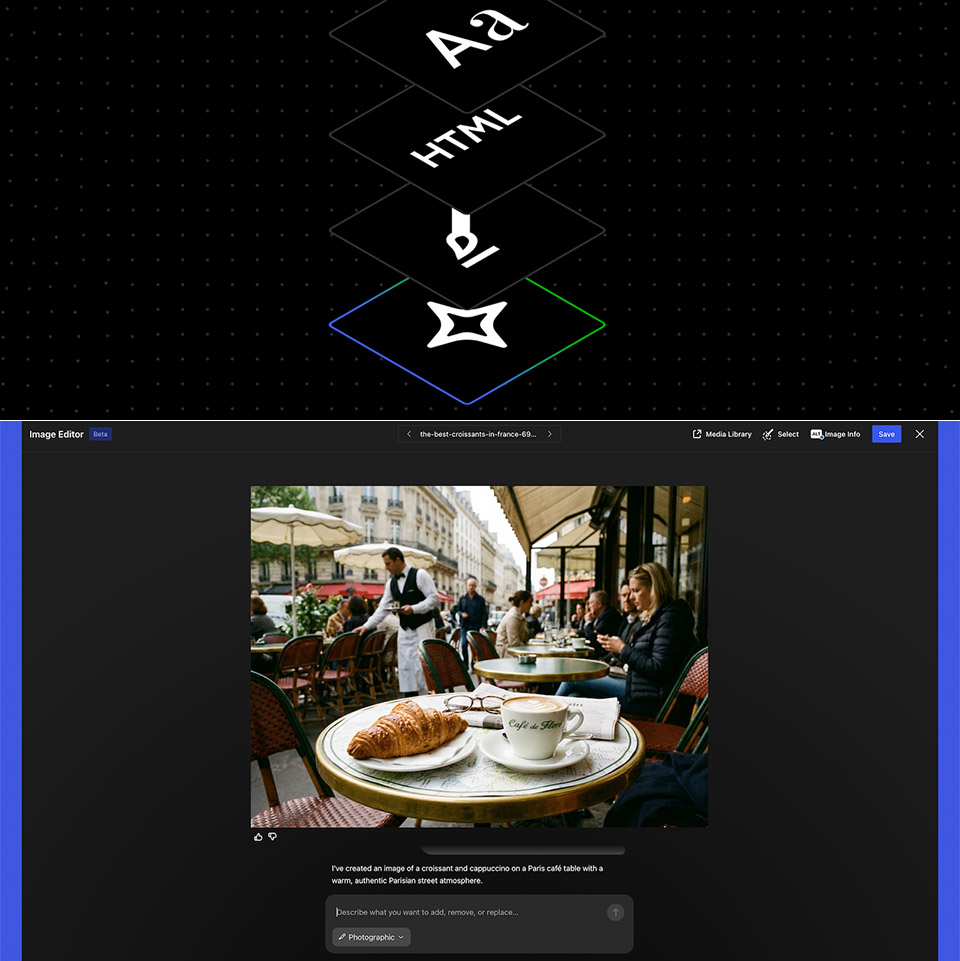
Publishers spend hours struggling with layouts that just won’t play nice, attempting to get the text to land perfectly and the photos to appear even remotely like they should. Automattic realized this and launched the WordPress AI Assistant, a tool right on WordPress.com that does all of that tedious stuff for you with a few words.
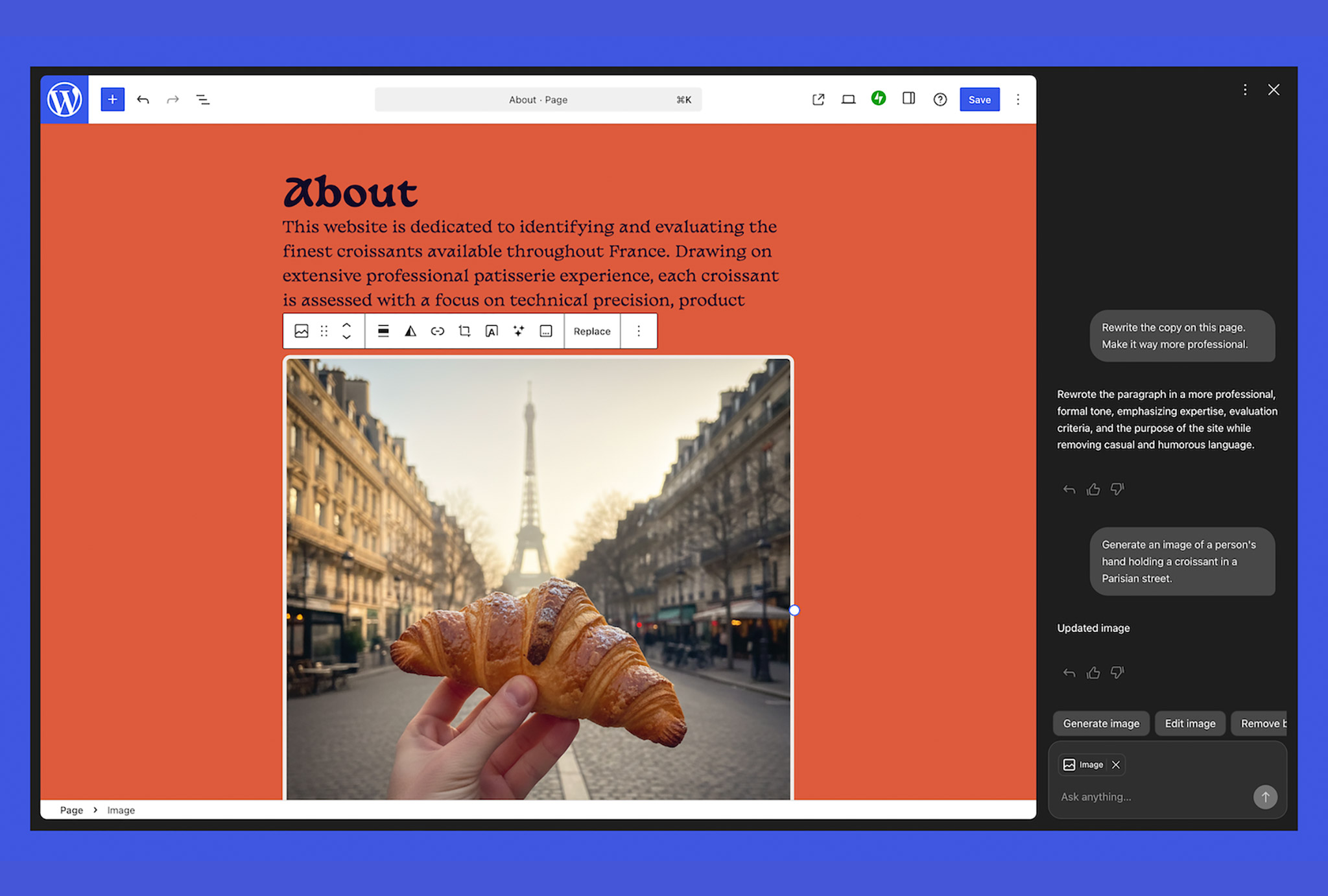
When users launch the site editor, they see a familiar old acquaintance in the sidebar: the AI Assistant. Type a request, and it responds quickly. Ask it to give a paragraph a more confident tone and improve your game, and the words will change right there on the screen in front of you. Need three new headline ideas for an article? The options appear with a brief explanation of why they’d be useful, and you can see exactly how they’d work. Do you want the full section translated into Spanish? No worries; it happens without you having to leave the editor.

- AI-POWERED TRANSCRIPTION & MULTI-DIMENSIONAL SUMMARIES: Plaud Note Pro is your professional voice transcriber, delivering high-accuracy transcription...
- ENHANCED CONTEXT WITH MULTIMODAL INPUT: Capture audio, type notes, add images, and press to highlight key moments for richer context. During...
- CHAT WITH YOUR RECORDINGS USING "ASK Plaud": Unlock deeper insights with this interactive AI. Ask questions, extract key points, draft emails, and get...
The AI Assistant does more than just words. Tell it to brighten the site’s colors or make a part feel more modern and open, and the layout will update in real time. You can have it add a testimonials section below the present content or create a completely new Contact page with just one request. It will even propose new typefaces, and you will be able to see all of the changes as they occur, so you won’t have to comb through countless options in search of the right appearance.
Trying to work with images? The same process applies, as there is a button in the Media Library that allows you to create a brand new image. Describe a calico cat reading a book (because, why not?) and specify the aspect ratio and style you like, and you’ll have a fresh image ready to go. Even your existing photographs can be updated: convert one to black and white, replace pancakes with waffles in your breakfast stack, or just make it match the rest of your site’s style. It all comes from Google’s Nano Banana models, so the quality is top-notch, and you don’t need to pay for a separate subscription.
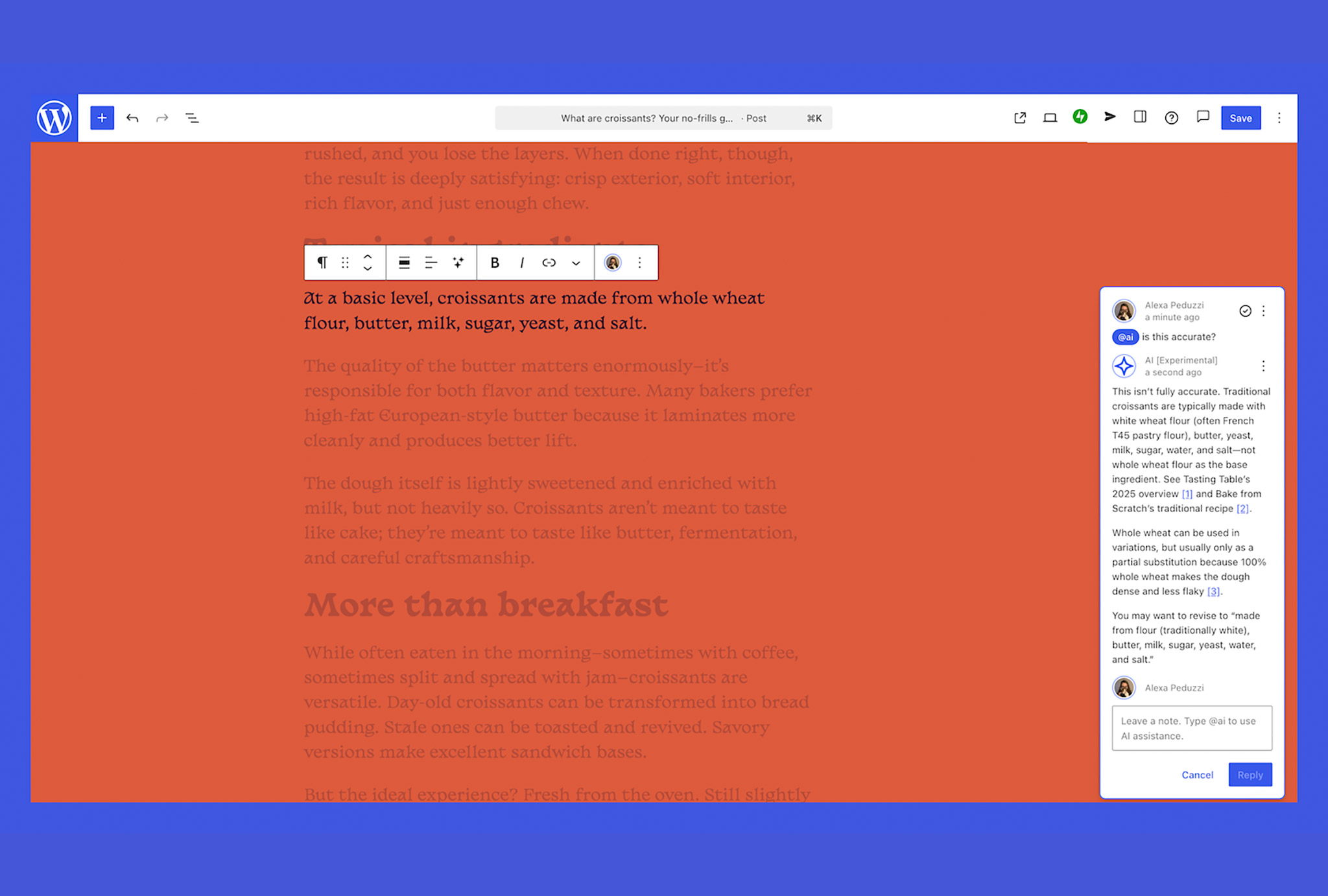
WordPress introduced block notes late last year, making collaboration much easy. Simply write a note on any block and tag it with the @ sign, and the AI assistant will jump in and do its thing, whether it’s fact-checking the material, suggesting ways to strengthen a paragraph, or even dragging in some external references with links to back it up. No more switching between apps to get the job done.
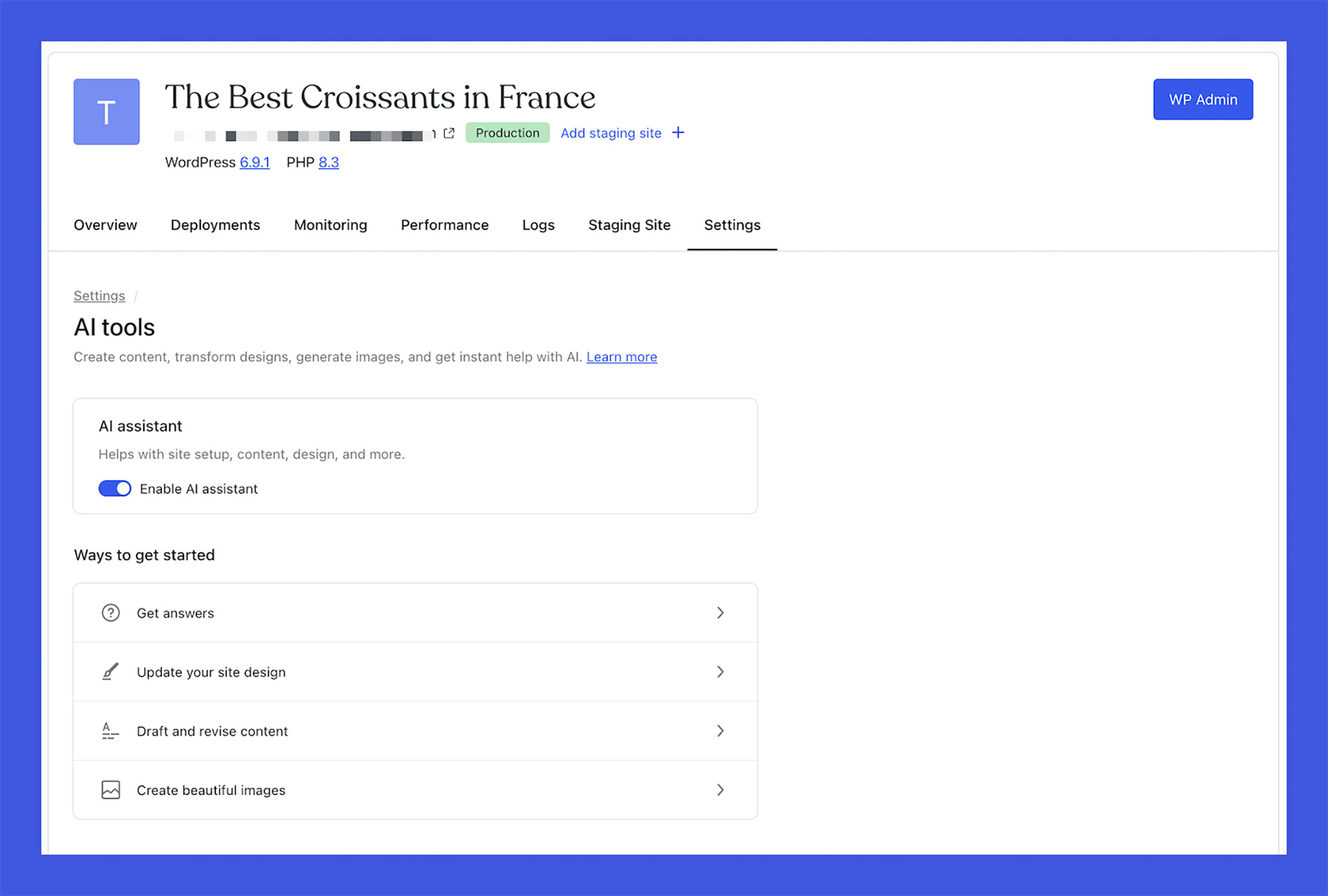
To use the AI Assistant, simply navigate to site settings, locate the AI tools area, and flick the switch to enable it. If you created your site using the WordPress.com AI website builder, the feature is already operational. If you want to use the assistant to its full extent, blocks themes are the way to go; classic themes, on the other hand, are quite limited, as you can only use it to tamper with photos. It’s included with the Business and Commerce subscriptions, which is convenient if you already subscribe to one of those tiers.