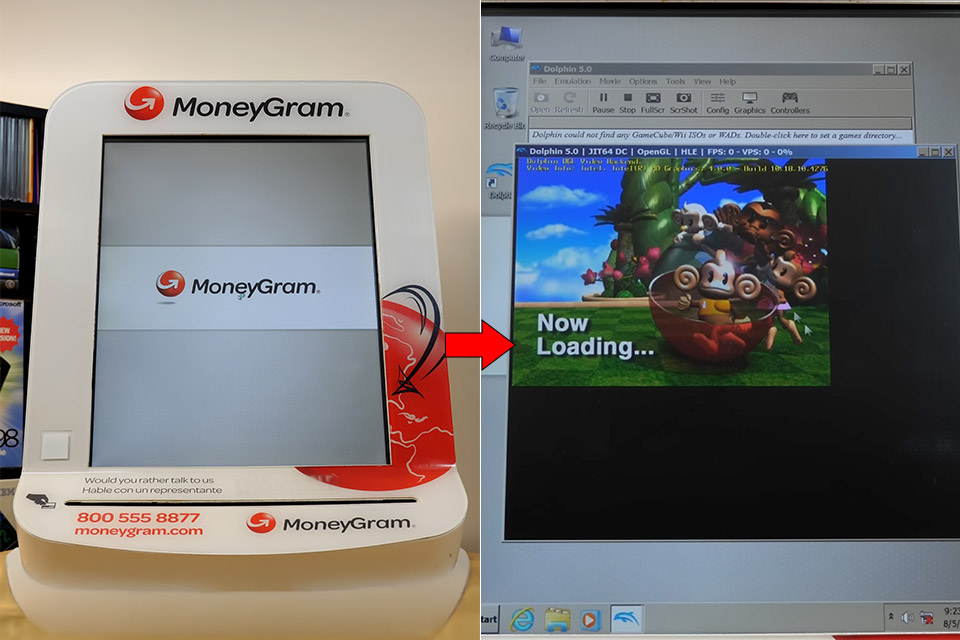
Michael MJD picked up a decommissioned MoneyGram self-service kiosk PC that once sat in places like pharmacies, ready for customers to start money transfers or bill payments before heading to the counter. The unit arrived as a solid metal enclosure weighing around 60 pounds, built more like industrial equipment than a regular computer. An Elo DuraTouch resistive screen sat in front of a Dell monitor, with a card reader, speakers, wireless antenna, and a Belkin power strip riding along for the various ports. Power, USB, audio, ethernet, and display connections filled the back. It powered on by itself once electricity reached it, with no obvious external button needed.
The first time it booted, Windows Embedded Standard 7, a 2014 version, appeared to say hello, coupled with a MoneyGram splash screen. When you boot up offline, the system goes into maintenance mode. Once a network connection was established, the interface appeared, but the actual transfer feature had been blocked and replaced with some error messages. So you have two accounts to play with: kiosk admin and kiosk user. The touchscreen literally wouldn’t budge at first, and the card reader wouldn’t even let you swipe your card

- 2K IPS TOUCHSCREEN DISPLAY - 1920 x 1200 resolution delivers incredible detail, wide-viewing angles, and lifelike color reproduction
- AMD RYZEN 3 30 PROCESSOR - Everyday performance you can count on; multitask, stream, game casually, and edit photos smoothly with responsive power and...
- ENJOY UP TO 14 HOURS AND 15 MINUTES OF BATTERY LIFE - HP Fast Charge restores battery from 0 to 50% in approximately 45 minutes
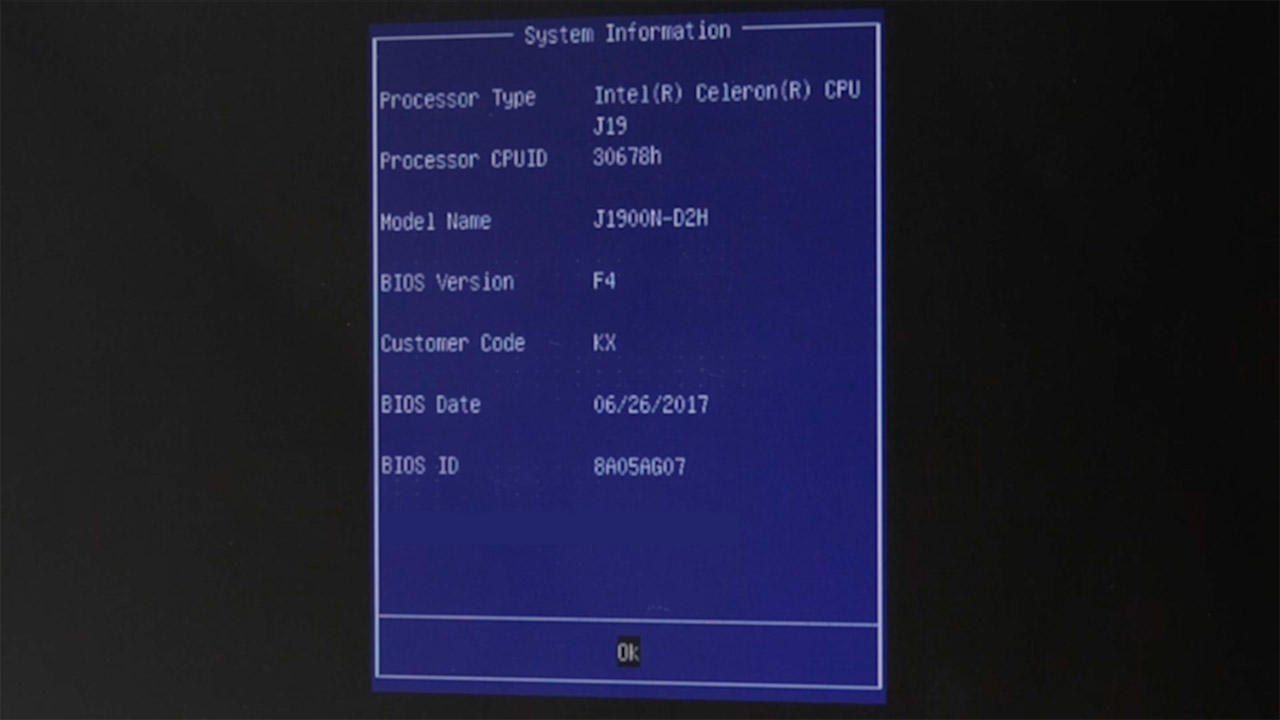
It took some time to get around the lockdown. Hiren’s Boot CD, as well as the tried-and-true sticky keys method using sethc.exe, began to cause problems. Safe mode was the key that eventually enabled the administrator account and unlocked the entire desktop after logging in. When you finally got inside, the different things on the hard drive became much clearer, as the operating system and apps were all on a Transcend 2.5-inch 64 GB solid-state drive, you had 8 gigabytes of RAM split into two 4 GB modules, and the Intel Celeron J1900 quad-core processor was clocked at 1.99 GHz on a Gigabyte motherboard. Kaseya remote management software, Elo touch drivers, and the moneygram.exe app with all of its supervisor tools took up the majority of the drive space. The remaining storage was subsequently sorted using WinDirStat.
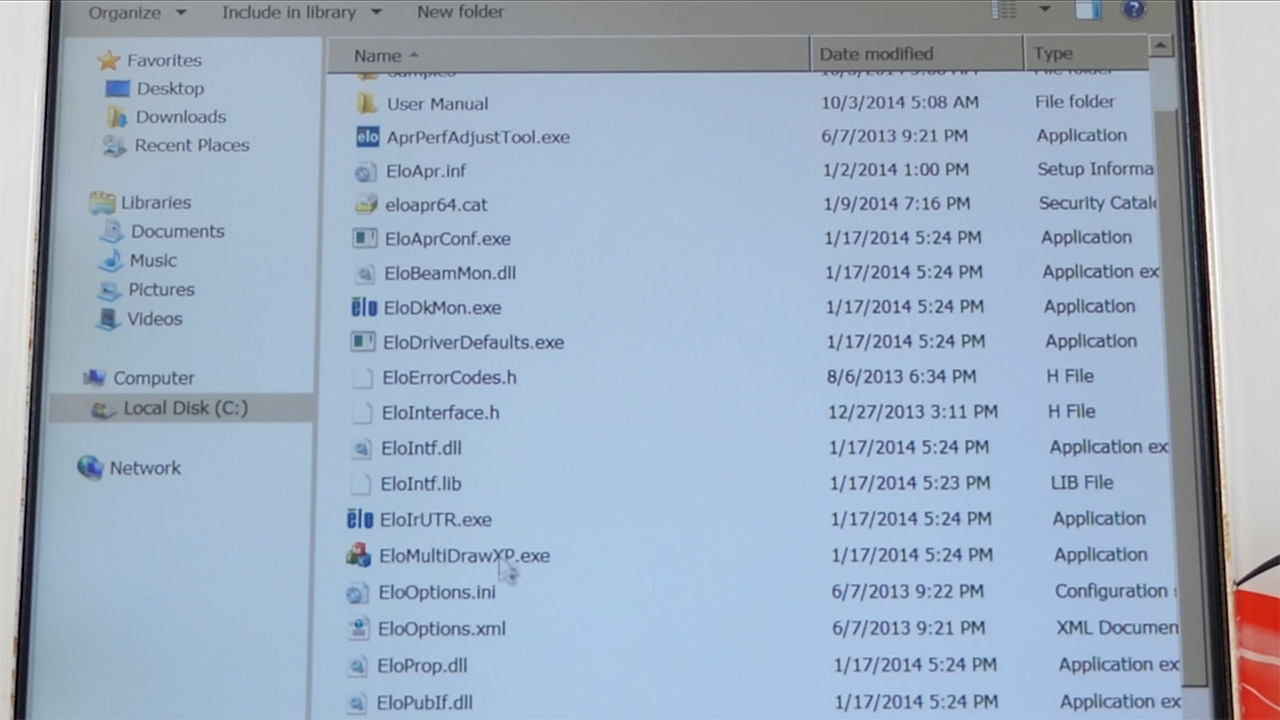
The touchscreen calibration would not stick no matter how many times you tried in normal or enhanced mode. What was strange was that the touchscreen worked perfectly while you logged in as an administrator, but when the kiosk software closed everything down, it simply stopped operating.
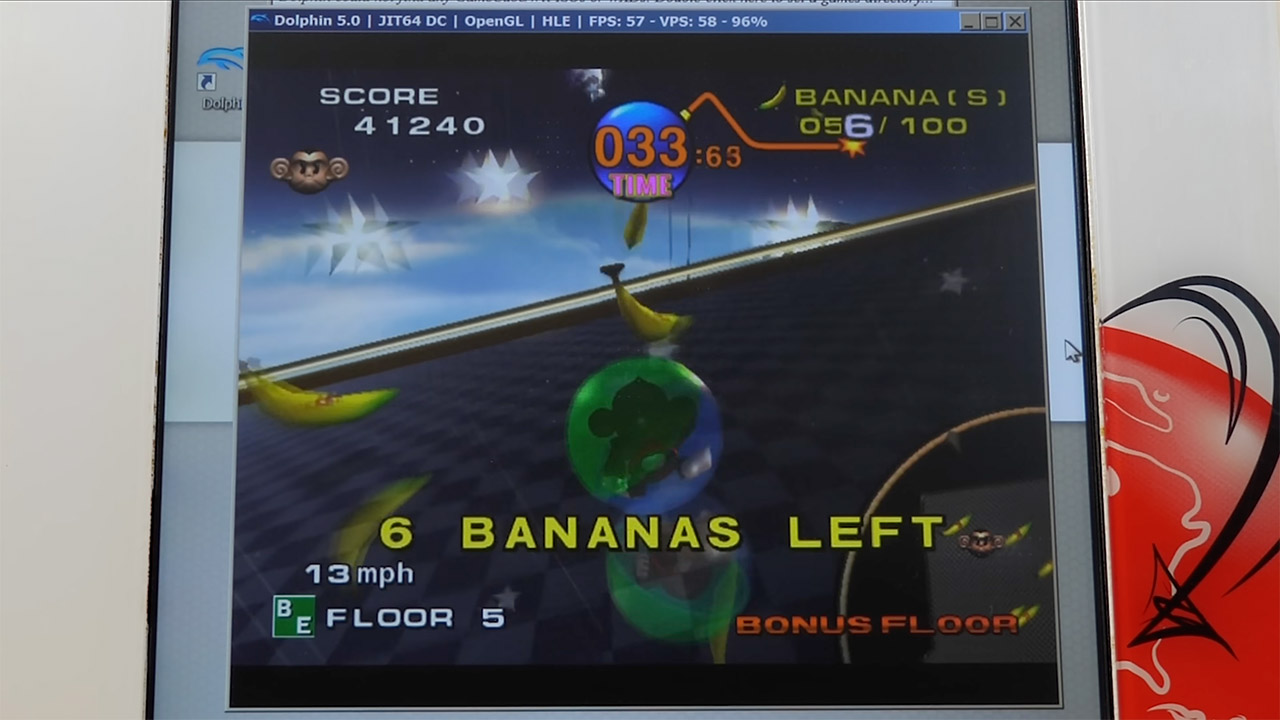
When all of the restrictions were finally lifted, a few older games were loaded up to get a sense of how the machine was handling. Half-Life ran at low resolution, but once the output was adjusted to direct, it played quite smoothly and with no jitter. Super Monkey Ball on the Dolphin emulator using the keyboard was still relatively playable; frame rates were fixed at 30-50, so it could handle a few light retro games without entirely going over.