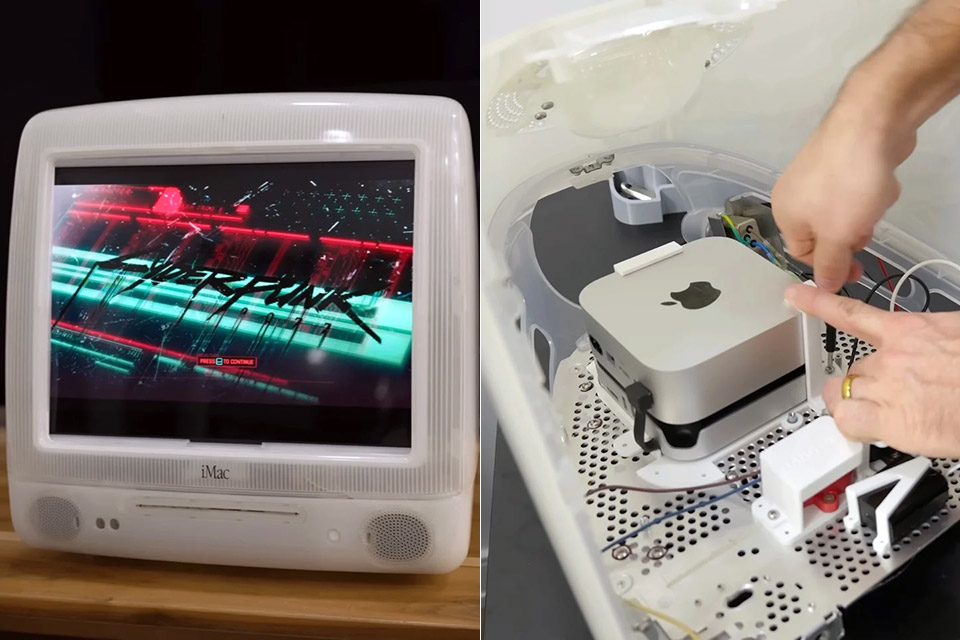
Zac Builds acquired a tattered old iMac G3 from the 1990s, one of those legendary all-in-one PCs that dominated every desk. The device resembled a brick, thanks to its clunky old CRT screen, and inside was a jumble of yellowed plastic that crumbled to the touch and antique components that had been collecting dust for years. Instead of throwing it away, Zac recognized an opportunity to give this old girl new life. He gathered his equipment, which included a 3D scanner and printer, a soldering iron, and a custom-built fume extractor dubbed the Zacuum, and set to work, stripping it down to its bare elements.
The most terrifying part of disassembling an iMac was the CRT screen. Even after years of being disconnected, it gadget still had enough juice to deliver you a terrible shock. Zac grabbed a screwdriver with a grounding connection and gently poked the anode cap to release all of its stored energy before delicately heaving the screen out without breaking its delicate vacuum seal. There were a few more screws to be found behind all the stickers and behind the screw-hides, another classic Apple tactic to deter curious people from tinkering with things in the first place. When the motherboard, disks, and tiny speakers came loose, the casing virtually fell apart. There wasn’t anything to keep the two halves together anymore. Zac strapped everything onto his workbench, turned on the 3D scanner to capture all the curves and nooks, and just hit record.

- SIZE DOWN. POWER UP — The far mightier, way tinier Mac mini desktop computer is five by five inches of pure power. Built for Apple Intelligence.*...
- LOOKS SMALL. LIVES LARGE — At just five by five inches, Mac mini is designed to fit perfectly next to a monitor and is easy to place just about...
- CONVENIENT CONNECTIONS — Get connected with Thunderbolt, HDMI, and Gigabit Ethernet ports on the back and, for the first time, front-facing USB-C...
Rebuilding the outer casing required some skill, since the previous clips had become brittle, so Zac created some new ones in Fusion 360 and printed them from a special filament that allowed light to show through, similar to the old iMac’s translucent blue or green body. He added some solid poles to hold the halves together, as well as a handy tiny spacer to protect the power cord from becoming tangled. After some trial and error to find the perfect shade of glow, a few hours waiting for the glue to dry, and a few harsh shaking to ensure it would remain together, Zac had a solid shell to work with.
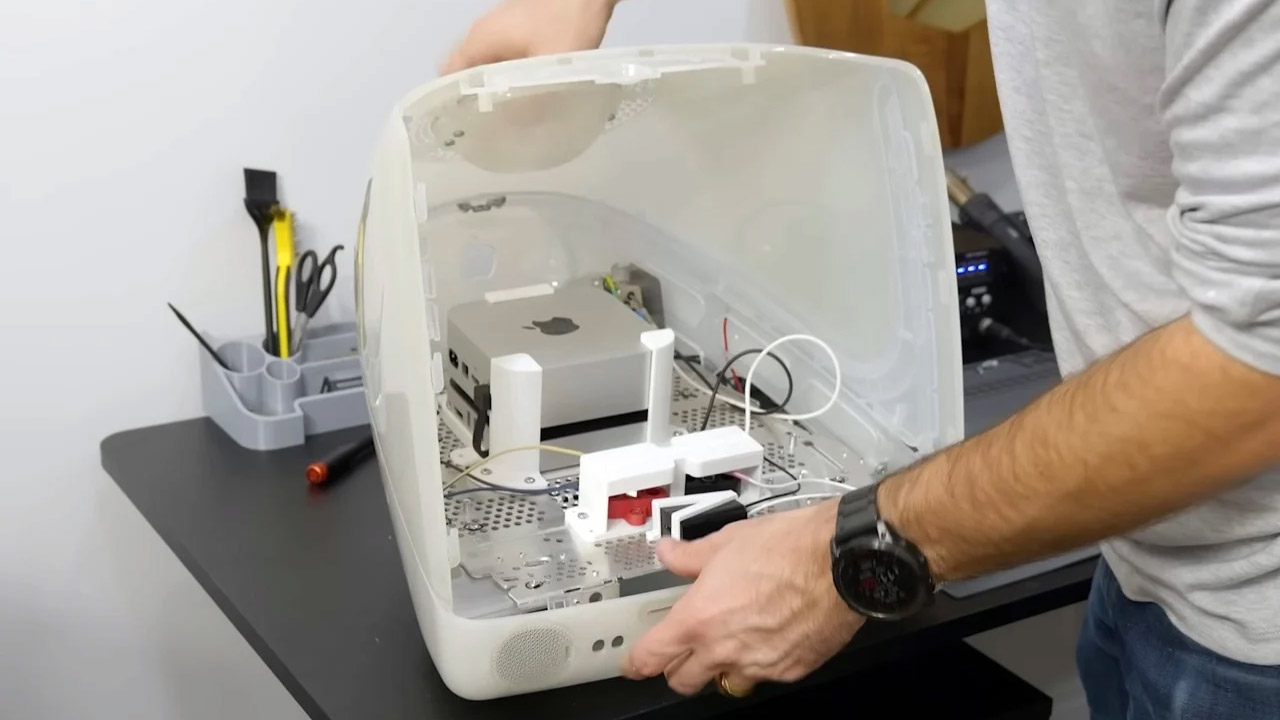
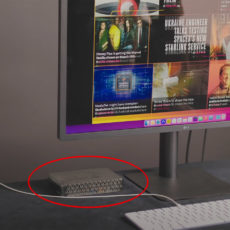
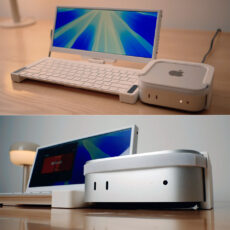
At the core of this old-new machine was a sparkling new Mac Mini with an M4 chip, a true powerhouse that Zac had buried in a little custom mount he’d made together using some scrap steel from the old iMac’s frame. The Mini was small enough to fit without taking up too much space, and he had allowed enough area for airflow and future-proofing. Zac rerouted the old power cord to a fancy junction box to convert the 120v to the correct voltage for the Mini and other components, then slung some wires in with crimp connectors that were sealed up with heat-shrink tubing, all covered in a little printed guard to keep things from shorting out. Finally, he soldered the Mini’s tiny power switch contacts under a microscope, connected them to the front button, and added a small plastic lever to make it seem like a real button. Then, with a single button press, the entire thing erupted into life.
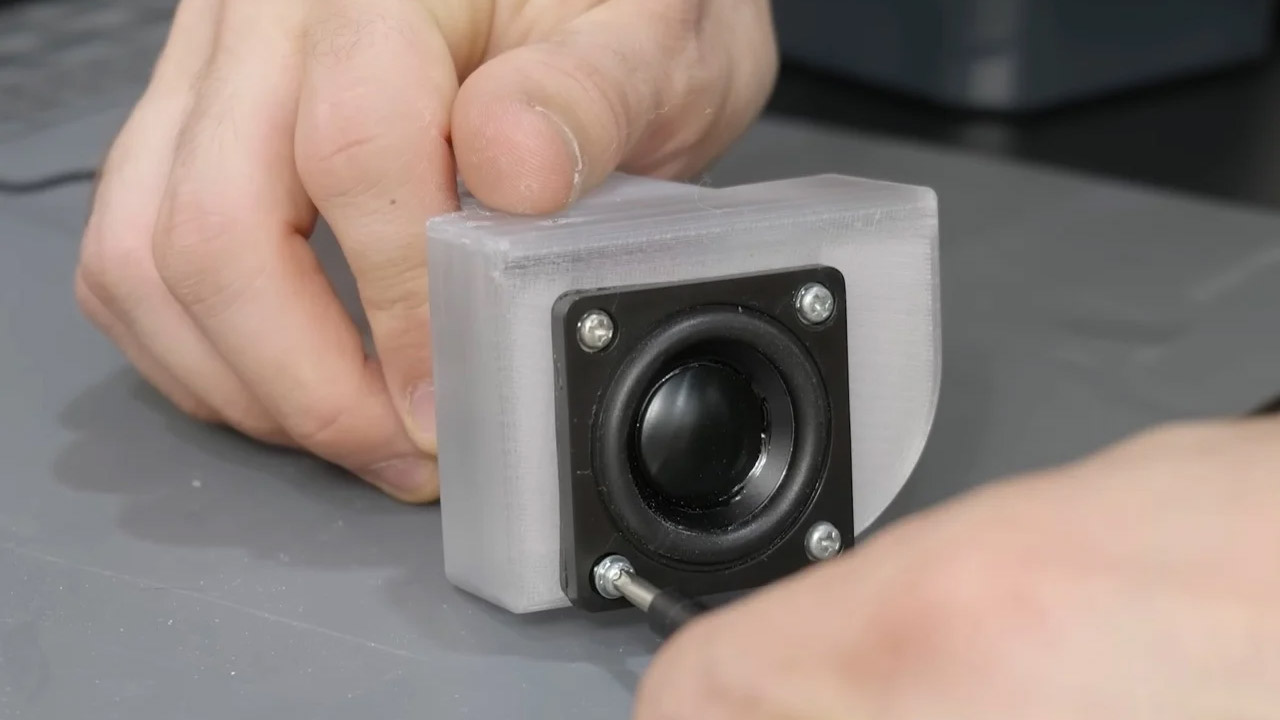
The sound received a major boost next, since the standard speakers struggled to provide any punch, so Zac replaced them up for some far more powerful Dayton Audio drivers, which were an inch and a half broad and three times as strong as before. These full-range devices handled every note without issue. He meticulously built the enclosures to match the exact volume criteria for the best possible output, then printed them out clear as day and fastened them securely to the frame, finally sealing up the wiring holes with some good old silicone sealant. A 200 watt digital amp, plugged into the Mini’s headphone jack and powered by a nicely put away transformer, then turned up the volume without any distortion. A pair of rear panel knobs allowed Zac to fine-tune the balance before giving over control to the program, which was a pleasant touch. Early testing illuminated the space with clarity that the original could only dream of.
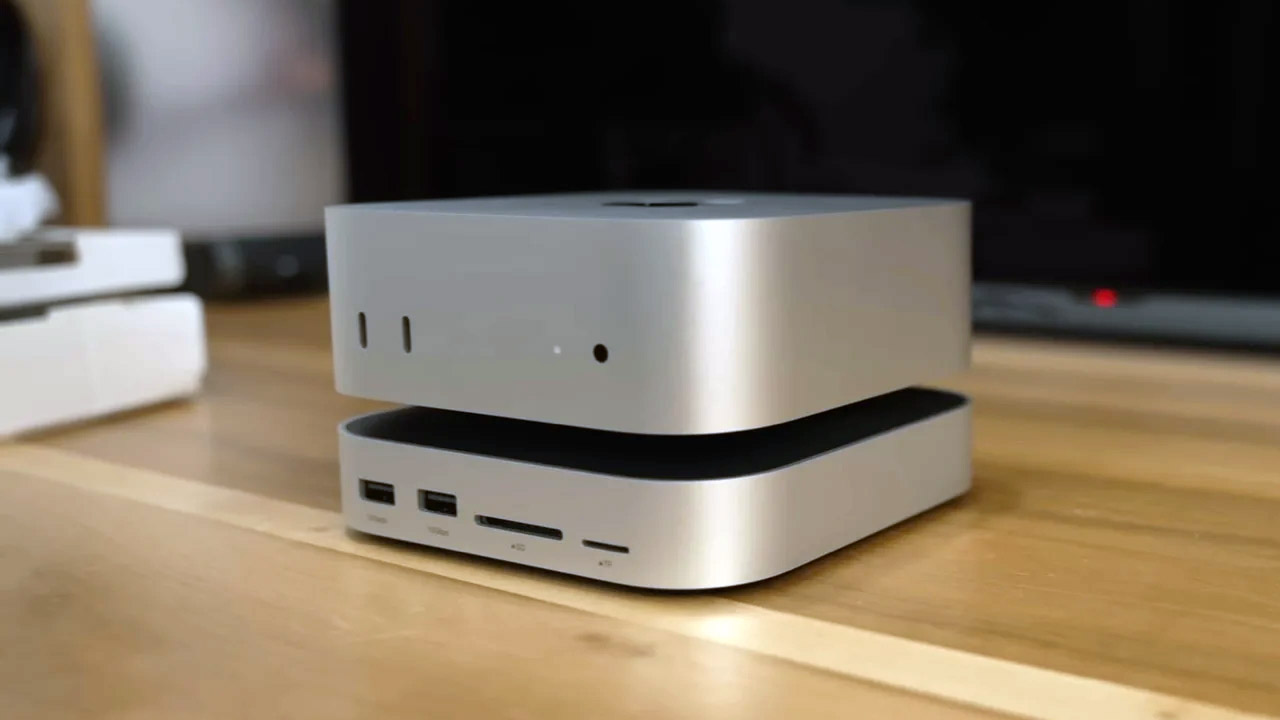
Storage improvements also neatly avoided Apple’s outrageously costly rates. Zac pried apart the Mac Mini to replace the built-in drive with a 1 Terabyte NVMe solid-state drive, which was secured in place by a single screw. The tough part was recovering the system, which required booting the Mini into recovery mode and connecting it to another Mac via a Thunderbolt cable, a step that Apple’s instructions skipped over. A UGREEN hub simply slipped onto the Mini, providing Zac with an extra space for a 2 Terabyte drive that locked neatly into position in seconds. Transfers were lightning fast, at about a gigabyte per second, which is roughly twice as fast as the original. Large files went right into a UGREEN network box, which has storage for 60 Terabytes over two hard drives, and Zac had it all set up and operating in less than ten minutes, simply for backups and file sharing over the local network. And the best bit? There are no unnecessary subscriptions to get in the way, just dependable access at a fraction of the cost of cloud storage.
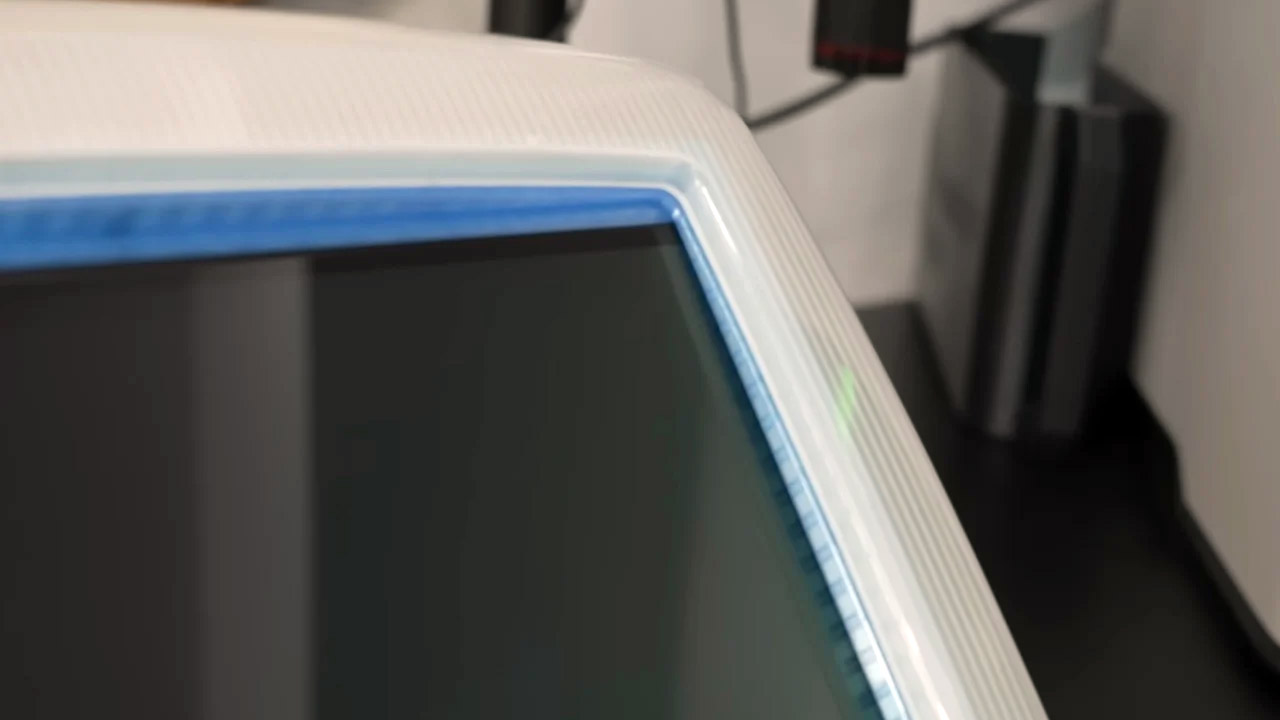
Fitting a new screen proved to be the most difficult issue of the entire endeavor. The curved front bezel begged for a four by three ratio, yet most modern displays are far wider than that. Zac chose a 14-inch four-kay OLED instead, which proved to be bright, colorful, and had deep blacks that erased any recollection of the old CRT’s flicker. To connect the flat glass to the rounded edge, he produced a custom interposer frame that exactly filled all of the gaps, was held together by brackets, and was glued in place slowly. The screen’s power supply received a longer cord, which he soldered and crimped before neatly tucking away under a printed-on cap. Brightness peaked at 350 nits, which is more than enough for any area, and the increased space made daily activities feel much larger. When he finished the assembly, he snapped the bezel back into place, hiding all of the seams behind that familiar curve.
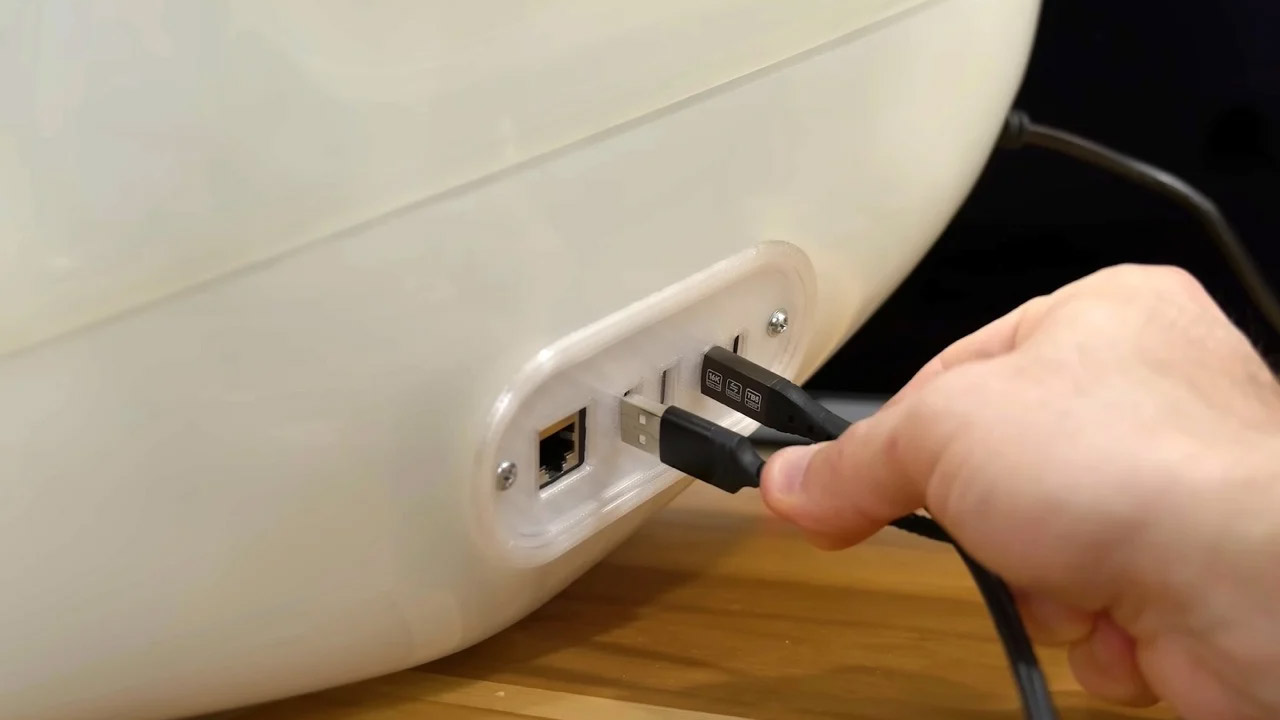
Ports remained precisely where they were previously, gathered toward the back for a clean, uncluttered appearance. Zac ran short connections from the Mac Mini to a printed panel featuring Thunderbolt, USB-C, two USB-A, and Ethernet ports, and he was able to access them all without having to go around inside. The UGREEN hub also fit in there, boosting Zac’s options when he needed them. Zac was able to boot the system for the first time once everything had been connected up and powered. The OLED screen was bright and clear, the speakers were pristine, and the M4 chip breezed through apps with no stuttering. A quick edit of some 6 Kay video footage confirmed the speed, with layers stacking smoothly in seconds.
[Source