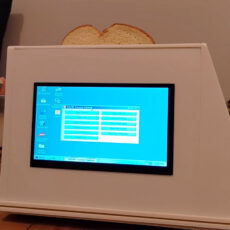
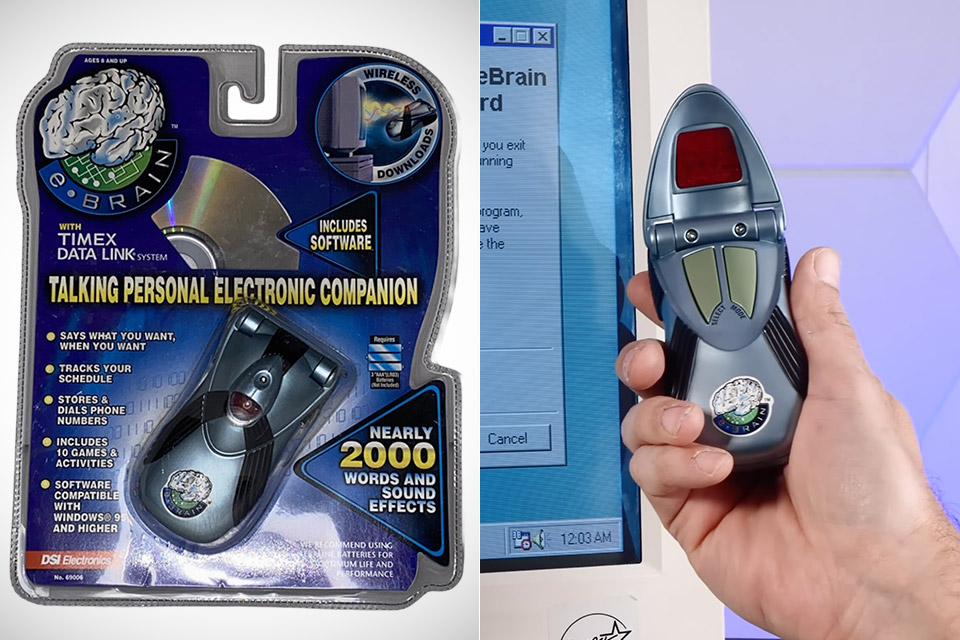
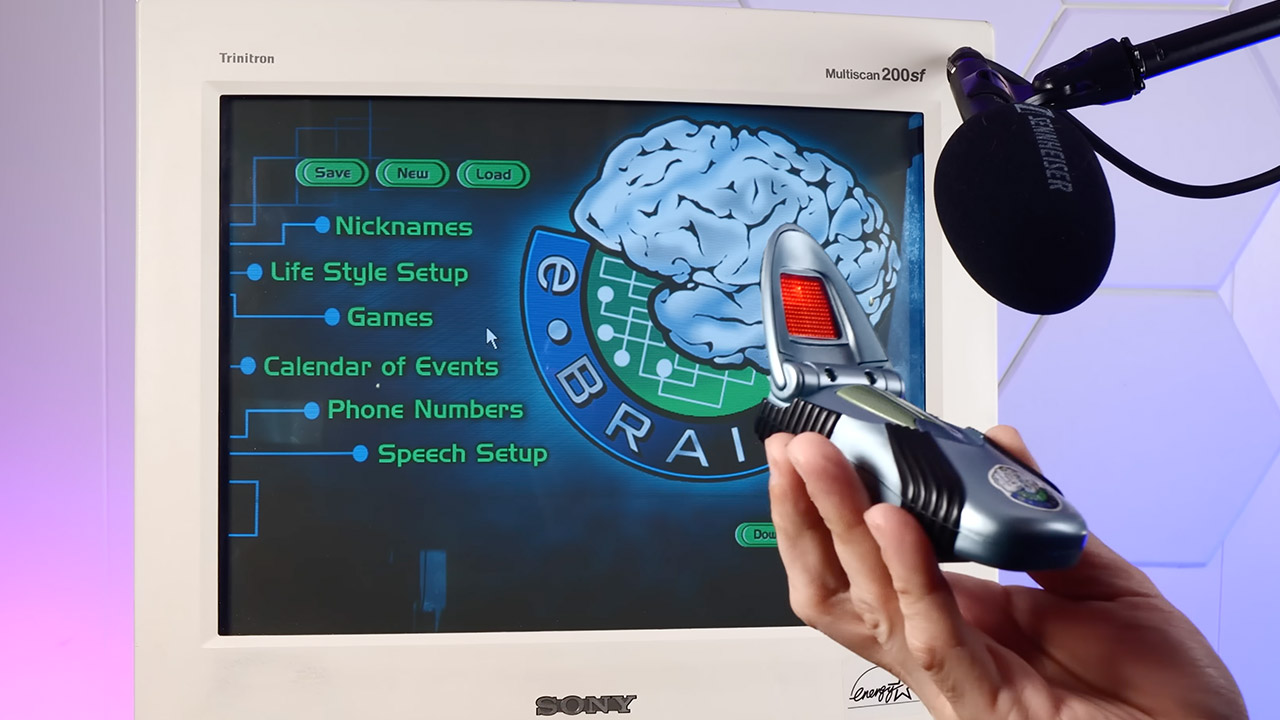
DSI Electronics put this thing out in 2001 and called it the eBrain Talking Personal Electronic Companion. Model 69006. Silver plastic shell that folds open like some kind of sci-fi prop from a low-budget space show. Three AAA batteries keep it alive. No internet connection of any kind. No cloud. Just a little speaker, some buttons for mode and select, and an optical sensor that only understands light patterns from a CRT monitor.
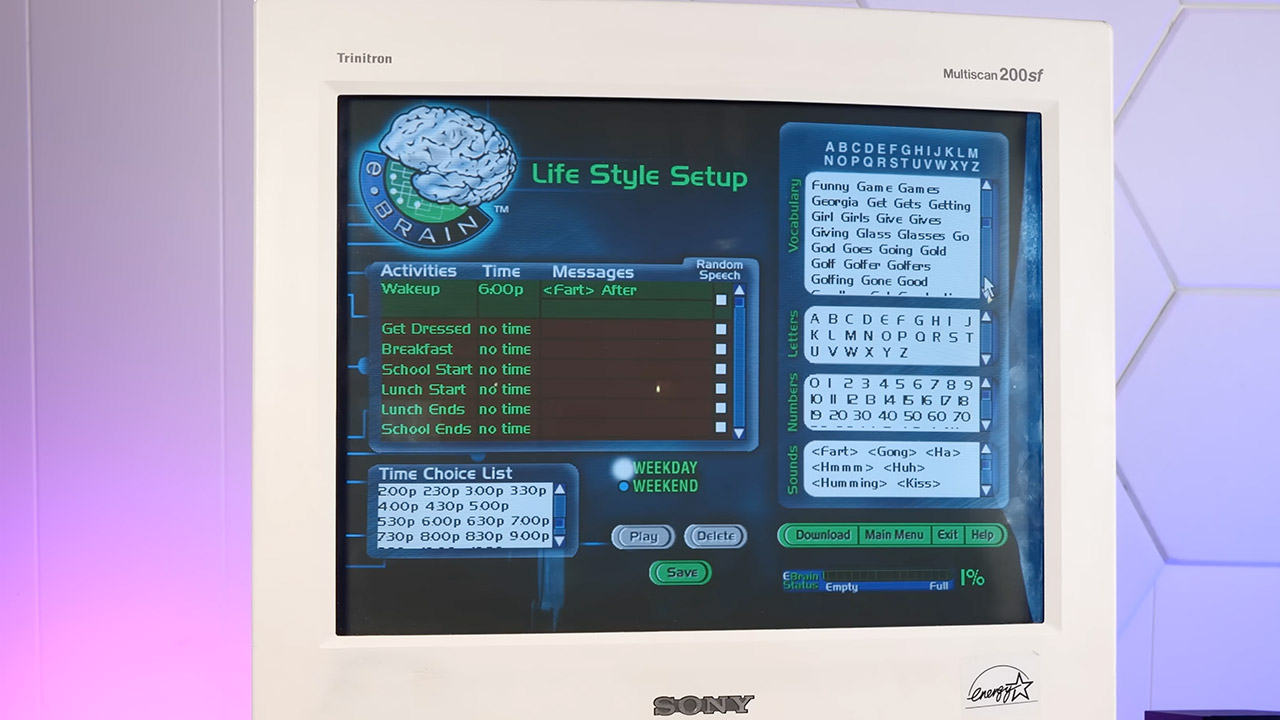
You insert the CD included in the box into your Windows 95 or 98 computer and install the software. This program allows you to build a unique personality for the gadget. You browse a library of roughly 2,000 words and sound effects, which is enough to hold a respectable conversation, then thread them together into sentences. You can give your device nicknames and schedule daily activities that will occur at specified times. Users can also load phone numbers with spoken labels, select which of the 10 built-in games and activities are active, and turn on the eBrain so that the software flashes a series of light bars across their monitor. The sensor detects the pulses and saves the information, a technique adopted from Timex’s Data Link watches of the mid-1990s. It only works on CRT monitors with the proper resolution, color depth, and refresh rate, so if you have an LCD, you’re out of luck unless you can find an old laptop adapter.

- Capture every conversation clearly: Four microphones capture voices from up to 5 meters (16.4 feet) away. Note Pro detects in-person conversations and...
- Award-winning design: Winner of the iF, Red Dot Design, and the 2026 Good Design Awards. Just 2.99 mm (0.12 inches) thin and 30 g (1.06 oz), with a...
- Everything Included: Includes Plaud Note Pro, magnetic case, magnetic ring, charging cable, and a free Starter Plan with 300 transcription minutes per...
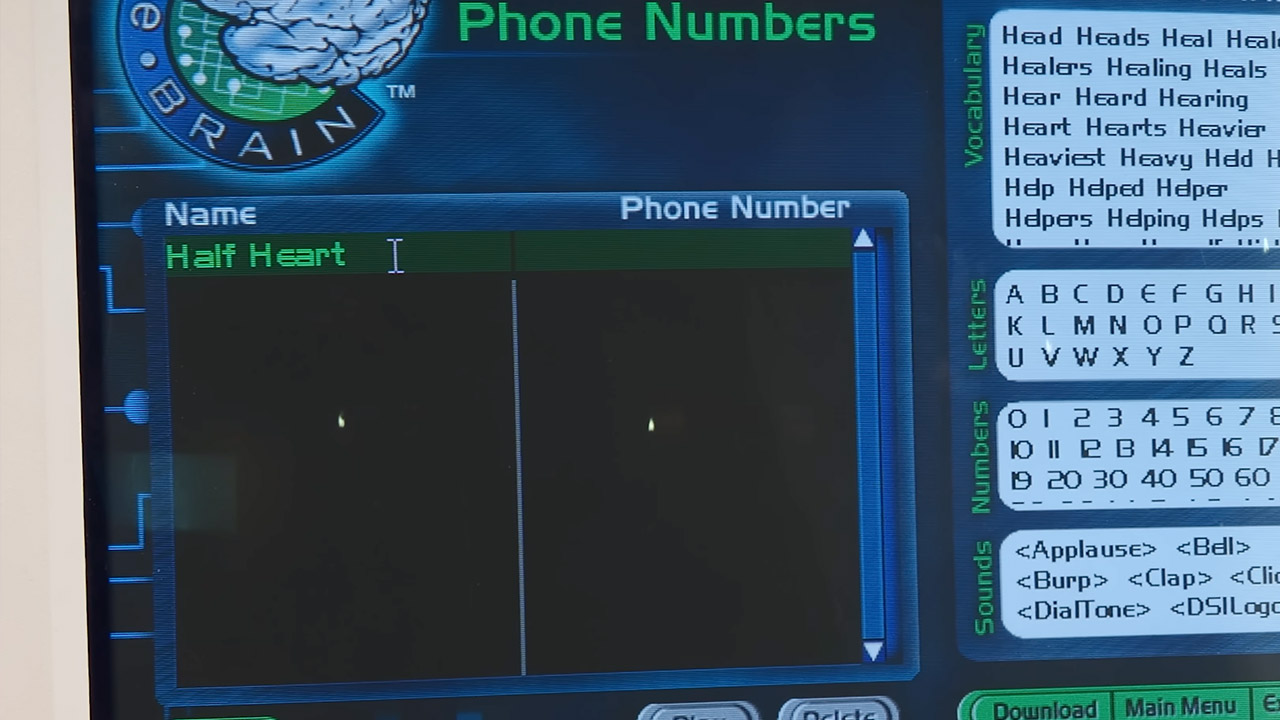
Once everything has been loaded, the eBrain begins to speak. The voice is a little tinny and sometimes sounds clipped. However, things start to become interesting. It can greet you with the moniker you selected, remind you of meetings with the exact language you programmed, and even play random lines when it feels like it. Its sound library includes all of the standard words, as well as a healthy serving of bathroom noises, bells, clapping, and other sounds that make the whole thing feel a little out of control. So you ask it what time it is, and it will provide an answer. Tell it to run a countdown, and it will clock down and celebrate with the sound effect you assigned to that specific action. In terms of games, there’s a fortune teller, a memory test, metronome, stopwatch, Morse code practice, and a handful that sound like they were written down on a cocktail napkin at 2 a.m.
Phone numbers sit in its memory with spoken names. You simply hold the device against a phone with a dial tone and push the choose button. The eBrain creates the dial tones itself. In principle, it should work perfectly fine. In practice, however, it is one of those features that is both intelligent and completely ridiculous at the same time.
Everything about the eBrain is situated at a unique crossroads of ambition and limitations. The data transfer mechanism they designed is great; the vocabulary is just wide enough to be relevant while still being small enough to lose out on some highly common terms. Then there are the games, which feel like a jumble of afterthoughts that somehow made it into the final package. The battery compartment is rather common.