Photo credit: Stopdesign
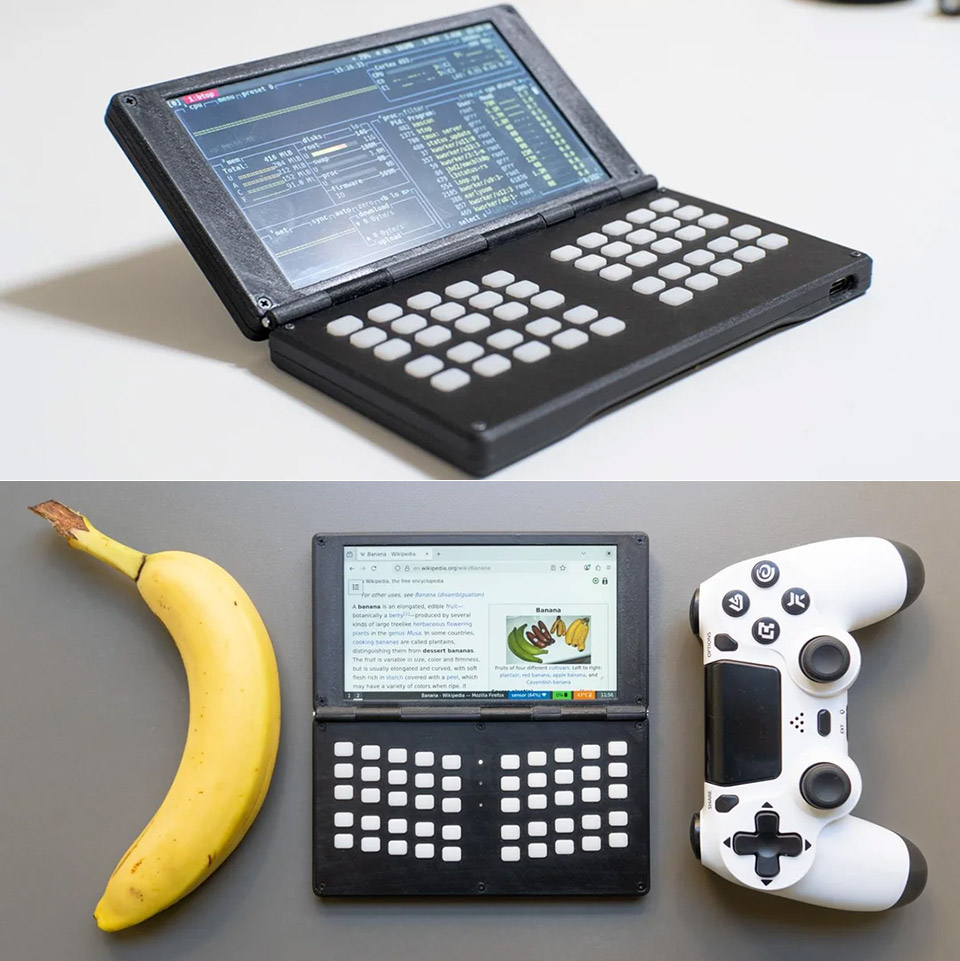
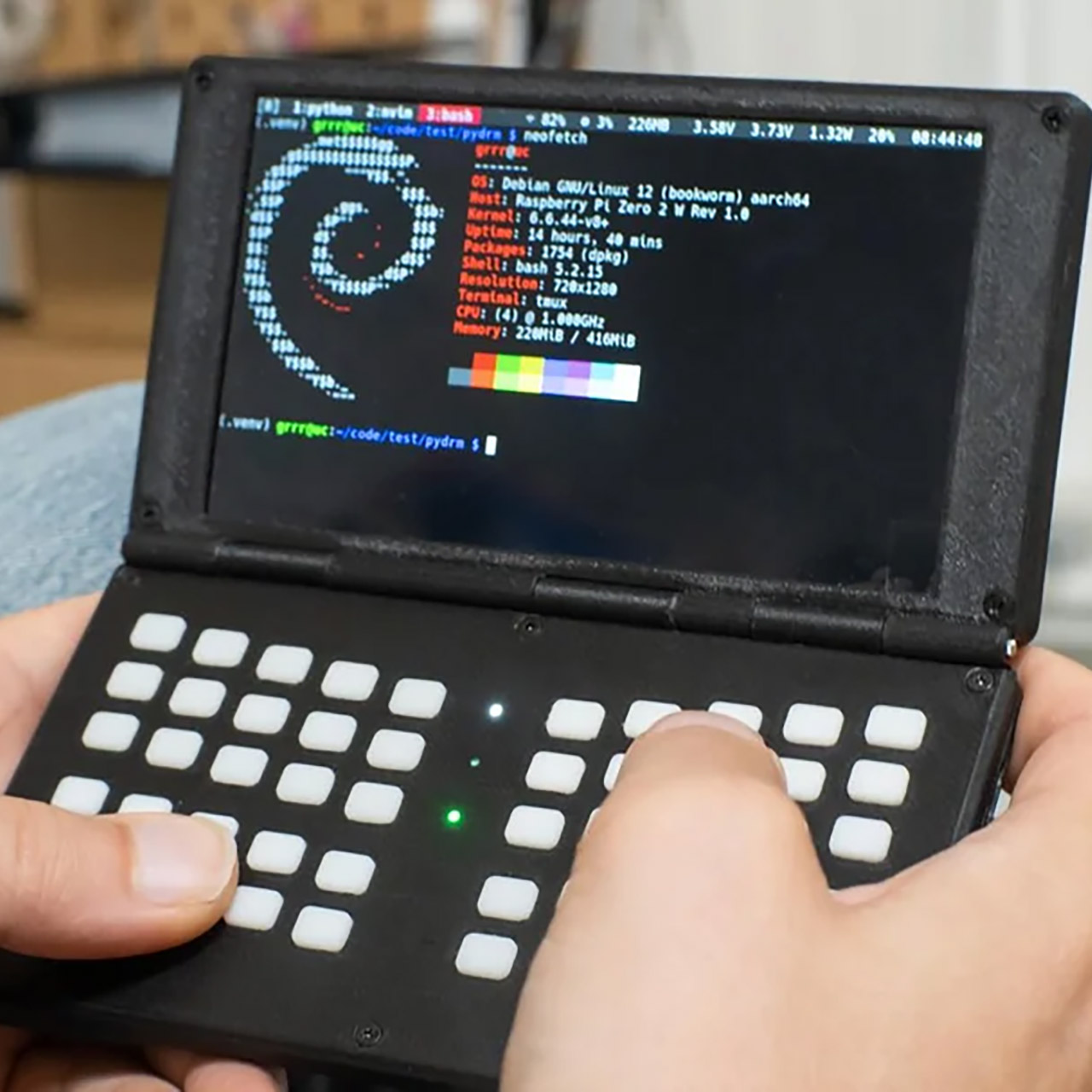
Modder Stopdesign needed a way to write code from his couch – or even the bathroom. Laptops just felt too bloated and phones too cramped. So he went ahead and built a clamshell computer the size of a PS5 controller. Flip open the lid and you’re greeted by a 5-inch screen – right below that sits a tiny keyboard that lets you fly across letters and symbols with both hands. Under the hood, a Raspberry Pi Zero 2 W is sipping on a battery that’s capable of keeping it running for a whole day of typing – an 8000mAh battery to be exact.
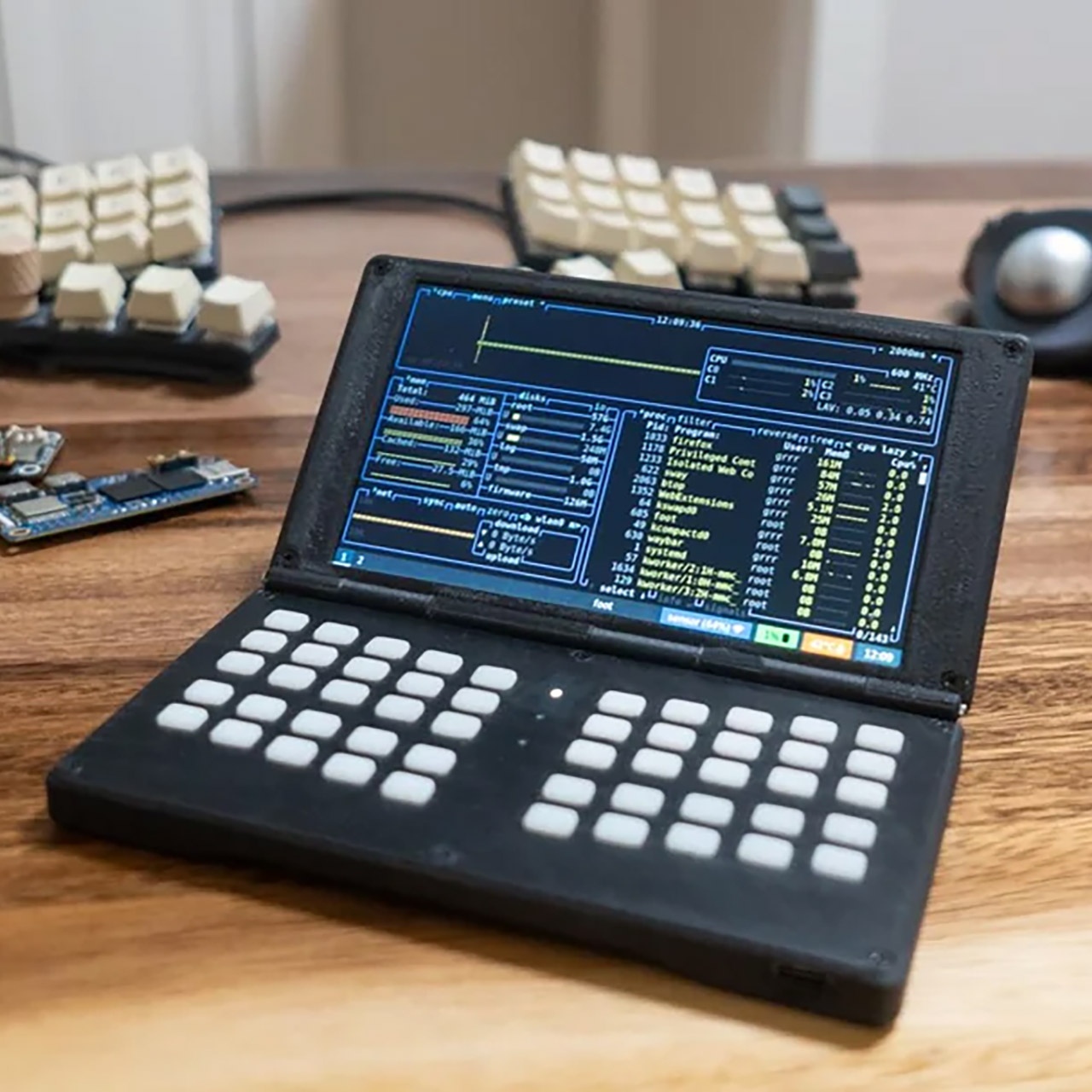
The whole thing measures about 6.5 inches long, 3.5 inches wide, and just shy of an inch thick when it’s closed. That’s slim enough to slip into a coat pocket or rest on a nightstand without tipping over. With a flip of the hinge, the screen tilts out to a comfy angle. The keyboard is a bit bare-bones so far – no printed labels to speak of – but Stopdesign is typing just fine by feel alone. Every key is where your thumbs expect it to be. Press a little switch and the whole keyboard plate comes lifting out so you can swap in a new one – maybe one with music controls or game buttons in under a minute.

- Includes Raspberry Pi 5 with 2.4Ghz 64-bit quad-core CPU (8GB RAM)
- Includes 128GB Micro SD Card pre-loaded with 64-bit Raspberry Pi OS, USB MicroSD Card Reader
- CanaKit Turbine Black Case for the Raspberry Pi 5
The power comes from four 21700 lithium cells tucked away in the bottom half – the same cells could charge a phone twice over, but they’re only powering the Pi and display here. Testing showed that they could last around 8 to 10 hours of constant typing and light web browsing. Turn the brightness down and you’ll get even more runtime out of it. Heat stays nice and low – the Pi Zero 2 W never gets hot enough to need a fan.
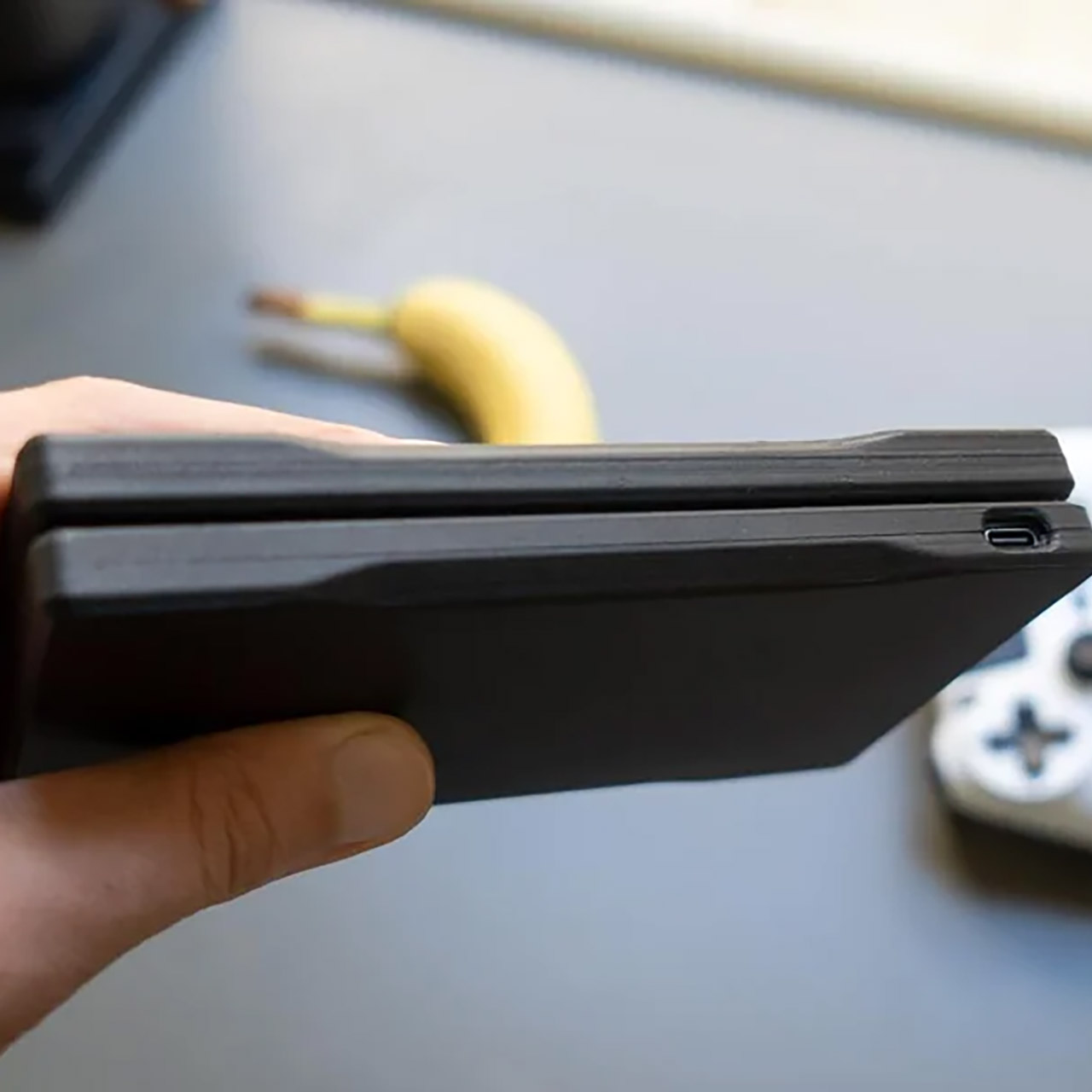
All the bits get connected via a custom circuit board. The screen is hooked up directly to the Pi’s parallel display pins, skipping the power-hungry HDMI converter that was used in the first prototype. Only a couple of GPIO lines are still available. Bluetooth and Wi-Fi are built right in to the Pi so you can just pair up your headphones or tether to a phone. No cellular radio in there – stopdesign just doesn’t see the point when a hotspot works just fine.
Software-wise, things are kept pretty lean. A terminal takes over most of the screen and you can just fire up Vim or do a remote SSH session. If you need a browser alongside some code, Sway will tile the windows for you. Firefox struggles on just 512 MB of RAM, but if you switch to something a bit lighter, you can open up tabs all day long. If you stash offline Wikipedia dumps on a microSD card, the device basically turns into a pocket library.
Reaction from the community came pouring in fast. Dozens were asking for the CAD files and board layouts.
Others were suggesting a tiny trackball the size of a button, tucked up beside the screen. A few were pushing for more power: swap out the Zero for a Compute Module 5, add some NVMe storage, maybe even slap on an OLED panel. Stopdesign listened to their ideas, then ran some numbers. A CM5 would suck down twice the power and would need some serious cooling to keep it from overheating. A CM4 might be a better bet – same footprint, double the RAM, and it heats a lot less than a full Pi 5.
The Zero 2 W idles at less than a watt, thus any upgrade reduces battery life. When you step up to a CM4, the draw increases to five watts under load. Stopdesign envisions passive copper heatsinks pushed against the inner shell. An OLED screen would save another watt or two over the existing LCD. When the goal is to go all day on a single charge, every little bit helps.
Keyboard possibilities expand from there, with one layout keeping the code symbols near and another adding MIDI sliders for music. A third converts the bottom row to game directions. All have the same mounting holes, so swapping takes seconds. Silicone keycaps provide a pleasant, silent click, although mechanical switches are available if noise is not an issue.
Stopdesign plans to crowdfund two versions. The low-cost model makes use of the Pi Zero 2 W, costs less than $100, and delivers as a kit. The most powerful model incorporates a CM4, 4GB of RAM, and a brighter display. You select your keyboard when you check out. To connect sensors or lights, GPIO pins will poke through a side hatch.
[Source]