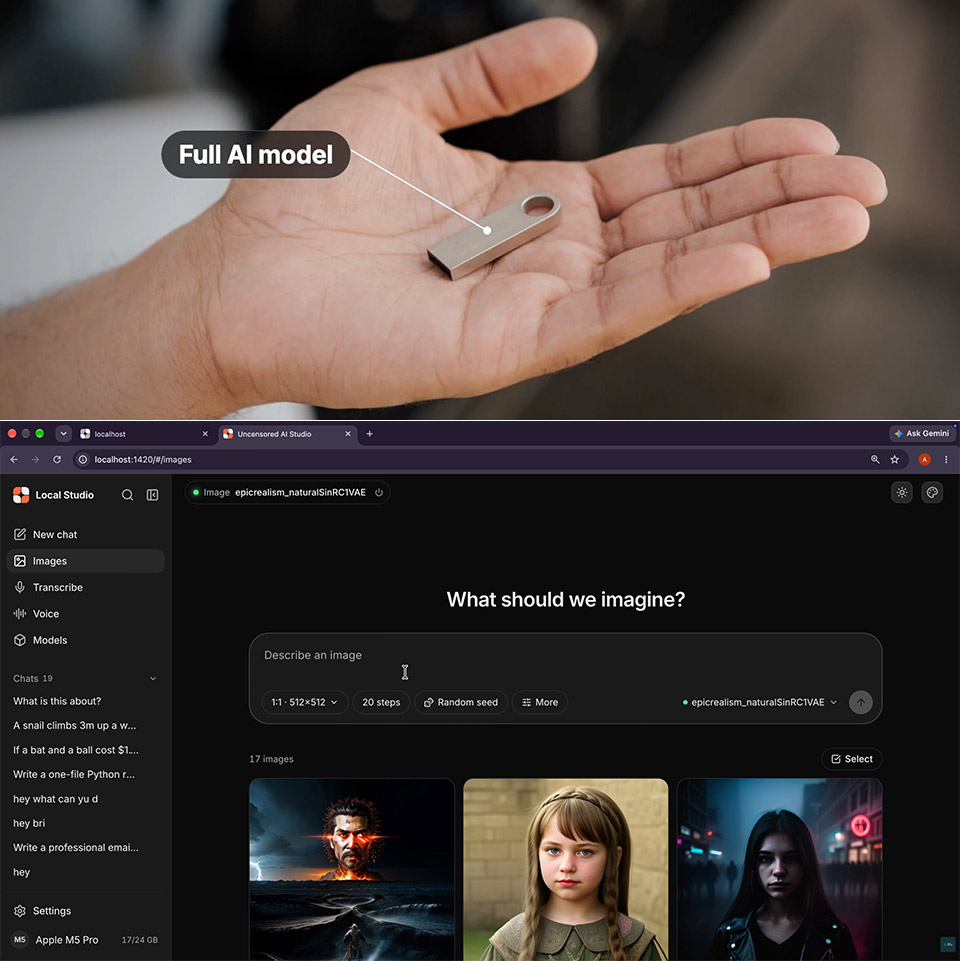
Anyone who wants private AI tools can now carry them on a flash drive that works across computers. Portable Local Studio from Tech Jarves packs image generation, chat with language models, speech-to-text conversion, and text-to-speech into a single folder that launches without installing anything on the host machine.
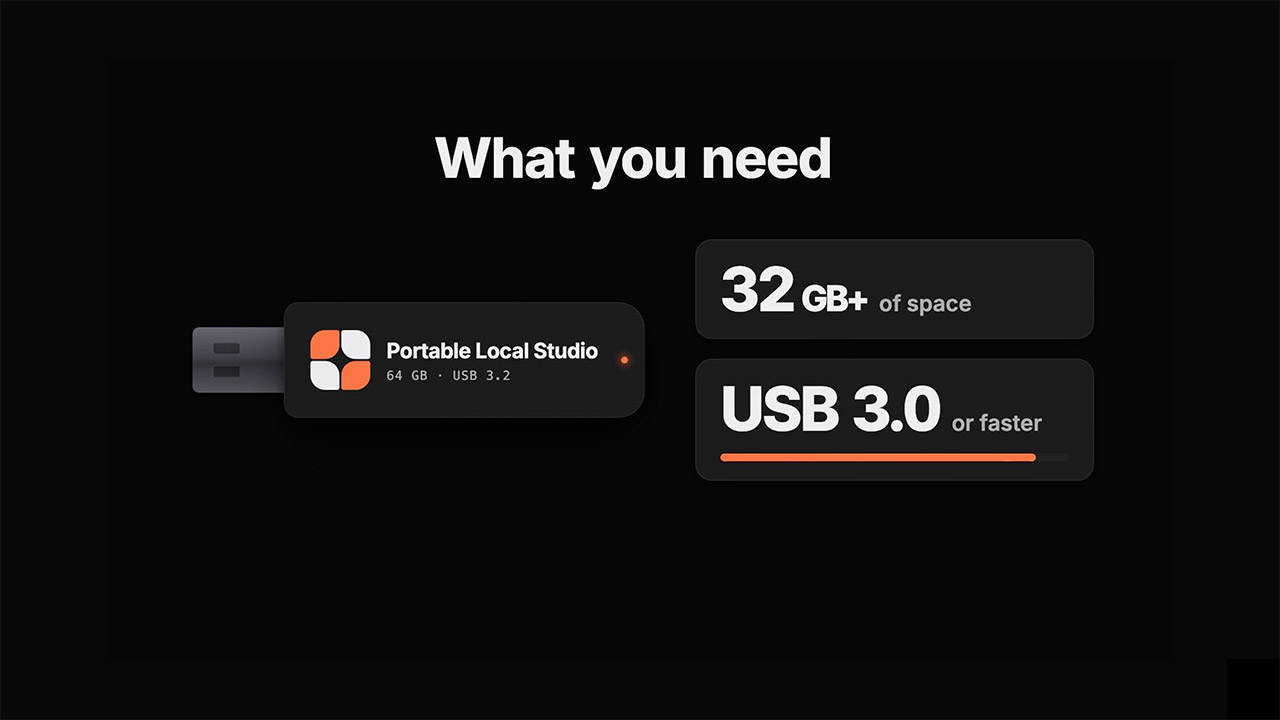
A USB drive formatted in exFAT holds the entire show, so you can just plug it in whether you’re on a Windows PC, a Mac, or a Linux box. Copy the repository files onto the stick, then run the matching launcher: windows.bat on Windows, mac.sh on a Mac, or linux.sh after making it executable on Linux. When you initially launch the launcher, it will download a portable Node.js runtime as well as the required graphics engine. The interface will then appear in your browser; it will be at a local location, so simply navigate to it. Models are stored in separate folders, or you can load them up using the built-in manager, which accepts hugging face URLs. They stay on the stick and continue to work even when they are not connected.

- STORAGE CAPACITY: 256 GB nominal storage capacity. Actual storage capacity shown by device's OS may be less than indicated on product label due to...
- DUAL PORT DESIGN: Thumb drive memory stick makes it easy to transfer data between phones, tablets, and computers
- EFFICIENT PERFORMANCE: Portable USB flash drive with default exFAT format offers lower power consumption, reliable performance and broad device...
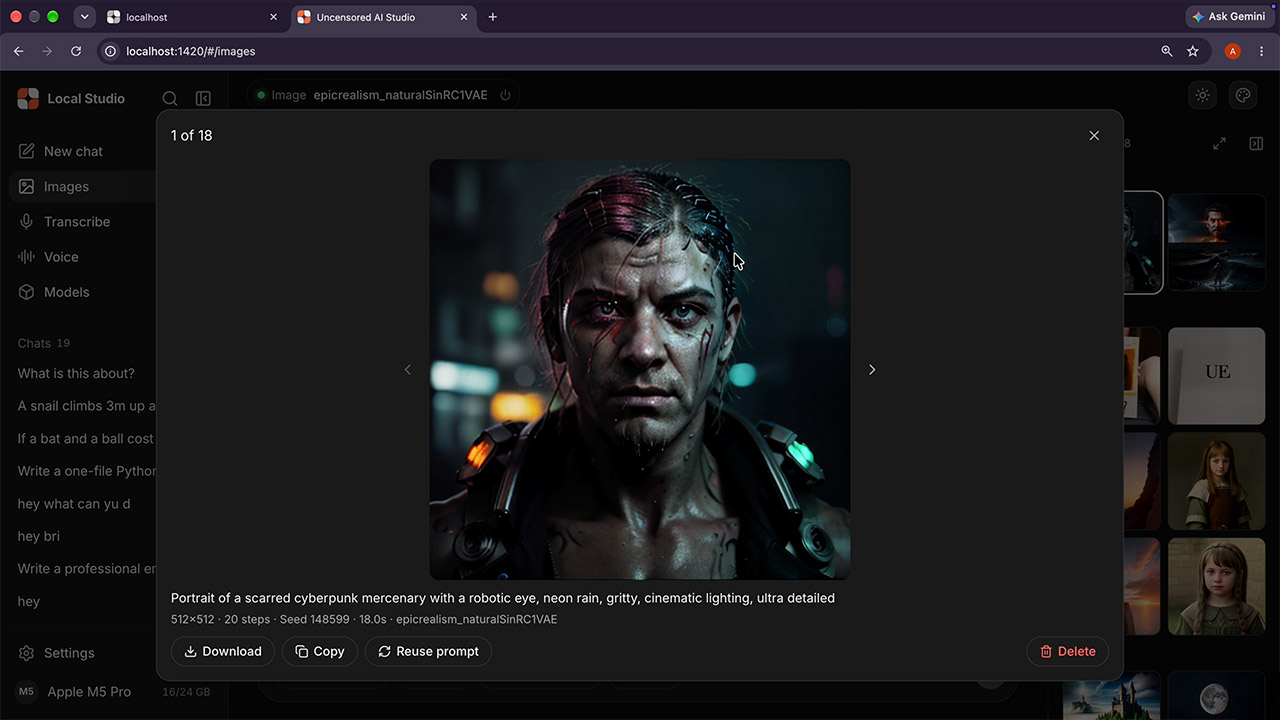
Running chat lets you interact with GGUF files via llama.cpp. This allows you to load models from scratch, suited to the amount of memory available and the speed required. Image generation, on the other hand, uses single file stable diffusion 1.5 or sd x l. checkpoints (which must be in safetensors or ckpt format), with various good possibilities provided in the project notes, such as the dreamshaper variations and cyber realistic.
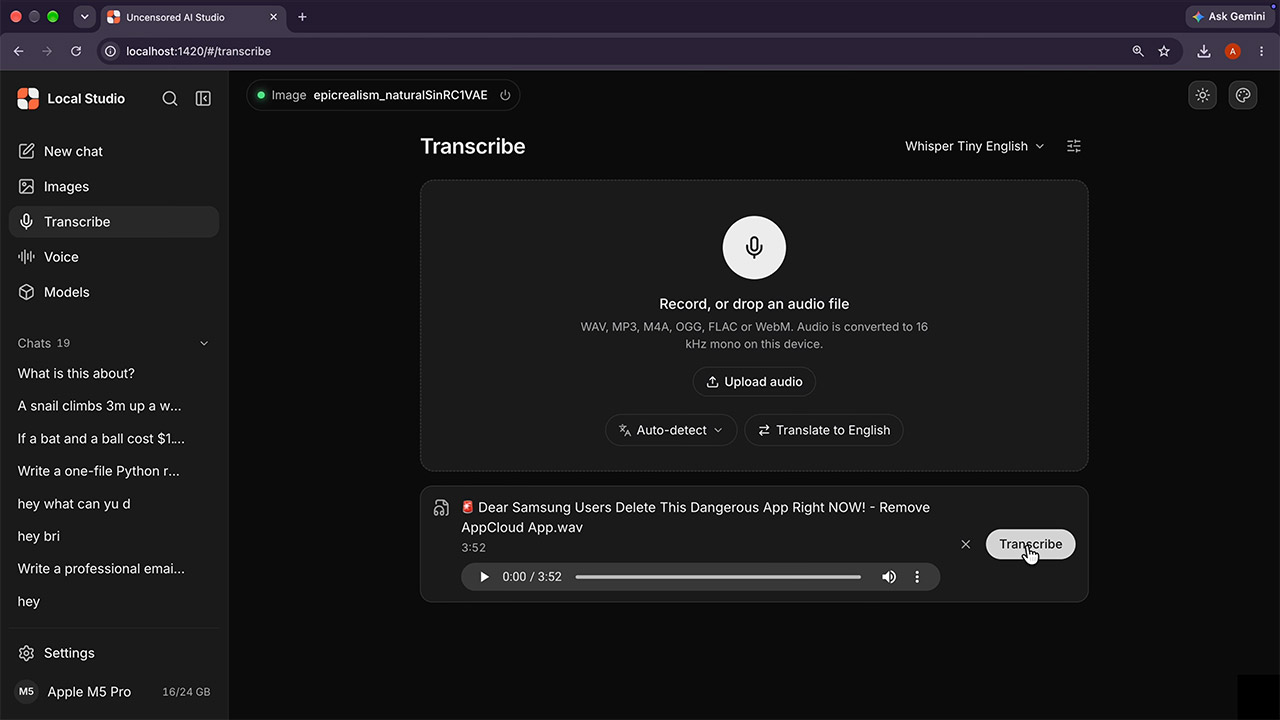
Speech to text employs whisper models to convert your voice recordings to written text, whereas text to speech depends on the kokoro setup to generate spoken audio from the words you type. The good news is that the image engine and the conversation engine get along well because each has its own dedicated workspace and so do not compete for system resources.
The hardware detection should resolve the whole acceleration issue on its own. NVIDIA cards use CUDA, AMD and Intel fall back to Vulkan as long as the drivers support it, Apple silicon machines utilize metal, and if you have an Intel NPU running Linux, you may be able to get by with OpenVINO with the correct setup flag. The live meters in the interface display CPU, system memory, and graphics use as you work.
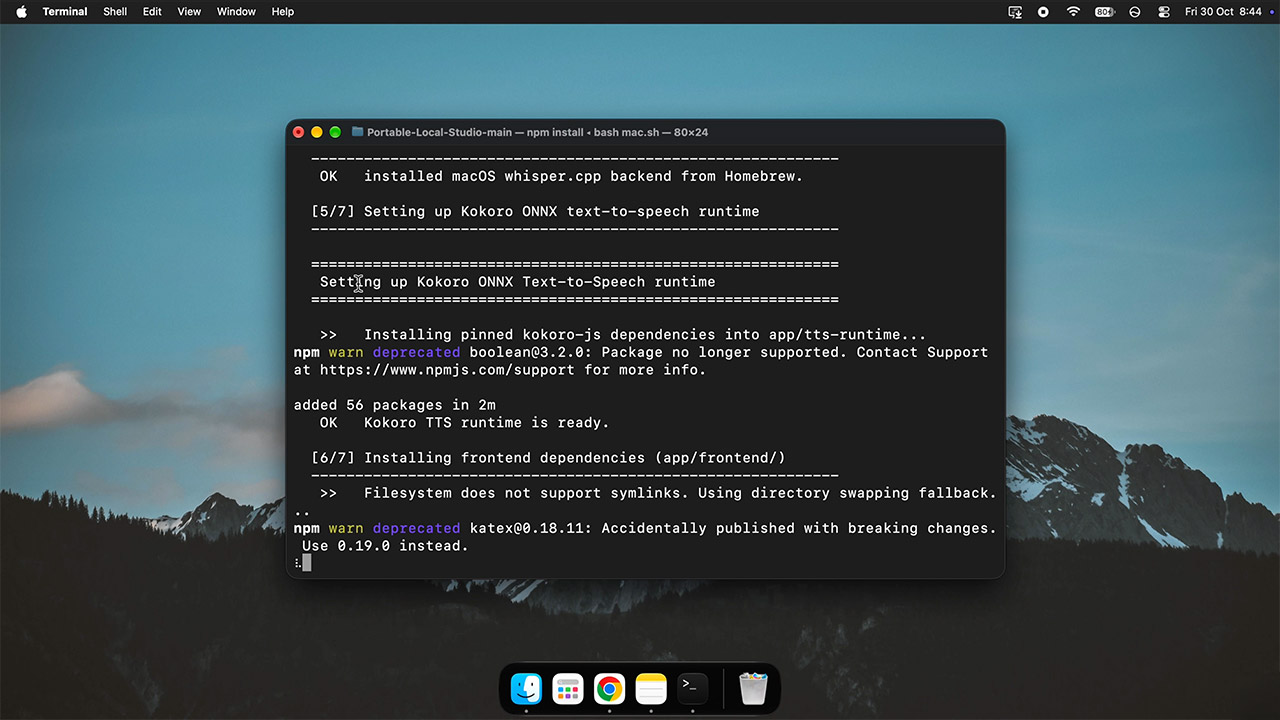
All created images, conversation histories, and audio recordings are saved on the USB drive in folders. On Windows, the runtime only works with Windows 10 or 11, however on Linux and Mac, the setup is a single script. If you’re online, you can also enable web search to get information from other sources. Even when web search is turned off, the main chat, image, and voice functionalities continue to operate.
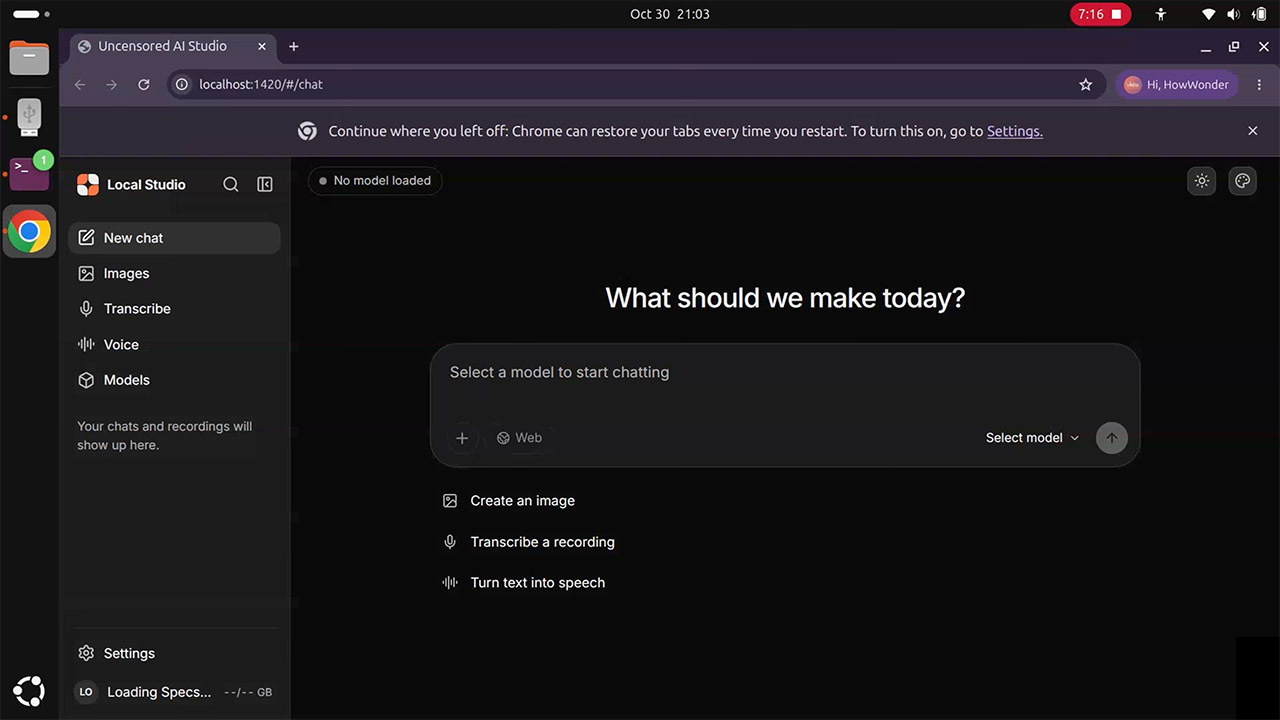
You can attach files and utilize the thinking mode to provide step-by-step solutions over chat. Image production also supports prompts with configurable steps and seeds. The important thing is that it everything stays on the USB disk. So, as you move from one machine to another, none of it is uploaded anywhere. Perfect for anyone who wants to be in control while yet having the same tools on whichever machine they’re on. Performance is also not limited to a fixed distant server, as it scales with the hardware you’re running on.