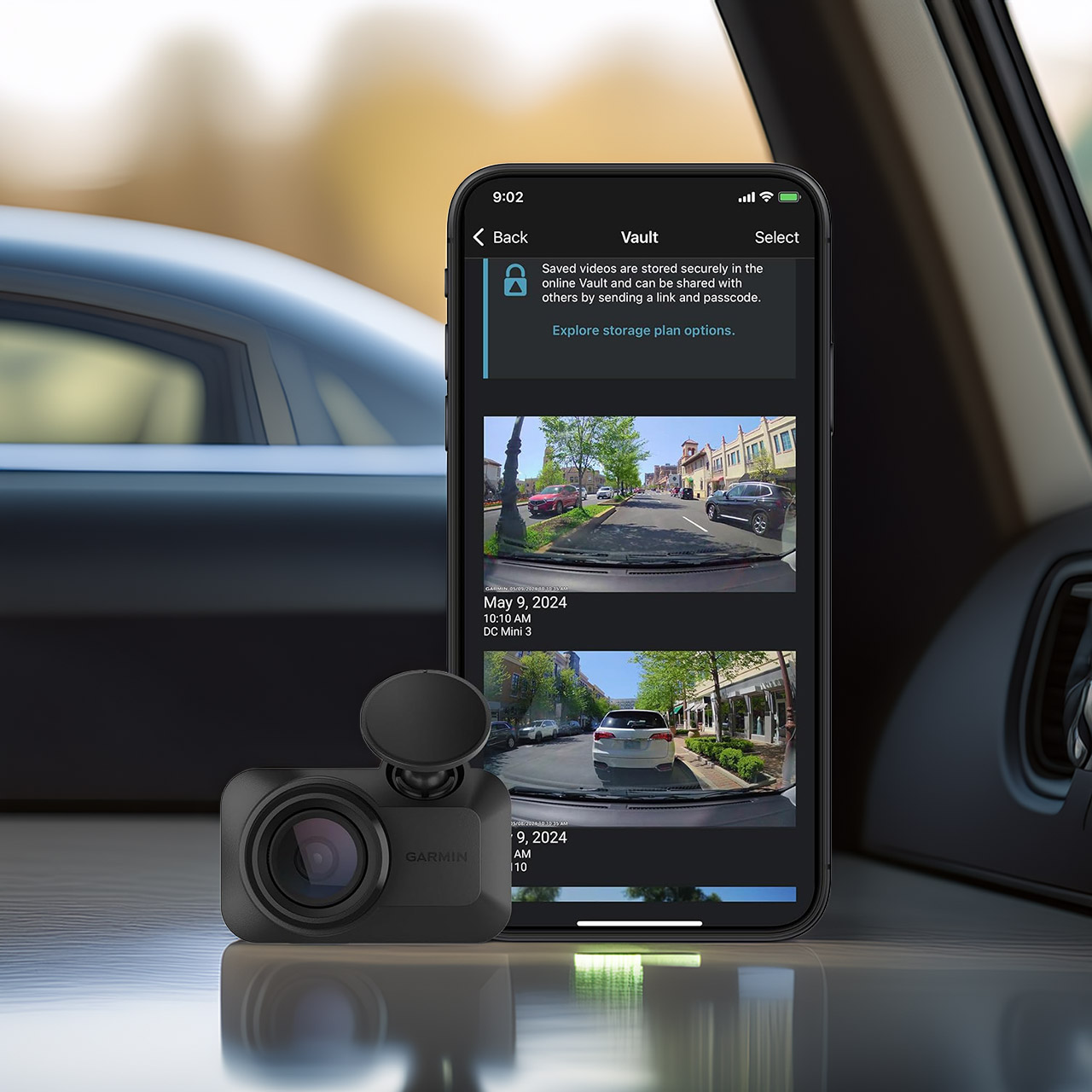
The Garmin Dash Cam Mini 3’s, priced at $99.99 (was $150), small size (approximately 2 inches by 1.2 inches by 0.8 inches) and weight of 30 grams allow it to nearly disappear from view once placed on the windshield. Users have reported forgetting about it after a few days. Garmin has taken this new design and flipped it sideways, whereas the third generation device is horizontal, which allows it to get out of the way and not interfere with what you’re viewing.
The video resolution is 1080p, with a 140-degree field of view that allows you to see much of the road, including the lanes on each side of you. Crucially, there’s something called Clarity Polarizer that reduces glare from the windshield. Whether it’s a bright sunny day or dark driving with oncoming spotlights, this gadget performs a decent job of keeping footage clear. It performs a decent job in low-light situations, however. Details hold up well, but they aren’t as good as some higher-end versions.

- Ultracompact, key-sized dash camera goes virtually unnoticed on your windshield; automatically records and saves video of incidents with date and time...
- Easy-to-use dash camera records crisp 1080p HD video, and a wide 140-degree field of view captures details in bright and low light; automatically...
- Built-in Garmin Clarity polarizer lens reduces windshield glare to clearly show important video details
There is no screen on the device because everything is controlled via the Garmin Drive software, which is paired with your phone over WiFi. Setting it all up is simple: insert a microSD card (up to 512 GB of capacity is sufficient, and Class 10 or higher is recommended), place it in the windscreen, and plug it into the car’s power socket. Then all you have to do is wait for it to sync with your phone, as the app handles live viewing, video downloads, and other annoying things. Voice commands work well for hands-free control; simply tell it to save the clip, and it will lock it for you.
Automatic incident detection is always enabled because the camera just records in a continuous loop, overwriting previous footage unless it detects a significant event such as forceful braking or a bump. When it does gain a lock on something, everything is recorded with a timestamp. Parking mode does require some consistent power (there is an optional hardwire kit or powerbank to help if necessary), and it will simply sit there and keep an eye on things while the car is parked.