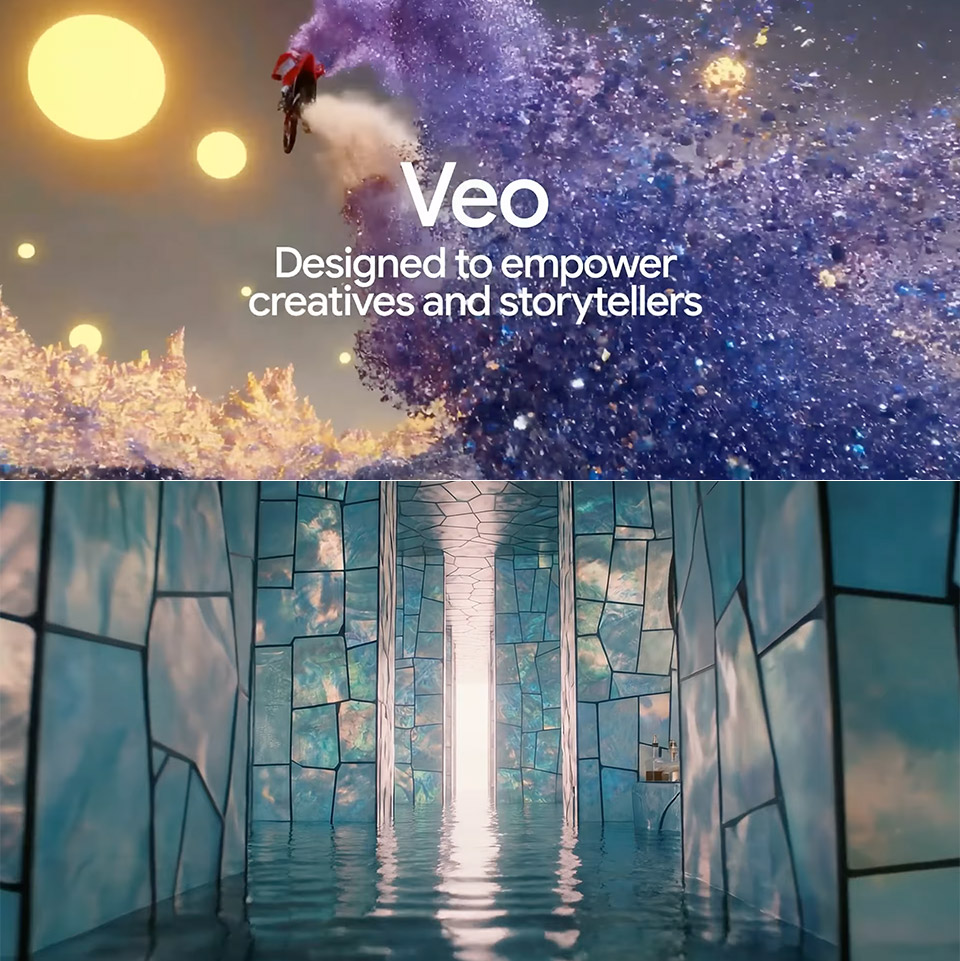
Google just released Veo 3.1, the latest version of its AI video tool, and it’s evident that they focused on the elements that are most important to users who edit video for a living. It was released alongside Flow, a video editing application that has always been strong but now become sharper and more versatile. In the five months since Flow’s inception, users have created over 275 million recordings, prompting Google to address requests for improved sound handling and hands-on controls.
Veo 3.1 picks up where Veo 3 left off back in May at Google I/O but with noticeable improvements in how it follows directions and weaves together images and motion. Upload a photo or two as starting points, add a simple description and the system produces a clip that stays true to what you asked for without going off the rails. Sound is built in from the start now, syncing dialogue, effects or background noise to the images in one go – a step up from the previous version where audio had to wait its turn. Today, developers can access this through the Gemini API, enterprises can get it through Vertex AI, and regular users can find it in the Gemini app.

- SUPER SLIM. SUPER LIGHT: Galaxy S25 Edge is surprisingly light and our slimmest S Series phone yet. You’ll want to show off this sleek, super-slim...
- OUR POWERFUL 200MP CAMERA ON OUR SLIMMEST S SERIES PHONE: Capture every memory in stunning clarity with our highest-resolution camera on a Galaxy...
- MORE POWER TO YOU: Reimagine what’s possible with Galaxy S25 Edge, featuring our most powerful processor yet. Effortlessly translate your calls...
Flow benefits the most from this update, getting layers of control to shape your story. Start with “Ingredients to Video” where you feed in several images to guide the characters, props and overall look. The result pulls everything together into a cohesive segment with layered audio that matches the mood.
One quiet revolution is the way Veo 3.1 handles sound across Flow’s tools. Previously, audio felt slapped on; now, it integrates with every important feature. Take “Frames to Video” as an example: enter a start and finish frame, and the AI will fill in the gaps with smooth transitions – sweeping camera moves or slow reveals – that carry sound from the first frame. Epic builds or delicate fades gain depth with timed effects, such as a door creaking open as the perspective opens. Adobe’s Firefly performs something similar with an older Veo, but it lacks the built-in audio layer, requiring users to add it later.
“Extend” receives the boost you’d expect, expanding those brief clips into longer views that simply take up where the previous second left off. Want a wide shot that fills out the whole scene, even if it takes a full minute? The system smoothly connects all of the dots, incorporating some ambient noise or action to keep the energy flowing. Filmmakers have been checking it out, and they enjoy how it keeps the entire lighting and action on track, eliminating the abrupt leaps that other editing tools cause.
Veo 3.1 introduces new editing tactics to integrate with Flow, including “Insert,” which allows you to add new elements into completed scenes, such as genuine rain on a window or a swooping dragon flying overhead, and then modifies the shadows and highlights to make it all seem appropriate. Even the most complex sequences, such as a monster lighting up a chamber with its blast, look excellent sans the pixelated garbage. As a result, editors are far more confident in taking risks and going for it, which can only be a good thing.