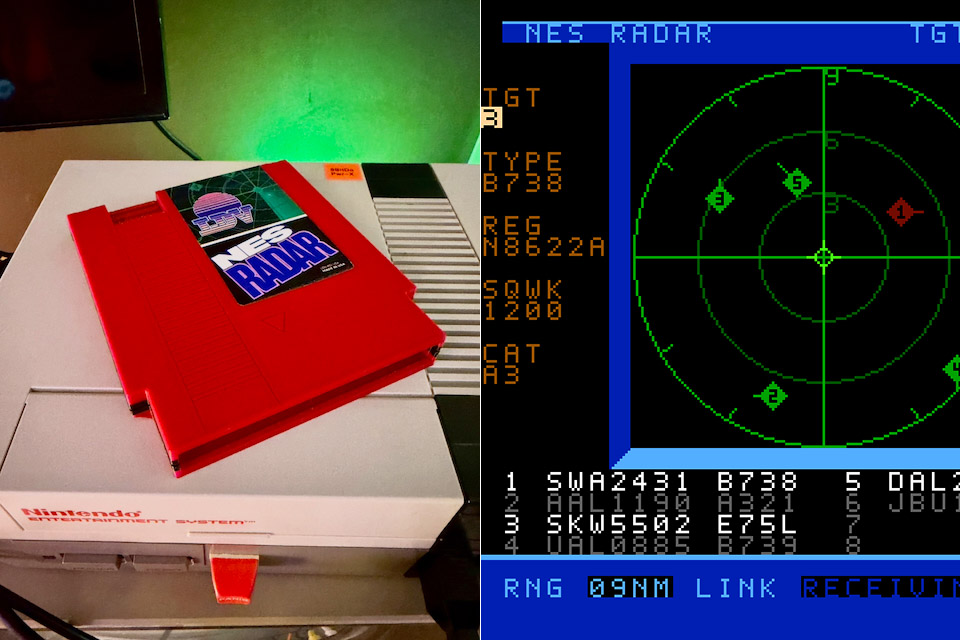
Levi Maaia’s NES Radar takes an original Nintendo Entertainment System and treats it like a small air traffic display. You load a custom ROM on a flash cartridge, type any airport’s four-letter ICAO code with a controller in port one, press Start, and real aircraft flying near that field appear as moving 8-bit targets on the television. It works for airports worldwide. A quiet local strip shows a few arrivals lining up. A code like KLAX fills the ring in a hurry.
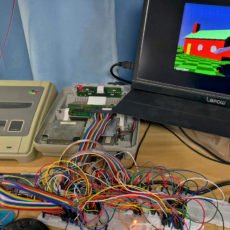
An original NES can’t connect to the internet or communicate with a current flight API on its own. A small server on a nearby Mac, Windows, or Linux computer gets live flight traffic from adsb.fi, cuts it to a 9 nautical mile radius around the airport you’ve selected, and feeds it over a cable connected to console port two. The NES transmits the airport code back down the same wire, and everything works via a simple 9,600 baud connection thanks to a 5V FTDI USB-to-TTL adaptor and a pair of resistors to keep the pins from burning if something goes wrong. The console’s port one remains standard for typing and menus, while port two becomes more fascinating.

- The next evolution of Nintendo Switch
- One system, three play modes: TV, Tabletop, and Handheld
- Larger, vivid, 7.9” LCD touch screen with support for HDR and up to 120 fps
Aircraft appear on the screen as pairs of small 16×16 markers, which are essentially two visuals joined together. If you choose the plane, they become highlighted and appear quite great. In the demo, a Southwest flight sits at 200 feet, 138 knots, descending at 100 feet per minute, four-tenths of a mile from the field. The screen can display eight targets at once, which is enough for most local airports. However, if things get too congested, you’ll only see the eight nearest planes. Nintendo’s antiquated technology limits the number of views that can be displayed per line, and when planes start stacking up, the system decides which to show first and which to flicker on and off the screen. Even when the link fails to keep up, you can still see what’s going on.
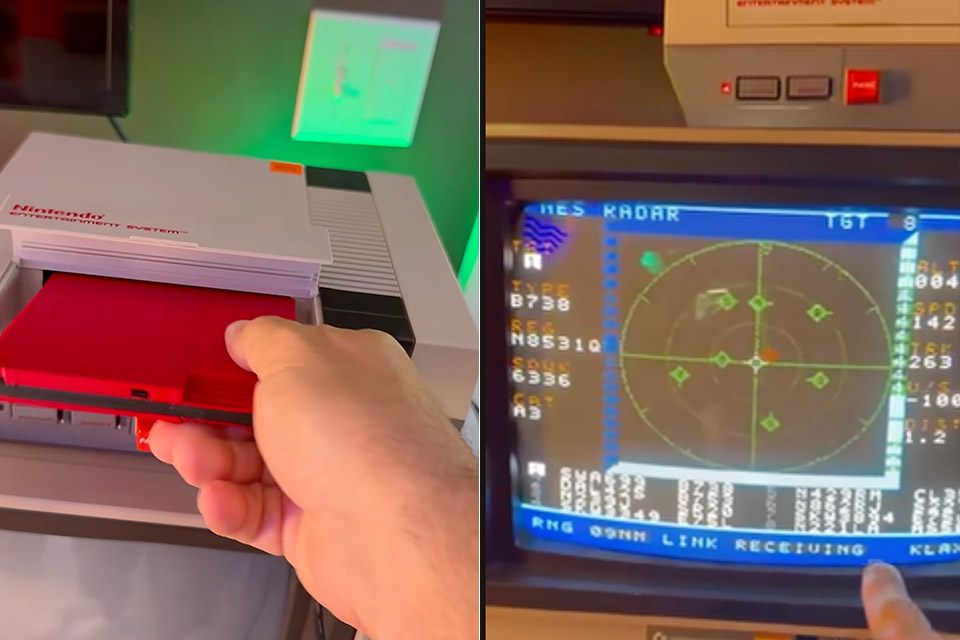
There is a status indicator at the bottom of the screen labeled ‘link status’ that shows whether or not the previous scene loaded successfully. If the line shows IDLE, it means a fresh packet has just arrived. If it says RECEIVING, the screen is closed and the console is silent, waiting for the next bit to come in. If it says WAITING, it means that 10 seconds have passed with nothing happening and the last scene is still on screen. If it shows ERROR 1 to ERROR 5, it means the packet was rejected for some reason, such as a fault with the way the data was framed, an incorrect header, or a garbled checksum, among other things.
The ‘Select’ button pauses the scene and takes you to the ICAO editor, where you can change which airport you’re looking at without having to restart the server. The project name and version are stamped on the cartridge, which is important because the ROM and server must work together.Mix an old ROM with a new server and sprites can freeze on one priority during receive.
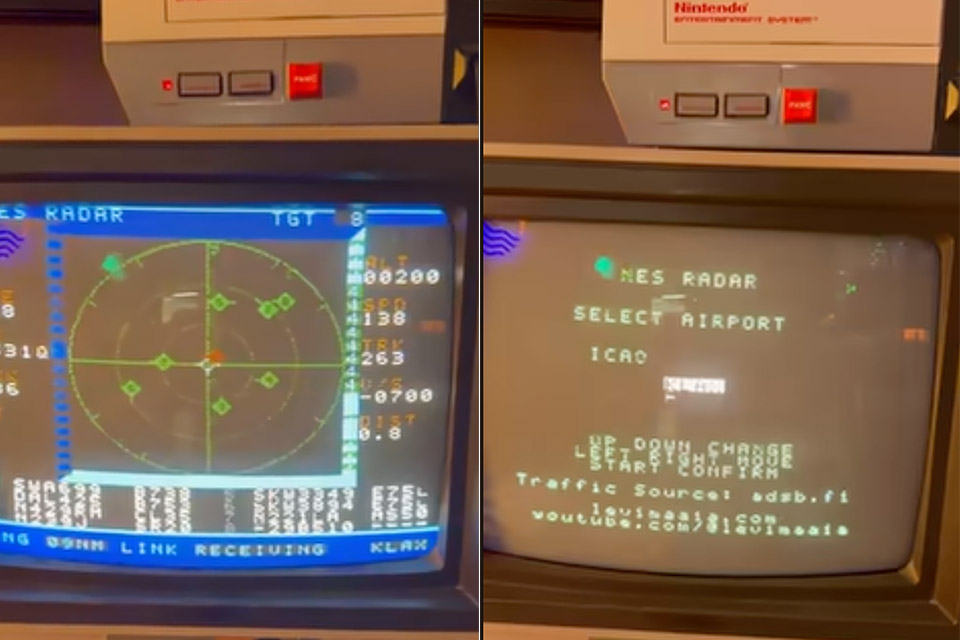
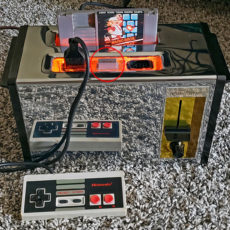
To get everything up and running, you’ll need an NTSC NES; PAL ones won’t work. You’ll also need a flash cart, one of those 5V FTDI cables (3.3V ones may not work properly), and a few resistors to ensure that the entire thing doesn’t fry the console. Oh, and a computer with web connection, because the server must be able to retrieve flight data from the internet. If you’re a Mac user, you’re in luck; there’s a handy self-contained binary to get things started. PC and Linux users face a bit of a barrier because they must execute the python code, which is still experimental but functional. You can’t merely unplug your USB stick in the middle of a session; everything will fall apart. The entire project is hosted on Github, where you can find the ROM, server, wiring notes, and protocol information.
[Source]