
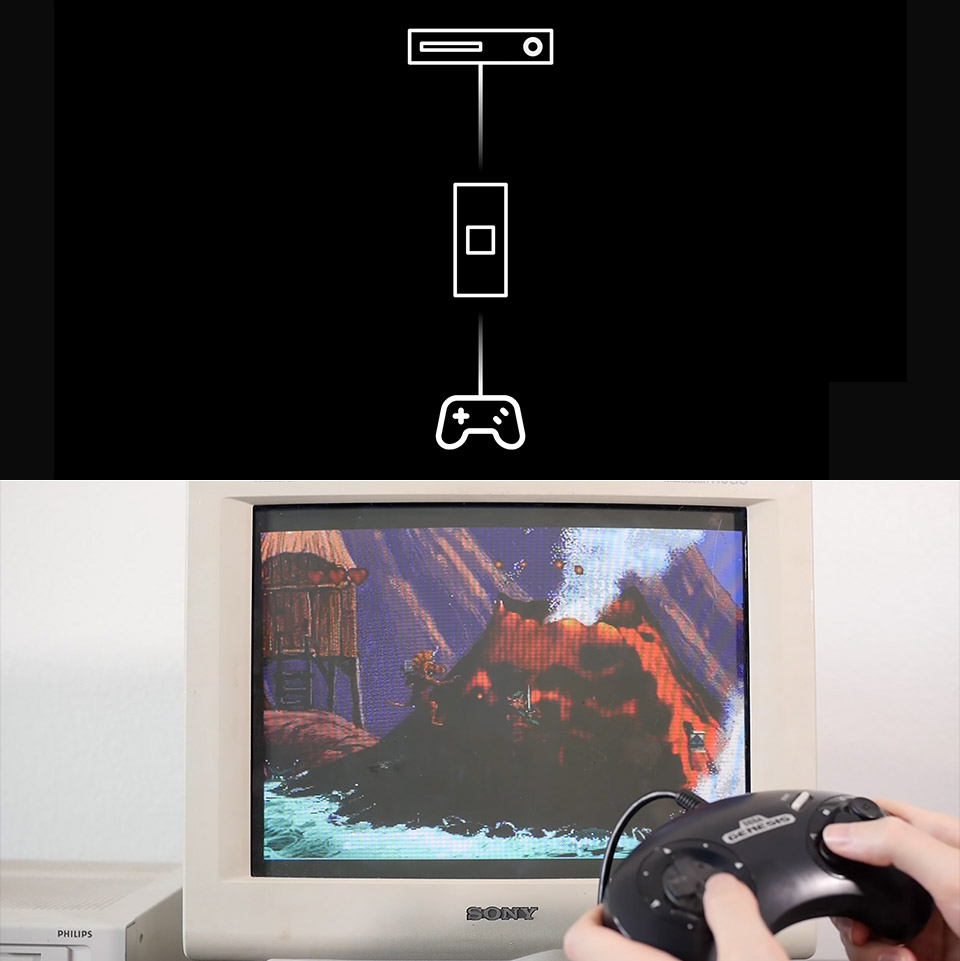
Owning a Philips CD-i often means dealing with controllers that feel more like afterthoughts than proper game pads. Released in 1991 as a multimedia player that later tried to become a game console, the machine never sold in large numbers, and its original input devices remain scarce and expensive decades later. Most units shipped with an infrared remote or the awkward pointing device known as the spoon, neither of which works well for anything requiring quick reactions or precise movement.
Official wired game pads exist, yet they surface so rarely that many owners simply cannot find one for sale at a reasonable price. MattKC, a YouTuber who has spent considerable time repairing and modifying CD-i hardware, decided the practical solution was to ignore the official options entirely and build something better from parts he already had. SEGA Genesis controllers turned out to be an ideal match for several practical reasons.

- BEST VALUE IN GAMING — Experience next-gen speed and performance in the smallest XBOX ever. The XBOX Series S delivers powerful all-digital gameplay...
- UP TO 120 FPS GAMEPLAY — Enjoy smooth, responsive gaming with frame rates up to 120 FPS, powered by XBOX Velocity Architecture, a custom NVMe SSD...
- 512GB CUSTOM SSD AND XBOX VELOCITY ARCHITECTURE — Reduce load times dramatically with the custom 512GB NVMe SSD and XBOX Velocity Architecture...
First, they are still quite inexpensive and readily available, so if one breaks, you can simply get another. Plus, third-party manufacturers continue to manufacture them, so you should have no trouble locating a replacement. Another key factor is that the Genesis controller’s DB-9 connector has a simple pinout that connects to the Atari 2600 joystick port. This makes interpreting electrical signals much easier than you’d expect, without having to go out and get some strange and beautiful equipment. As an added advantage, Genesis controllers resemble official CD-i controllers, so muscle memory does not get messed up when translating signals.
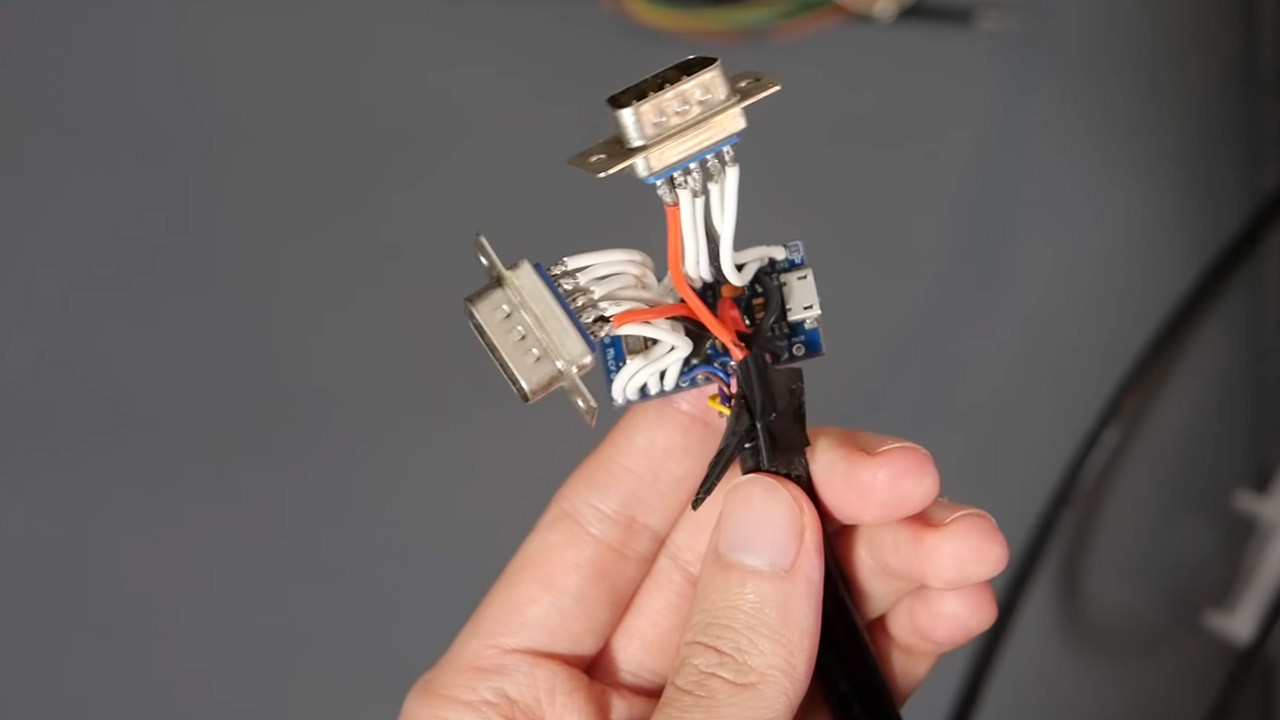
MattKC’s first prototype was a bit shoddy, as it used an Arduino Pro Micro attached to a mini-DIN cable, and the exposed wires were somewhat concerning, according to a friend of his. Once he had the fundamental translations figured out, he reconfigured the entire thing onto a tiny printed circuit board that he housed in a 3D printed case, which is much neater and looks like it belongs there rather than some hastily thrown together hack job. When it comes to Genesis, the Arduino just flashes a single choose pin and reads the corresponding button states, which has been done numerous times since the early 1990s. On the CD-i side, things get a little trickier because the console was never designed to interact with traditional gaming controllers. The port it utilizes expects a constant serial data stream from the controllers, which are frequently more like pointing devices than actual button pads.
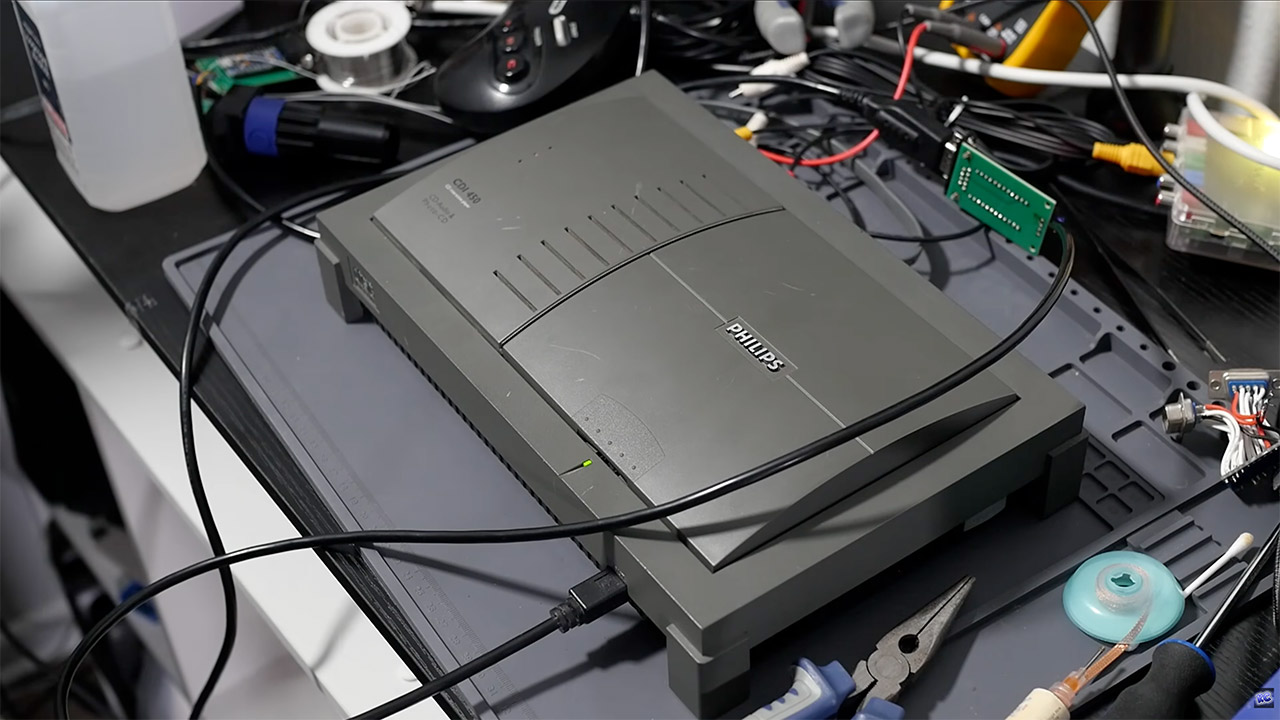
MattKC’s firmware handles the CD-i side of things by fast polling the Genesis controller and packaging the results in the exact serial format that the CD-i console requires. Polling occurs multiple times per frame, therefore the lag between pushing a button and seeing the action on screen is small. The open source release he made available on Github includes the Arduino sketch, board files for ordering a correct PCB, and 3D model files for printing the enclosure, as well as a brief parts list consisting of a Pro Micro, mini-DIN cable, a DB-9 connector or two, a few screws, and some cable strain relief.
[Source]