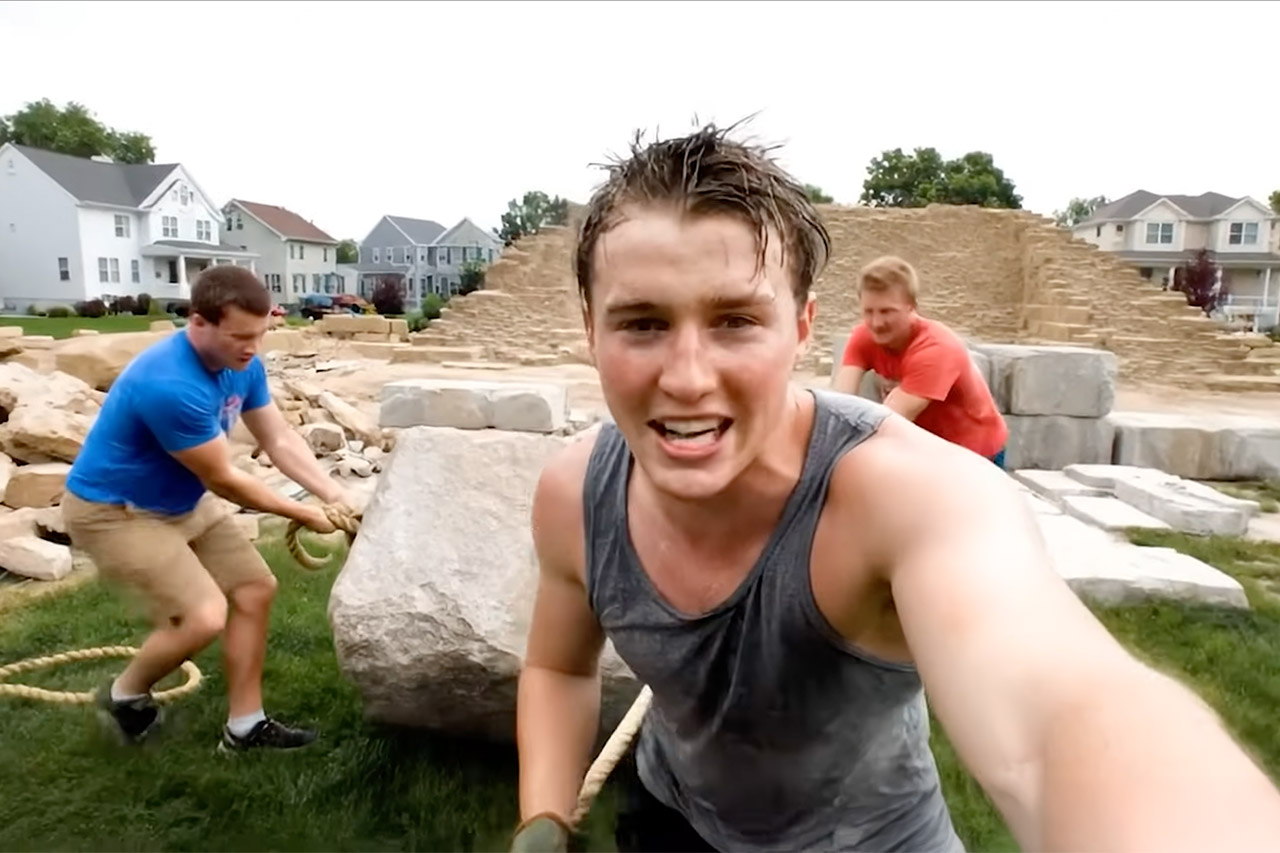
Google’s Veo 3 has redefined what’s possible in video creation, and has already captured the imagination of creators, from bedroom filmmakers to social media influencers pulling off jaw-dropping stunts that defy physics.
What makes Veo 3 a knockout is that it doesn’t just spit out pretty pictures—it weaves full-blown movie moments. Toss it a quick text prompt like “an influencer jumping into lava,” and it hands you a slick video packed with sound effects, ambient hums, and even snappy dialogue, no film crew or editing suite required. This all-in-one magic comes from Google’s generative AI chops, leveling up from the likes of Gemini and Imagen, delivering videos that pulse with life—crisp visuals paired with audio so natural you’d bet it was shot on location.

- Google Pixel 9 with Gemini gets the best of Google AI first, so you can take amazing photos, make edits like magic, and get things done even easier
- Unlocked Android phone gives you the flexibility to change carriers and choose your own data plan[1]; it works with Google Fi, Verizon, T-Mobile...
- The award-winning Pixel Camera includes a 50 MP main sensor for incredible image and video quality, and a new 48 MP ultrawide camera for stunning...
The biggest change is the control it hands creators. Filmmakers can call the shots on camera angles, lock in specific first and last frames, or even swap objects mid-scene. Need the same character popping up across clips? Veo 3 keeps their style consistent, no matter how many scenes you churn out—a godsend for storytellers who want continuity without wrangling actors or sweating in post-production. For non-techies, it’s as simple as typing your idea in plain English and watching it spring to life, no geek-speak needed. Available through Google AI Pro and Ultra plans, the interface is like a digital sandbox where your words are the director.
Where Veo 3 really struts is its sound game. Unlike older AI video tools that coughed up mute clips or robotic voiceovers, this one layers in dialogue, sound effects, and background noise that vibe perfectly with the scene. Social media users are hyped with clips of crashing waves, chirping birds, or crowds roaring as influencers nail impossible stunts, making every video feel like you’re in it, ready to pass as a Hollywood sizzle reel.
Under the hood, it’s powered by neural nets trained on massive piles of images, videos, and sounds, so it gets how light hits, how voices echo, and how things move. For newbies, think of it as a brainy buddy who’s binged every film ever and can ape their style on cue—no need to sweat the techy details, just know it pulls from millions of examples to make your video pop like a pro.
Veo 3’s got accessibility in spades, open to Google AI Pro and Ultra subscribers with a setup so friendly you don’t need editing skills—just type, and it’s go time. The downside? It’s not free, with pricing details tucked away on Google’s site, but the cost unlocks tools that can hang with big-name studios. For hobbyists, it’s a chance to swing with the heavyweights without a blockbuster budget.
It’s not flawless, though. You’ll need a beefy internet connection and a subscription, which might scare off dabblers, and some X posts mention a bit of trial-and-error with tricky prompts—vague inputs can yield quirky results. But Google’s constant tweaks and community buzz suggest it’s only sharpening its edge. Right now, Veo 3’s a peek at a world where anyone can be a director, no camera in sight, sparking wild ideas into videos that make you chuckle, gasp, or just gape in wonder.
[Source]